
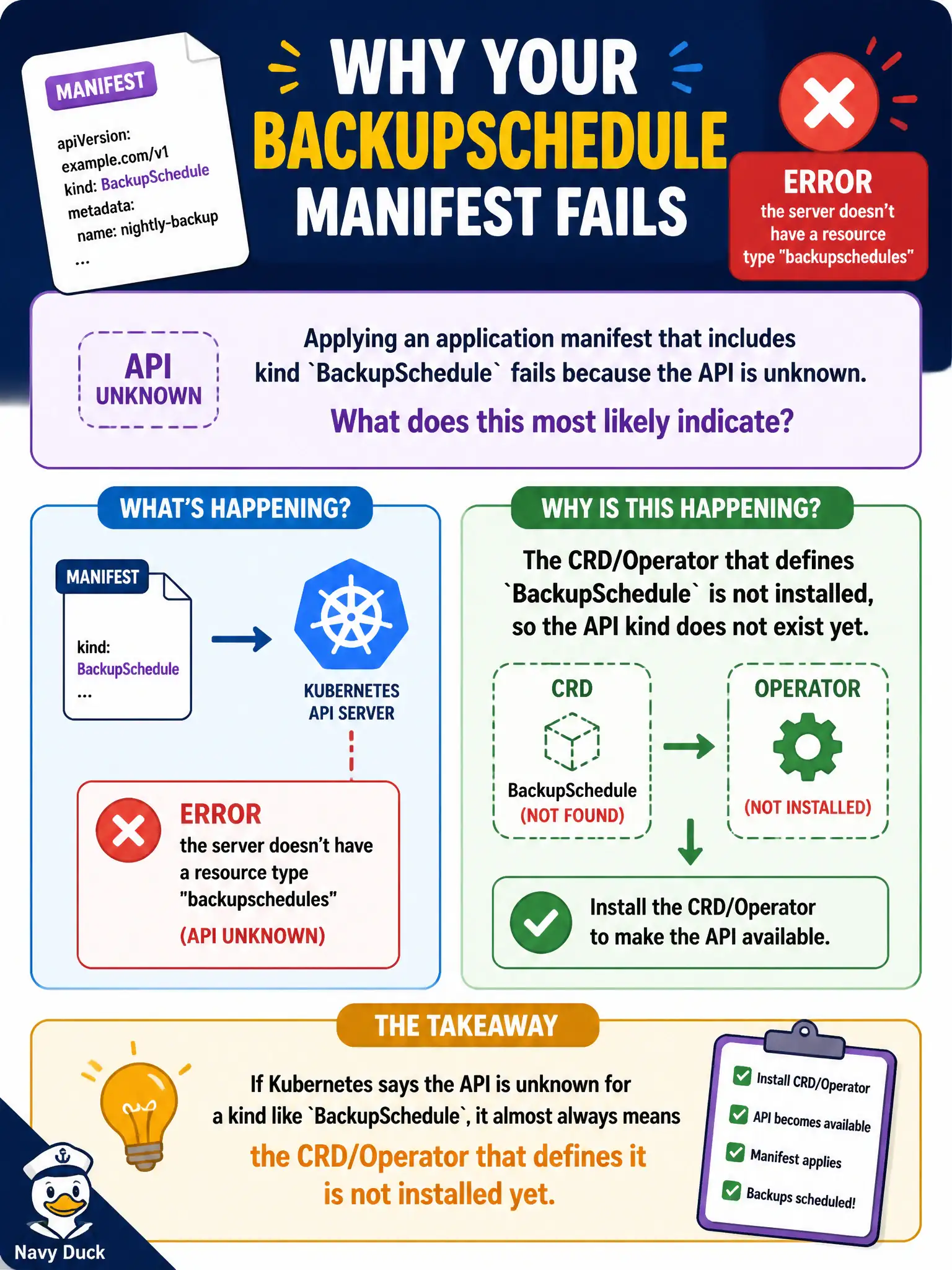
Applying an application manifest that includes kind BackupSchedule fails because the API is unknown. What does this most likely indicate?
Select an answer to reveal the explanation.
Short Explanation
If Kubernetes says the kind is unknown, the recipe card was never filed—the CRD (and usually its Operator) is missing. Install the extension first. Manifests cannot invent APIs out of thin air.
Full Explanation
Applying a manifest with kind BackupSchedule that fails because the API is unknown most likely means the CustomResourceDefinition (and typically its Operator) that defines BackupSchedule is not installed in the cluster. Kubernetes only admits kinds registered through built-in APIs or CRDs; without that registration, the API server rejects the object and kubectl reports that the resource type cannot be found. For municipal backup automation, install and verify the Operator/CRD first, then apply schedule objects so the controller can reconcile them into Jobs, object-store credentials, and retention policies the platform expects.
Claiming Pod Security Standards silently rewrite unknown kinds into ConfigMaps fails because unknown kinds are rejected at discovery/API matching time; they are not morphed into ConfigMaps by PSS. Asserting that kubectl cannot apply custom resource kinds unless a Deployment replica count is at least three invents a coupling that does not exist—replica counts do not gate CRD availability. Storing unknown kinds as Annotations on the Namespace until an Operator appears also fails: the API does not park unsupported kinds as annotations for later promotion into real objects.
Exam caveat: a wrong API group or version can also surface as an unknown resource even when a similarly named CRD exists, so verify group, version, and kind spelling against kubectl api-resources. Operational check: reproduce the apply error, run kubectl get crd | grep -i backup (and kubectl api-resources), install the city’s backup Operator if the CRD is missing, re-apply the BackupSchedule, and confirm the object is stored and shows meaningful status from the controller.