
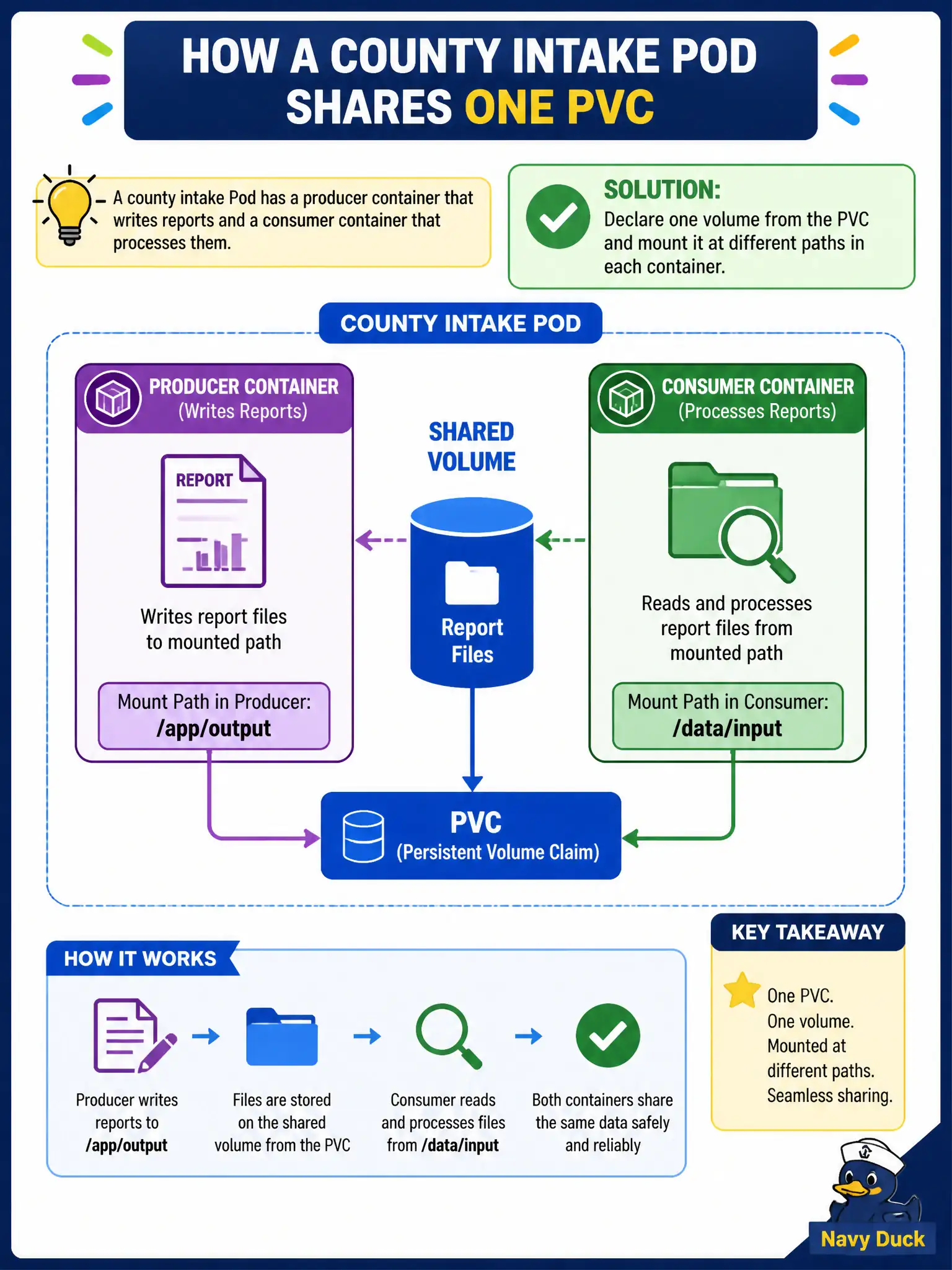
A county intake Pod has a producer container that writes reports and a consumer container that processes them. How should both containers share one PVC?
Select an answer to reveal the explanation.
Short Explanation
Same apartment, two rooms, one shared closet—that’s a multi-container Pod with one volume. Mount the PVC once at the Pod level, then each container picks its own path. No need for twin PVCs or sneaky kubectl copy tricks.
Full Explanation
A county intake Pod with a producer container that writes reports and a consumer container that processes them should share one PVC by declaring a single volume from that PVC and mounting it at (possibly different) paths in each container. Both containers in the same Pod see the same persistent files, which fits municipal intake pipelines that stage durable reports inside one Pod unit.
Creating two PVCs with the same StorageClass name does not merge them into one filesystem. Using two Pods with hostNetwork so they can see each other’s container filesystems misunderstands networking versus filesystems. Copying files with kubectl cp during each request is manual, slow, and non-declarative.
Exam caveat: One volume, multiple volumeMounts is the standard multi-container sharing pattern. Access mode must allow the Pod’s node attach; RWO still works for multiple containers on the same Pod/node.
Operational check: kubectl apply Pod with one pvc volume mounted in both containers; write from producer; read from consumer; kubectl describe pod for volume status. In municipal environments, document the chosen pattern in the service runbook so on-call engineers apply the same kubectl checks during incidents, and keep the change tied to the application Deployment or Job rather than ad-hoc node mutation.