
A Pod defines init container A, then init container B, then the app. Init B fails and keeps restarting. What happens to later startup?
Select an answer to reveal the explanation.
Short Explanation
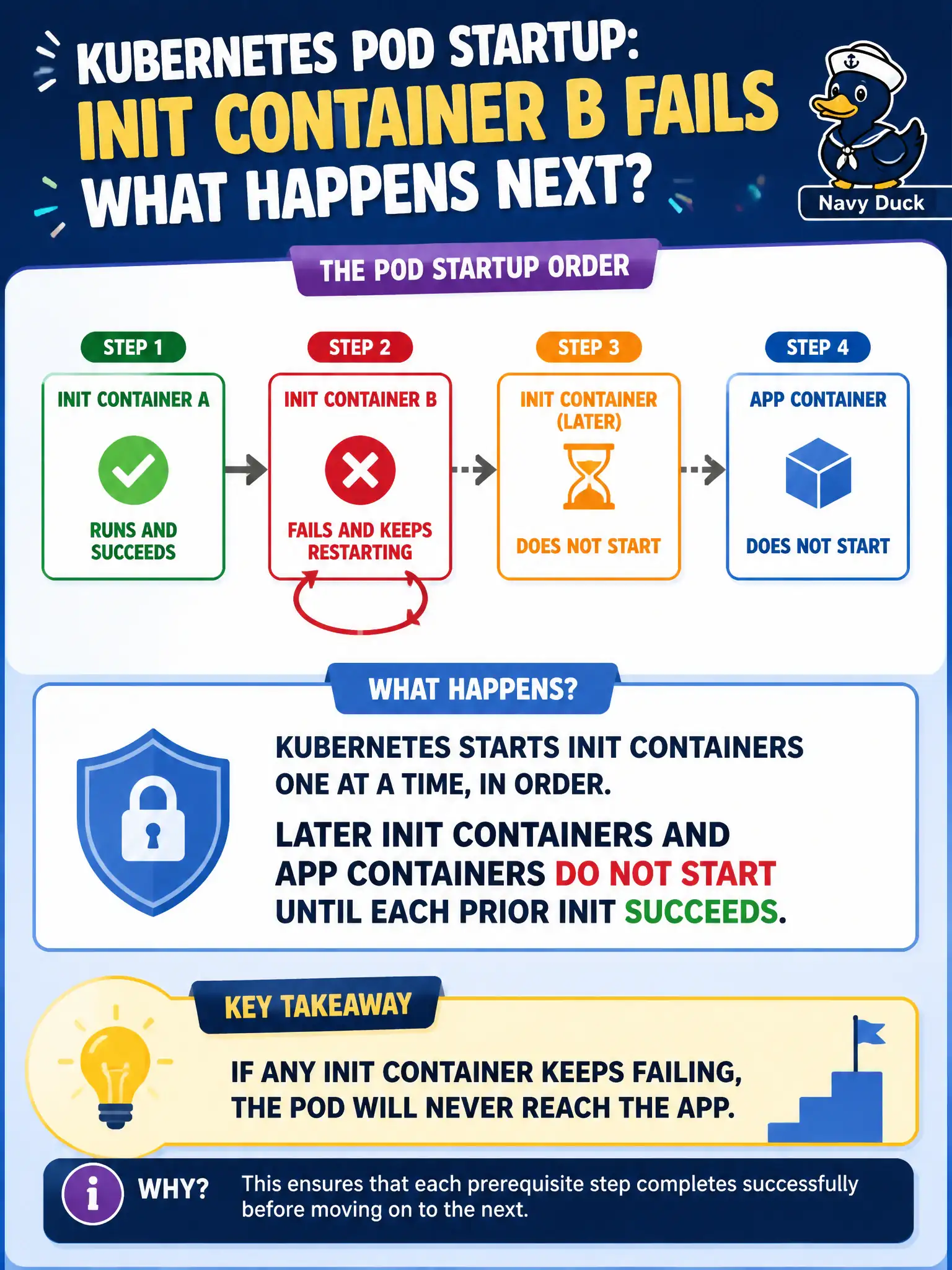
Init containers are a single-file line at security: person B does not enter until person A clears, and the main guest waits behind both. If B fails the check, nobody further down the line proceeds.
Full Explanation
If a Pod defines init container A, then init container B, then the application, and init B fails and keeps restarting, later init containers and application containers do not start until each prior init succeeds. Init execution is strictly ordered: A must reach Completed before B starts; B must Complete before app containers start. A failing B leaves the Pod in an Init: phase (often CrashLoopBackOff), blocking the municipal workload from serving traffic.
The claim that init A’s success lets the app start while B fails in parallel is incorrect. Kubernetes does not skip init B after one failure and mark the Pod Ready. Init failures do emit Events, but they also block startup—watching Events alone without reading init statuses misses the gate.
Exam caveat: Diagnose with kubectl describe pod focusing on init container statuses and kubectl logs -c <init-name>. ImagePullBackOff on an init image equally blocks the app even when the application image is known-good.
Operational check: intentionally break init B in a lab; kubectl get pod should show Init:…; fix the init image or command; confirm the Pod reaches Running/Ready only after every init container shows Completed. In municipal environments, document the chosen pattern in the service runbook so on-call engineers apply the same kubectl checks during incidents, and keep the change tied to the application Deployment or Job rather than ad-hoc node mutation.