
After maintenance, a utility-billing CronJob still has suspend: true and no new Jobs appear. What should the team do?
Select an answer to reveal the explanation.
Short Explanation
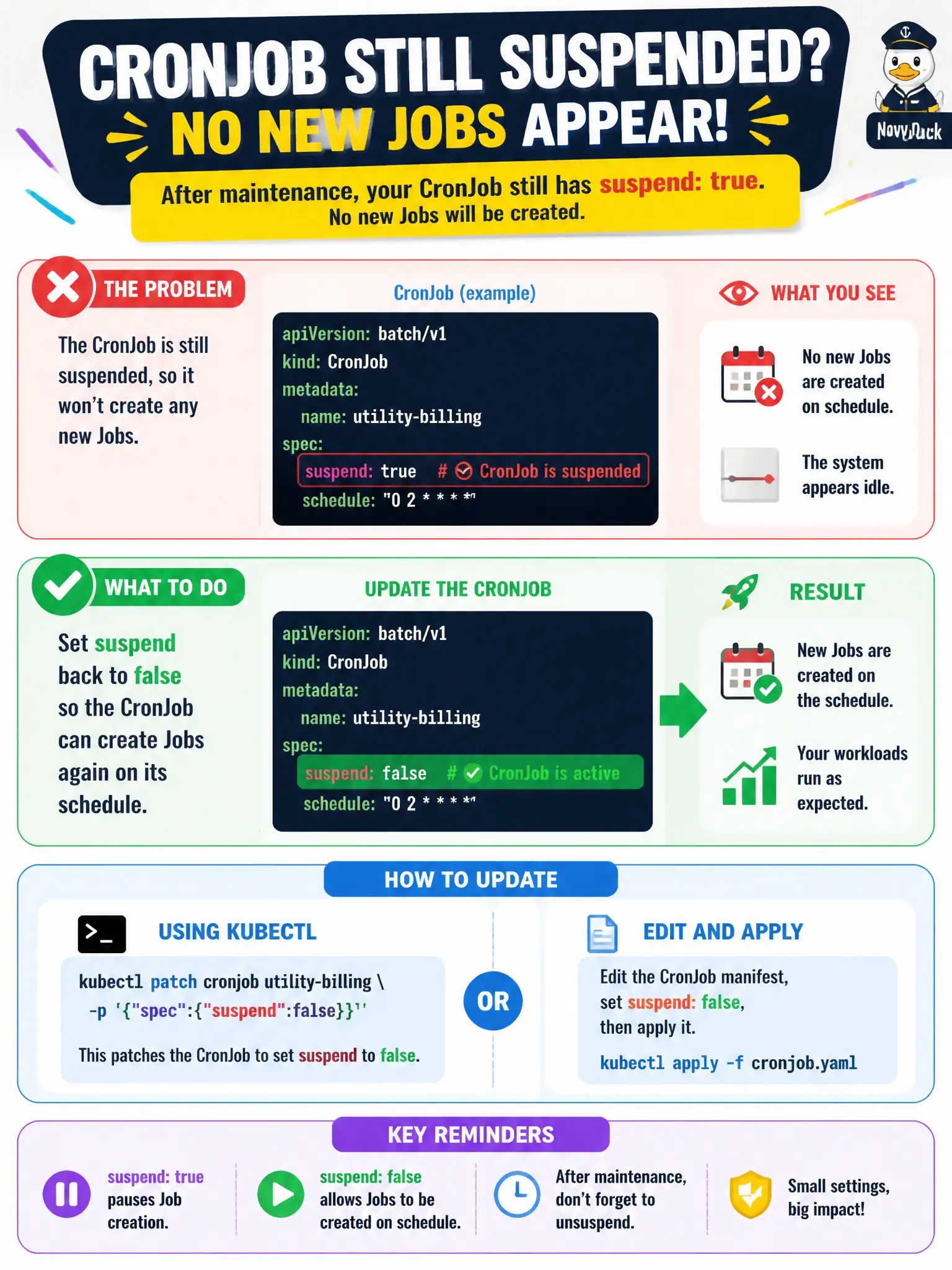
suspend: true is the pause button on the alarm clock—the CronJob object is still there, it just will not create new Jobs. Flip suspend to false and the schedule starts ringing again.
Full Explanation
After maintenance, a utility-billing CronJob that still has suspend: true will create no new Jobs even when the schedule looks correct. Set suspend back to false so the CronJob controller evaluates the schedule again and creates Jobs on cadence. Suspension is the deliberate pause switch for municipal change windows; forgetting to clear it presents as a mysterious “cron stopped working” outage for billing exports.
Deleting the namespace to clear suspended state is destructive collateral damage to unrelated resources. Converting the CronJob into a DaemonSet changes the workload class entirely and does not restore calendar schedules. Raising startingDeadlineSeconds to zero does not clear suspend—startingDeadlineSeconds only affects whether a missed start is still eligible to run, not the suspend flag itself.
Exam caveat: Know .spec.suspend on CronJob. After unsuspending, also review concurrencyPolicy if overlapping Jobs pile up, and check the schedule timezone assumptions documented for the cluster.
Operational check: kubectl get cronjob utility-billing -o yaml | grep suspend; patch suspend to false; kubectl get jobs --watch around the next schedule tick; kubectl describe cronjob for Last Schedule Time and recent events.