
A city permitting portal team still ships a fat Ubuntu VM-style image into the cluster and wonders why builds and pulls take forever. What should they do for a Kubernetes application image?
Select an answer to reveal the explanation.
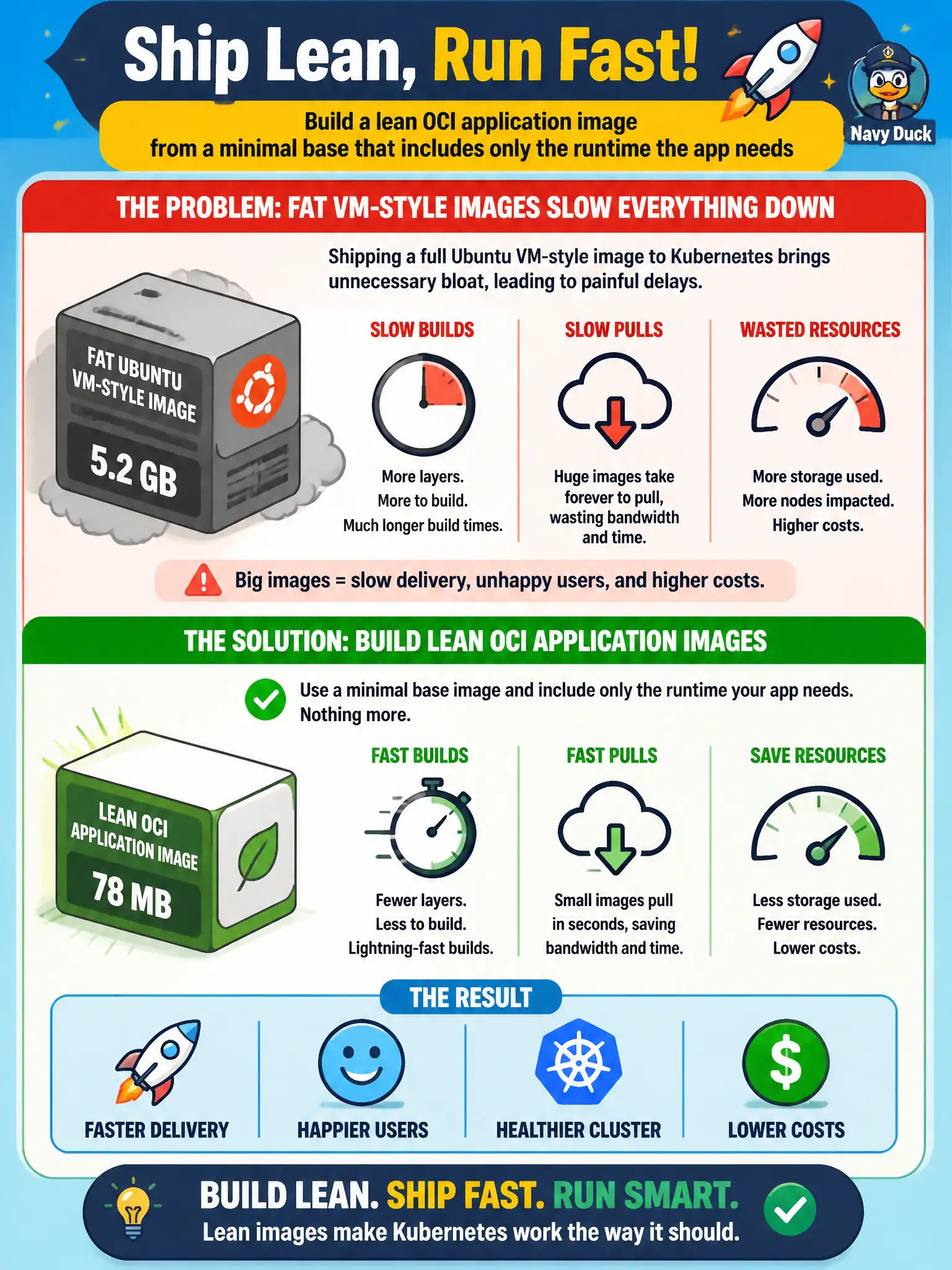
Short Explanation
Think of packing for a weekend trip versus moving an entire apartment. Kubernetes wants a small suitcase with just the app runtime—not a full Ubuntu living room stuffed into every Pod. Slim bases mean faster builds, smaller pulls, and less attack surface.
Full Explanation
For a city permitting portal, application images should be purpose-built OCI artifacts, not recycled Ubuntu VM appliances. CKAD expects you to define and build lean container images that carry only the runtime the portal process needs: a minimal base (distroless, alpine-class, or a slim language runtime image), the application binary or artifacts, and required shared libraries. That design shortens CI build time, shrinks registry storage, speeds kubelet pulls across workers, and reduces the package attack surface that auditors review for municipal systems.
Keeping a full Ubuntu desktop image inside every Pod fails because desktop packages, shells, and ops utilities are unrelated to serving permits; they inflate layers and pull latency without improving application correctness. Replacing the container with a nested virtual machine disk on a hostPath volume fails conceptually because Kubernetes schedules containers, not nested VMs, and hostPath couples the workload to a specific node filesystem instead of an immutable image. Installing kubeadm on every node fails because cluster bootstrap tooling does not shrink application images or change how the kubelet pulls portal layers; it is an operations concern outside application image design.
Exam caveat: CKAD focuses on application containers suitable for Kubernetes, not on turning workers into general-purpose VMs or re-architecting the control plane. Prefer reproducible Dockerfiles or CI builds that pin base digests.
Operational check: after building, run docker history or crane config on the image, confirm layer size is dominated by app artifacts, deploy a test Deployment, and verify kubectl describe pod shows timely Pulled/Created events without multi-minute pulls.