
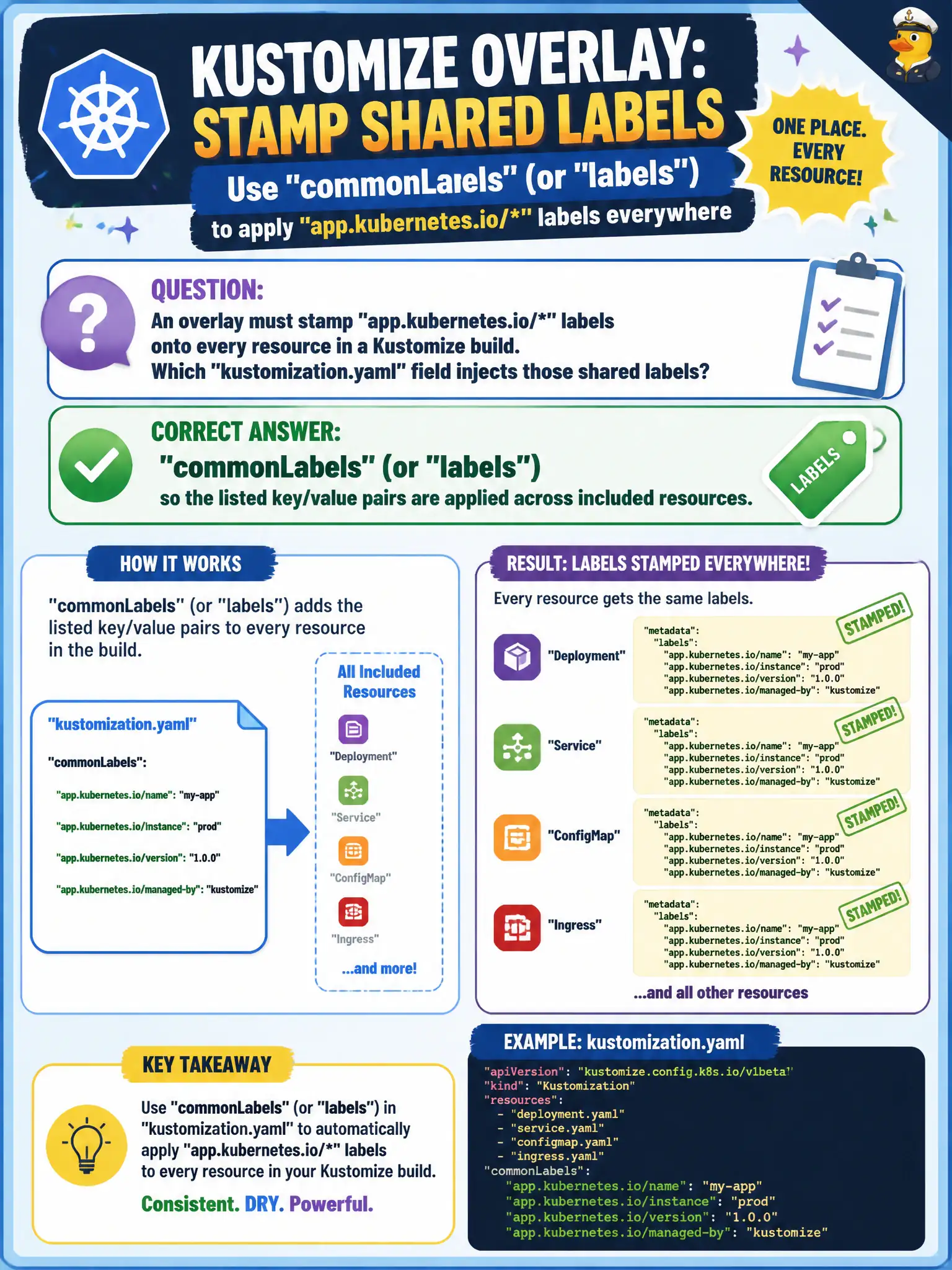
An overlay must stamp app.kubernetes.io/* labels onto every resource in a Kustomize build. Which kustomization.yaml field injects those shared labels?
Select an answer to reveal the explanation.
Short Explanation
commonLabels is the rubber stamp on every form in the packet. One declaration, many resources—perfect for app.kubernetes.io identity labels your selectors and tooling expect.
Full Explanation
When an overlay must stamp app.kubernetes.io/* labels onto every resource in a Kustomize build, the kustomization.yaml field commonLabels (or the newer labels field, depending on Kustomize version) injects those shared key/value pairs across included resources. Uniform labels give municipal platforms consistent selectors for monitoring, NetworkPolicies, and cost allocation on city workloads.
Why the other options fail by concept: images/newTag only rewrites container image references. configMapGenerator creates ConfigMaps; it does not by itself stamp labels onto every resource as its primary purpose. replicas: only changes replica counts on named workloads.
Exam caveat: commonLabels historically could affect selectors in ways that surprise upgrades—know your Kustomize version’s labels behavior (includeSelectors/includeTemplates options in newer forms). Label keys should follow kubernetes conventions. Labels are not a substitute for namePrefix when avoiding name collisions across environments in one cluster.
Operational check: Add commonLabels/labels to the overlay, kubectl kustomize <overlay> | grep -A2 app.kubernetes.io, and confirm Deployments, Services, and other resources carry the stamps. Apply and kubectl get all -l app.kubernetes.io/name=<app> in the city namespace.