
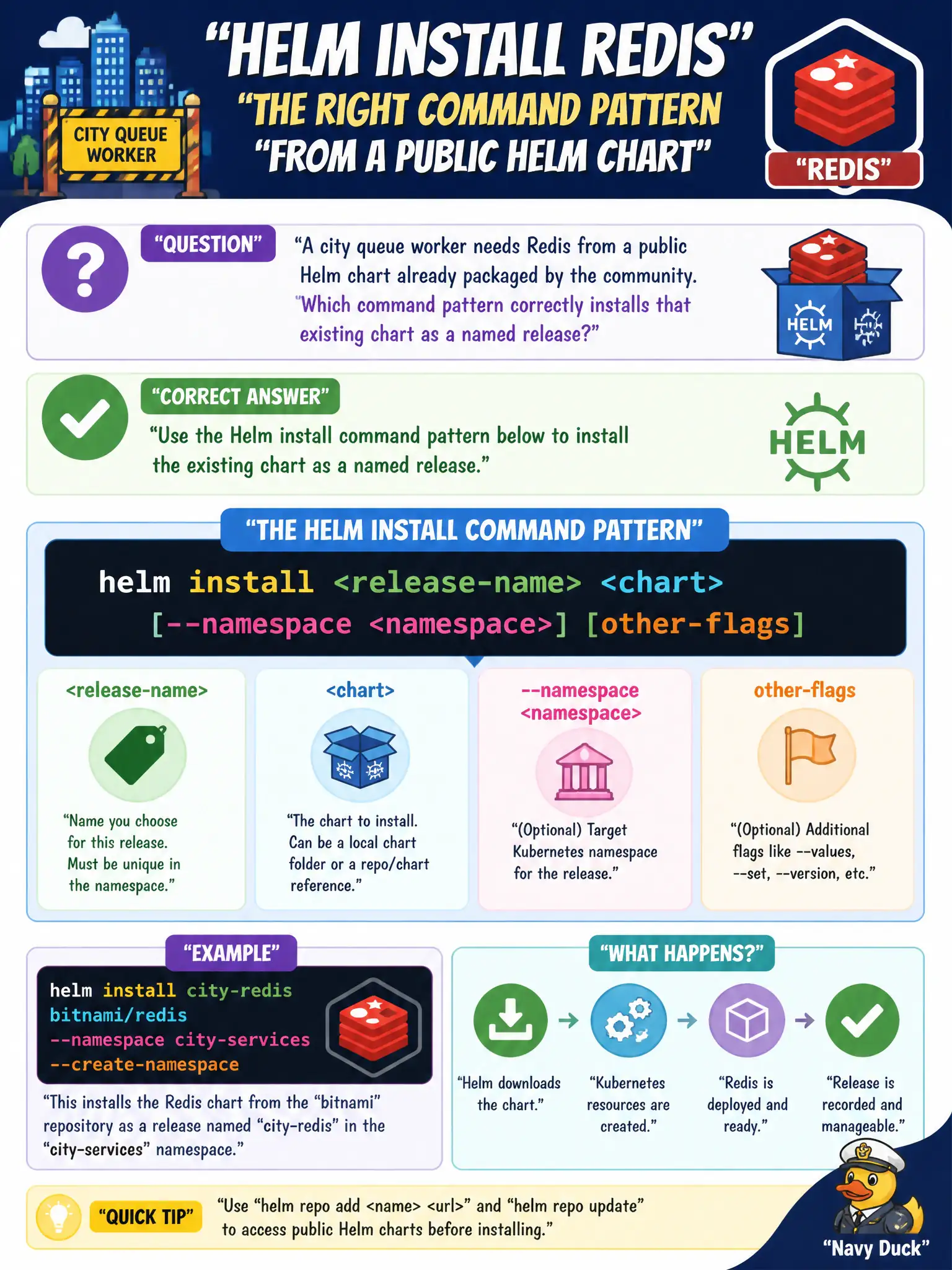
A city queue worker needs Redis from a public Helm chart already packaged by the community. Which command pattern correctly installs that existing chart as a named release?
Select an answer to reveal the explanation.
Short Explanation
The chart is a ready-made kit; helm install gives the kit a release name and puts it in the cluster. You’re consuming an existing package, not inventing Redis manifests from scratch.
Full Explanation
When a city queue worker needs Redis from a public Helm chart already packaged by the community, the correct install pattern is helm install <release-name> <chart> (with optional repo/chart reference and --namespace). That creates a named release and renders the chart’s templates into cluster resources. CKAD-style application deployment emphasizes consuming packaged charts this way rather than reinventing install machinery.
Why the other options fail by concept: Applying only operator CRDs YAML does not install arbitrary chart templates by itself. docker pull on each node bypasses Kubernetes scheduling, health, and desired-state management. helm lint validates chart structure locally; it does not deploy a release.
Exam caveat: Charts often require helm repo add/update before install by reference. Choose release names unique within the namespace. Understand values overrides (--set/-f) as the customization path rather than editing upstream templates. Privileged charts may need RBAC or PodSecurity attention in locked-down municipal clusters.
Operational check: helm repo add <name> <url> && helm repo update, then helm install <release> <repo>/<chart> -n <ns> --create-namespace -f values.yaml. Verify with helm status <release> -n <ns> and kubectl get all -n <ns> -l <chart-labels> that Redis resources exist and Pods are Ready.