
During canary analysis, operators want only healthy v2 Pods to receive Service traffic before scaling the canary up. What should they rely on?
Select an answer to reveal the explanation.
Short Explanation
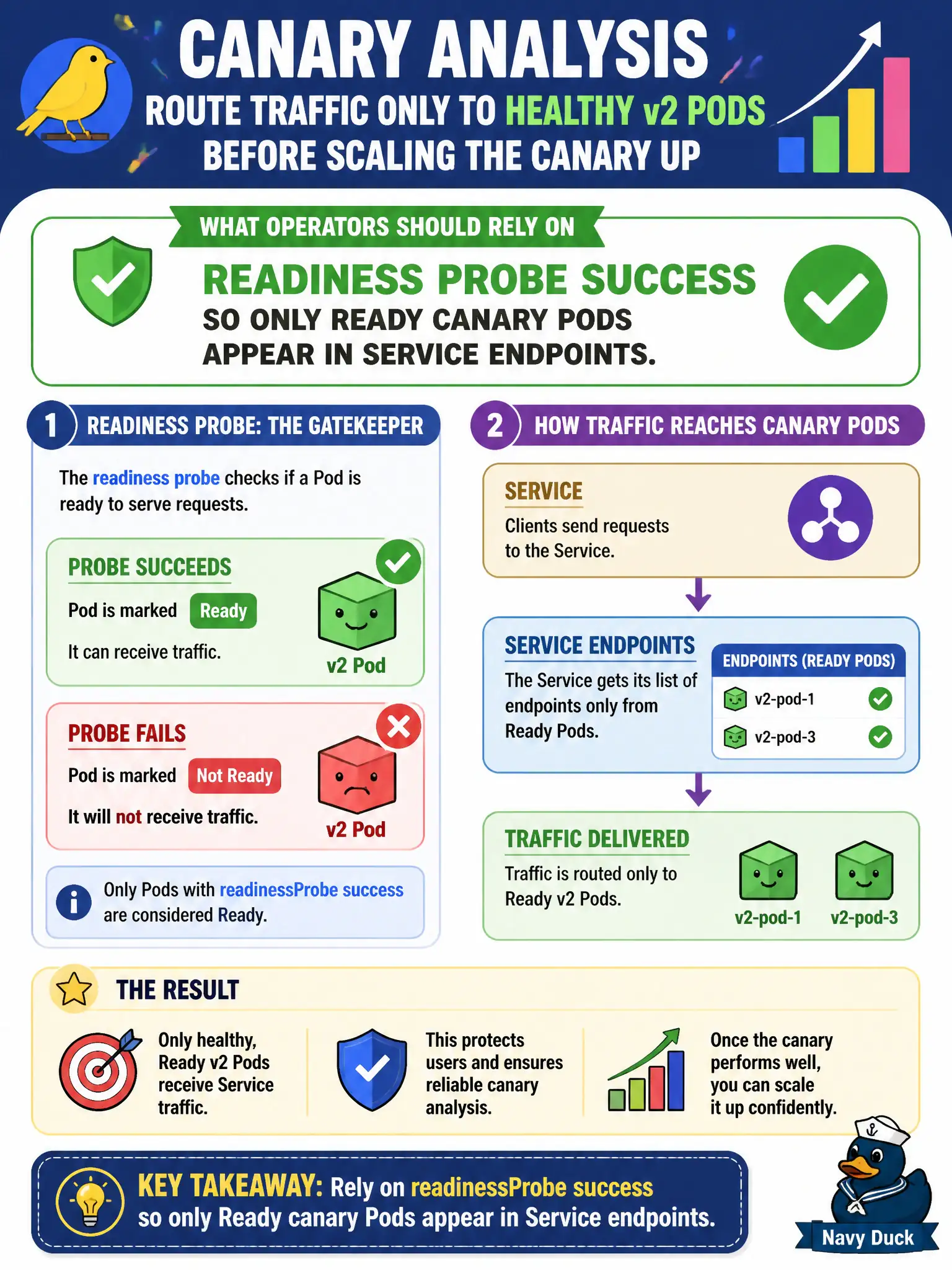
Readiness is the “open for business” sign in the window. Until the canary Pod passes readiness, the Service shouldn’t send it shoppers. Don’t hand-edit endpoints or assume liveness covers traffic admission.
Full Explanation
During canary analysis, operators who want only healthy v2 Pods to receive Service traffic before scaling the canary up should rely on readinessProbe success so only Ready canary Pods appear in Service endpoints. Readiness is the gate between “process started” and “safe for municipal payments traffic.”
livenessProbe failures restart containers but are not the primary Endpoints gate—failed liveness eventually removes readiness too, yet designing for readiness is the direct answer. startupProbe success without readiness still leaves default Ready behavior ambiguous for traffic. Manually editing EndpointSlices every minute is unsupported toil.
Exam caveat: Separate liveness (restart) from readiness (traffic). Canary Pods failing readiness stay out of the Service until fixed.
Operational check: kubectl describe pod for Readiness; kubectl get endpoints; break readiness on canary and confirm removal; restore and scale canary replicas up. In municipal environments, document the chosen pattern in the service runbook so on-call engineers apply the same kubectl checks during incidents, and keep the change tied to the application Deployment or Job rather than ad-hoc node mutation. In municipal environments, document the chosen pattern in the service runbook so on-call engineers apply the same kubectl checks during incidents, and keep the change tied to the application Deployment or Job rather than ad-hoc node mutation.