
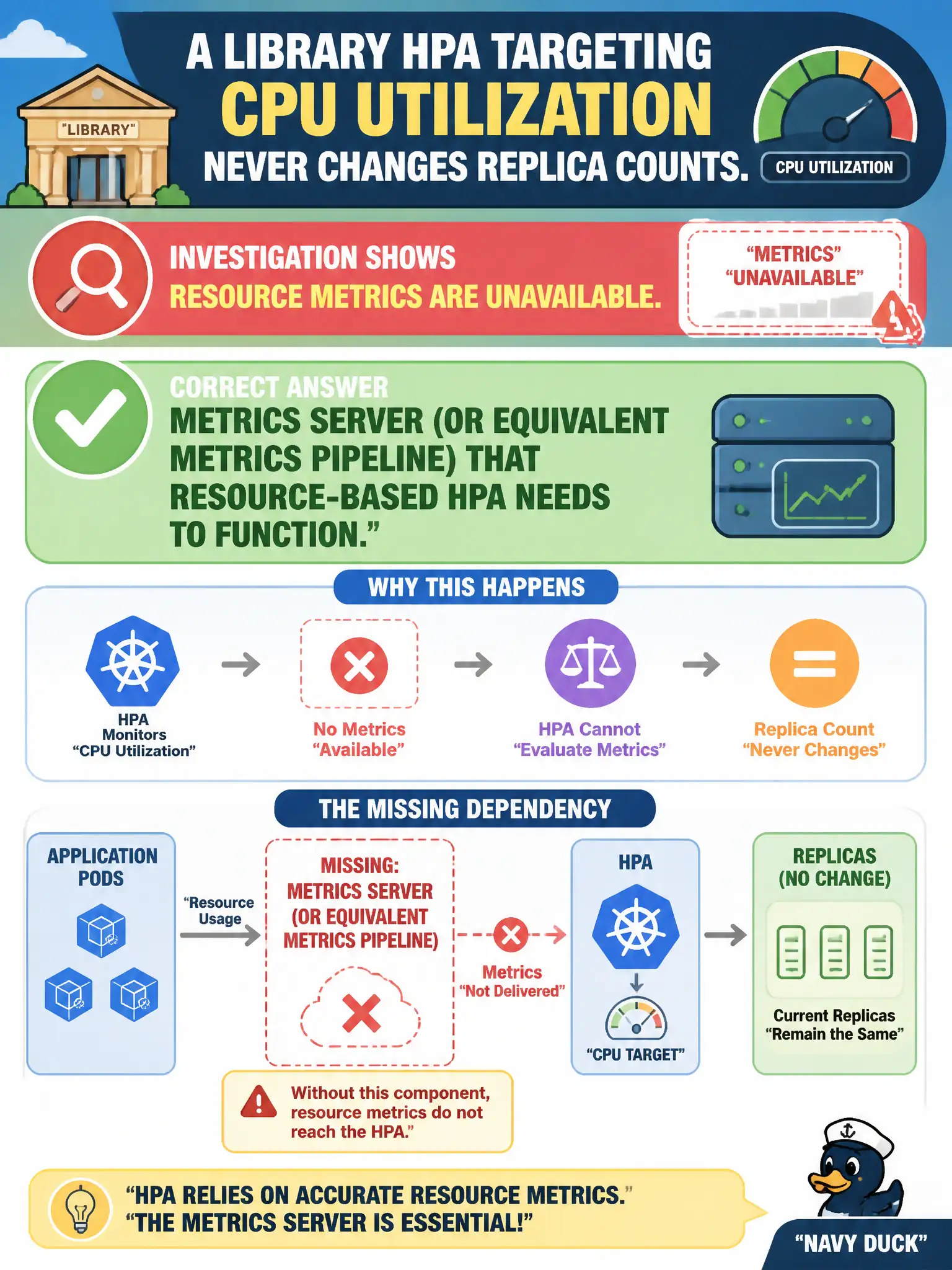
A library HPA targeting CPU utilization never changes replica counts. Investigation shows resource metrics are unavailable. What dependency is typically missing?
Select an answer to reveal the explanation.
Short Explanation
HPA looking at CPU without Metrics Server is like a thermostat with no thermometer—it cannot decide to heat or cool. Install the metrics path first.
Full Explanation
When a library HPA targeting CPU utilization never changes replica counts and investigation shows resource metrics are unavailable, the typically missing dependency is Metrics Server (or an equivalent metrics pipeline) that resource-based HPA needs to function. HPA queries the metrics.k8s.io API for CPU and memory samples; without Metrics Server or another provider populating those metrics, the autoscaler cannot compute utilization and will not scale the catalog workload even though the HPA object exists.
A LoadBalancer Service in every Namespace is unrelated to CPU metric collection for HPA. An Ingress object named metrics alone does not feed HPA CPU samples; naming coincidence is not a metrics pipeline. A PersistentVolume named metrics-server is not how HPA reads CPU percentages—HPA consumes the metrics API, not a PV full of percentage files.
Exam caveat: after installing Metrics Server, verify metrics with kubectl top pods and nodes before blaming HPA rules themselves. Operational check: confirm Metrics Server Pods are healthy, kubectl top works for library Pods, then re-check HPA conditions and events for AbleToScale and ScalingActive. This distinction matters on the CKA because distractors often mix adjacent objects that sound related but solve a different control-plane problem.