
A building-permits app needs public endpoint URLs and database credentials in the same Pod. How should those settings typically be split?
Select an answer to reveal the explanation.
Short Explanation
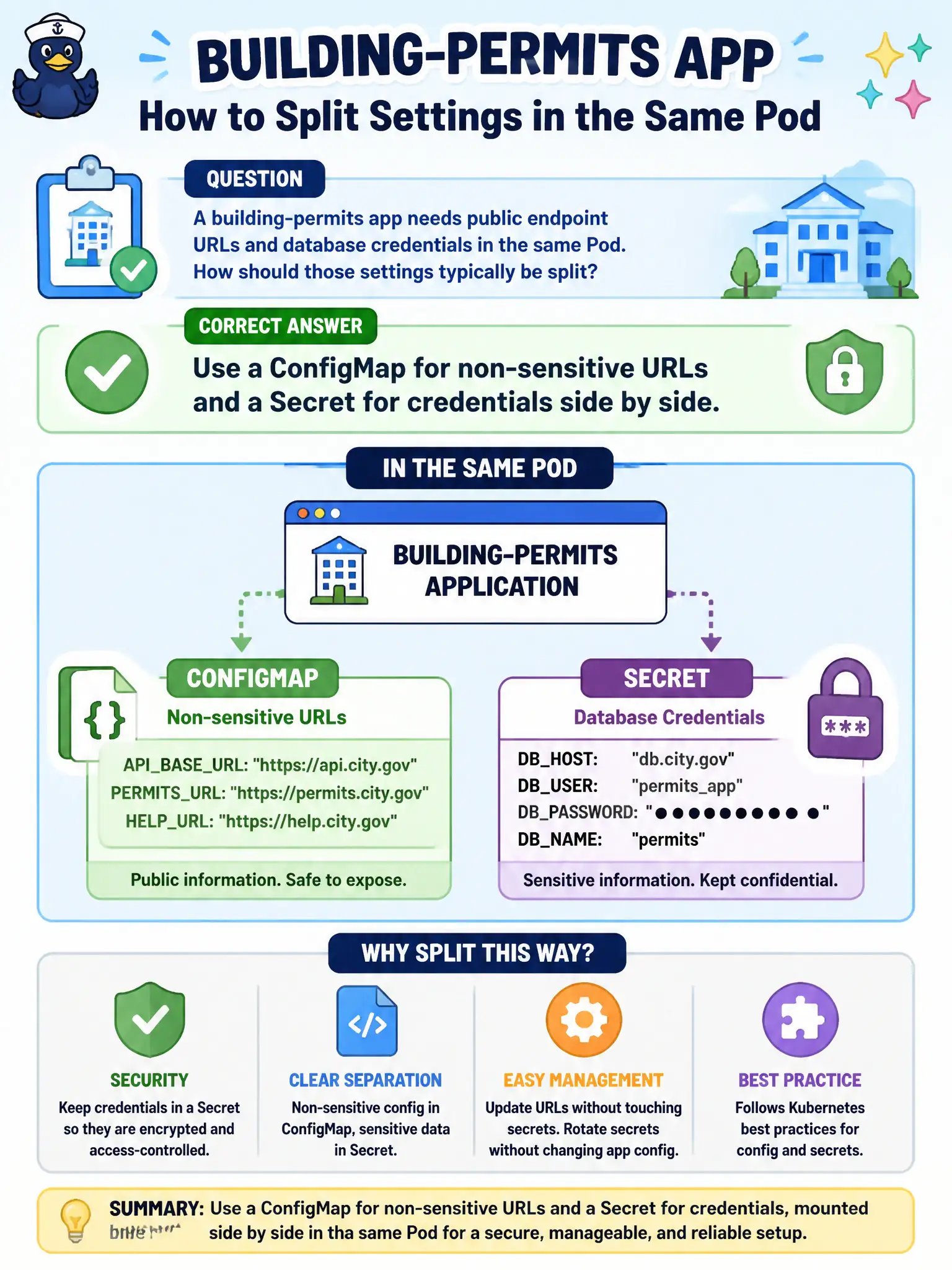
Split the toolbox: yellow sticky notes for URLs (ConfigMap), locked box for passwords (Secret). Most apps mount or env-load both together.
Full Explanation
A building-permits app that needs public endpoint URLs and database credentials in the same Pod should typically split those settings: use a ConfigMap for non-sensitive URLs and a Secret for credentials side by side. That separation matches Kubernetes configuration intent—ConfigMaps for non-confidential data, Secrets for confidential material—while allowing both to be injected as env vars or volumes into the same permits container. Municipal platforms keep passwords out of the same object citizens' URL banners live in.
Putting both URLs and passwords only in a single public ConfigMap misclassifies credentials as non-secret data. Putting both only inside container image layers forces rebuilds for routine config changes and risks leaking passwords via image history. Using only a PersistentVolumeClaim is incorrect because PVC objects claim storage volumes; they do not natively store all env configuration the way ConfigMaps and Secrets do.
Exam caveat: both objects can be referenced from one PodSpec; know env, envFrom, and volume mount forms for each. Operational check: create the ConfigMap and Secret, wire both into the Deployment, confirm URLs and credentials appear as intended, and ensure RBAC limits who can read the Secret in the permits namespace.