
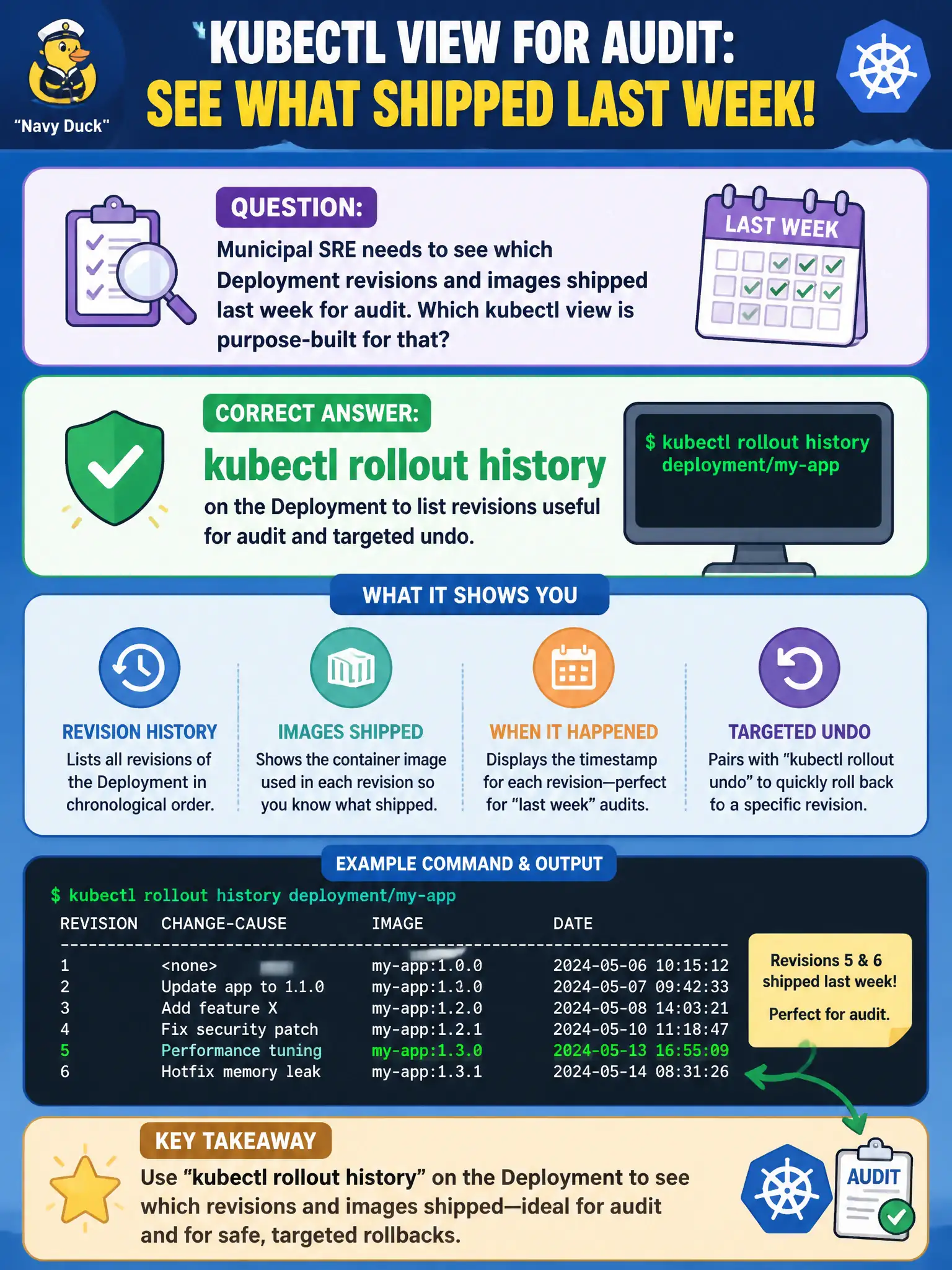
Municipal SRE needs to see which Deployment revisions and images shipped last week for audit. Which kubectl view is purpose-built for that?
Select an answer to reveal the explanation.
Short Explanation
Rollout history is the shipping log—revision numbers and change cause notes so you can see what left the dock and rewind if needed. It is not the same as draining nodes or painting taints.
Full Explanation
Municipal SRE needs to see which Deployment revisions and images shipped last week for audit. kubectl rollout history on the Deployment is purpose-built for that view: it lists retained revisions and change-cause annotations so operators can identify what shipped and target a precise undo if needed. For civic change-control boards and after-action reviews, that revision ledger is the Deployment-native audit trail rather than node maintenance commands or legacy component status listings.
kubectl get cs only lists legacy componentstatuses for core control-plane health checks; it does not enumerate application Deployment revisions or container images that were rolled to the citizen-facing workload. kubectl drain on a worker cordons and evicts Pods for node maintenance; it is unrelated to listing rollout history. kubectl taint on control-plane nodes affects scheduling attraction and repulsion and does not produce an application revision listing useful for last week's ship audit.
Exam caveat: history visibility depends on revisionHistoryLimit; if the limit is too low, older municipal releases vanish from the ledger and targeted undo becomes harder. Operational check: kubectl rollout history deployment/<name> and, for a specific revision, kubectl rollout history deployment/<name> --revision=N to inspect the Pod template and image details used in last week's release before signing the audit record.