
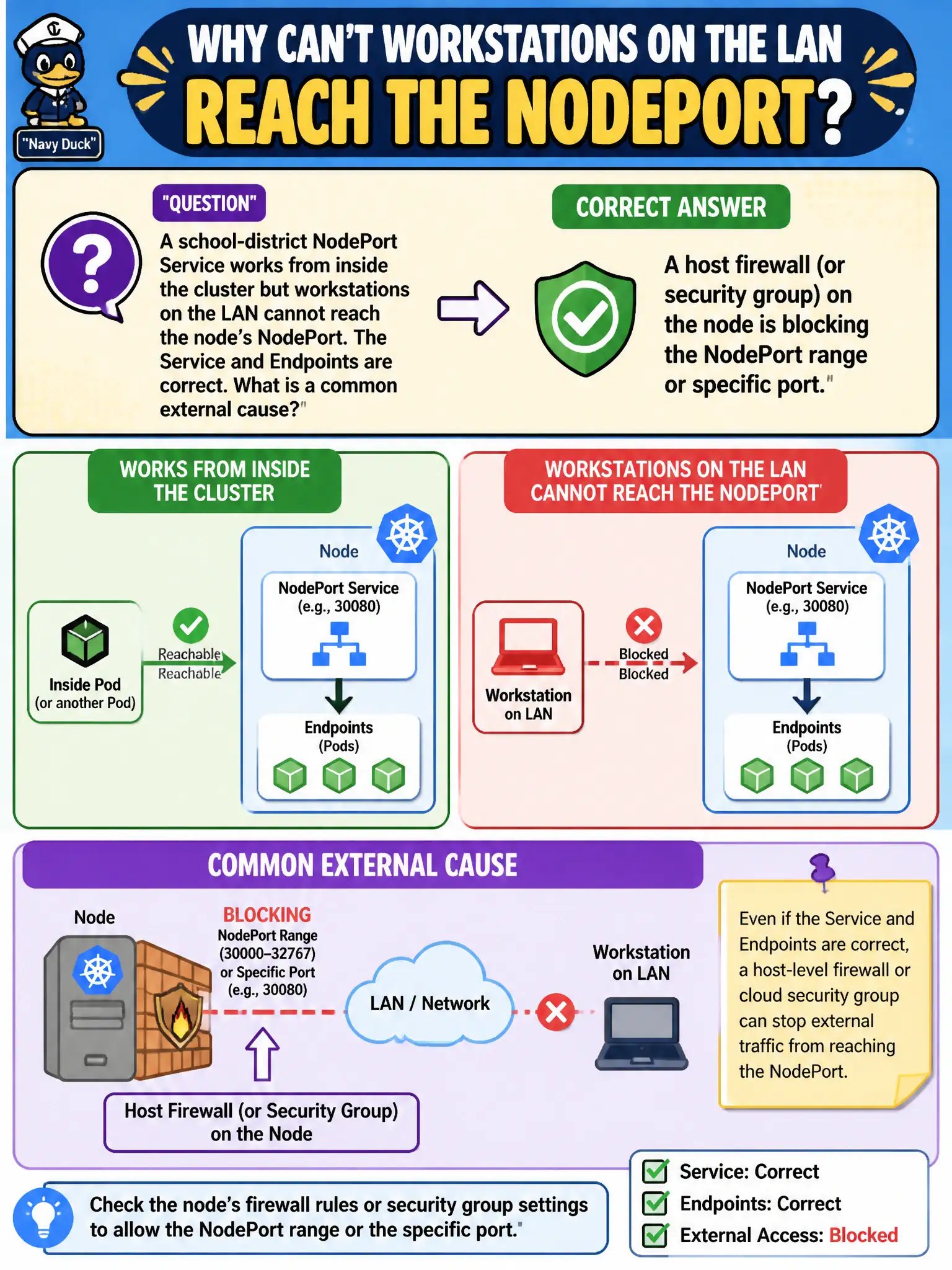
A school-district NodePort Service works from inside the cluster but workstations on the LAN cannot reach the node’s NodePort. The Service and Endpoints are correct. What is a common external cause?
Select an answer to reveal the explanation.
Short Explanation
The Service can be picture-perfect and the node still slam the door—host firewalls love to block those high NodePorts. Check the gate on the host, not just the Kubernetes objects.
Full Explanation
When a school-district NodePort Service works from inside the cluster but LAN workstations cannot reach the node's NodePort while Service and Endpoints are correct, a common external cause is a host firewall or security group on the node blocking the NodePort range or specific port. Kubernetes objects can be perfect while the host gate stays shut. CoreDNS does not resolve NodePort numbers into A records for browsers; NodePort is a TCP/UDP port on the node IP, not a DNS name mapping problem. Ingress class names matching the NodePort is not a requirement for external NodePort access; Ingress and NodePort are different exposure models. PersistentVolume accessModes do not gate all NodePort traffic from outside the cluster; volumes and host port exposure are separate concerns. Exam caveat: Cloud security groups and on-prem firewalls both bite here. Also verify kube-proxy is healthy on that node when external hits fail but in-cluster works via ClusterIP. Operational check: From a LAN client, test nodeIP:nodePort; open the firewall/security group for the NodePort; retest school district access without changing working Endpoints. In municipal production practice, record the finding in the incident ticket with command output snippets, confirm the fix under change control, and re-validate the user-facing civic service before closing the change window.