
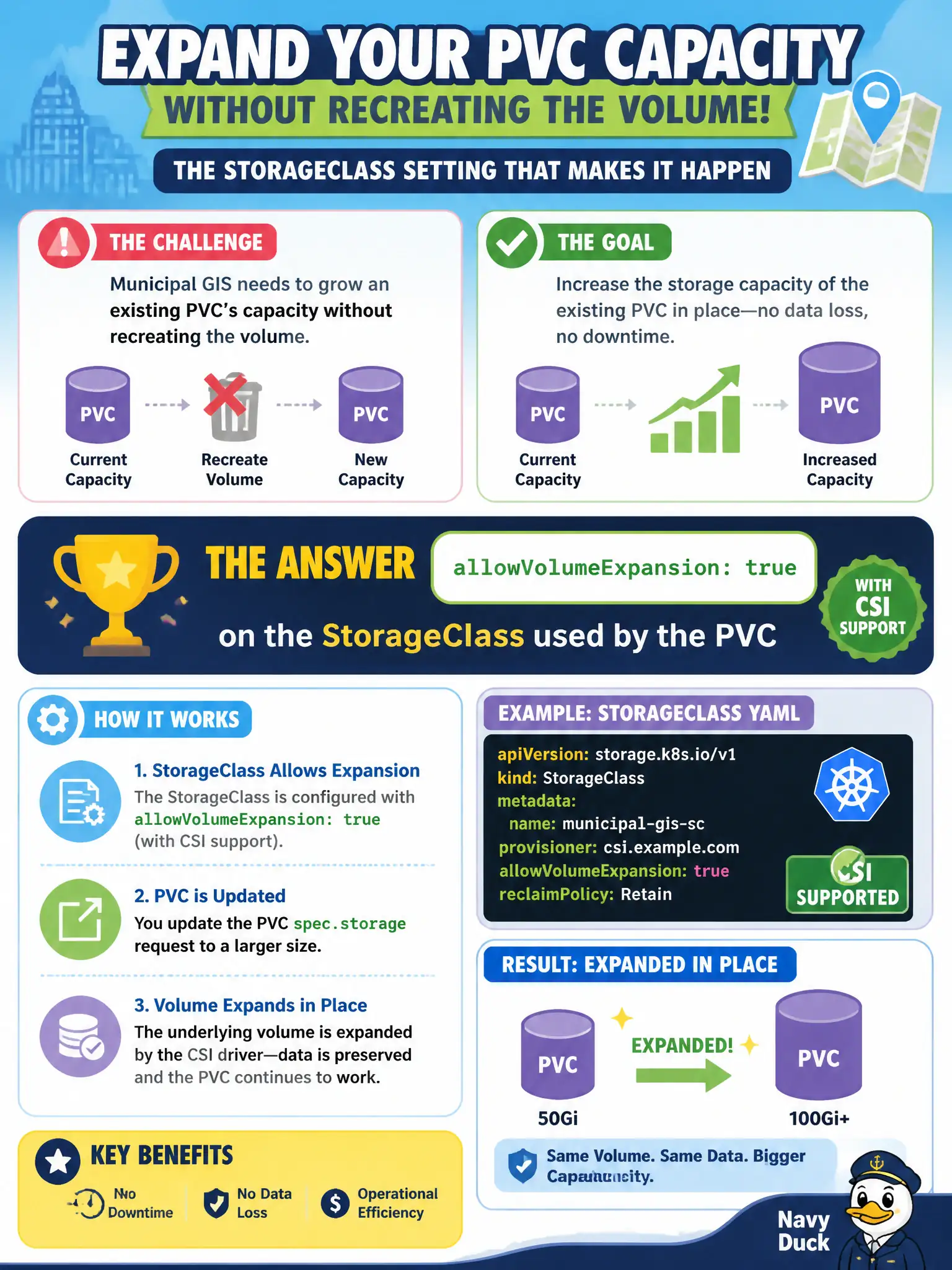
Municipal GIS needs to grow an existing PVC’s capacity without recreating the volume. What StorageClass setting must be enabled (with CSI support) for that expansion?
Select an answer to reveal the explanation.
Short Explanation
Growing a disk in place is like expanding a filing cabinet drawer—you need the cabinet model to allow expansion. On Kubernetes that flag is allowVolumeExpansion on the StorageClass, and the CSI driver has to support it. Reclaim policy and Deployment deadlines don’t flip the resize switch.
Full Explanation
Municipal GIS that needs to grow an existing PVC’s capacity without recreating the volume must enable allowVolumeExpansion: true on the StorageClass used by the PVC, and the CSI driver must support expansion. Growing a disk in place is like expanding a filing cabinet drawer—the cabinet model must allow it. Afterward administrators increase the PVC’s storage request and let the provisioner expand the backend and filesystem per driver capabilities.
reclaimPolicy Delete does not implicitly unlock online resize. Setting volumeMode: Block on the Pod template instead of the PVC/PV is incorrect and does not enable expansion. progressDeadlineSeconds on a Deployment is a rollout timeout, not a storage resize switch.
Exam caveat: some volumes require the Pod to remount or a filesystem grow step after the PV size changes. Shrinking is generally not supported. Expansion fails if the class flag is false even when the cloud disk could grow.
Operational check: confirm allowVolumeExpansion on the class, edit the PVC requests.storage upward, watch PVC conditions for FileSystemResizePending/expansion success, and verify capacity inside the GIS Pod. Keep civic change tickets precise: record object names, namespaces, and before/after observations so the next on-call engineer can replay the fix without guesswork.