
Municipal SRE sees intermittent DNS failures for in-cluster names. Which first admin check best targets CoreDNS configuration and runtime behavior?
Select an answer to reveal the explanation.
Short Explanation
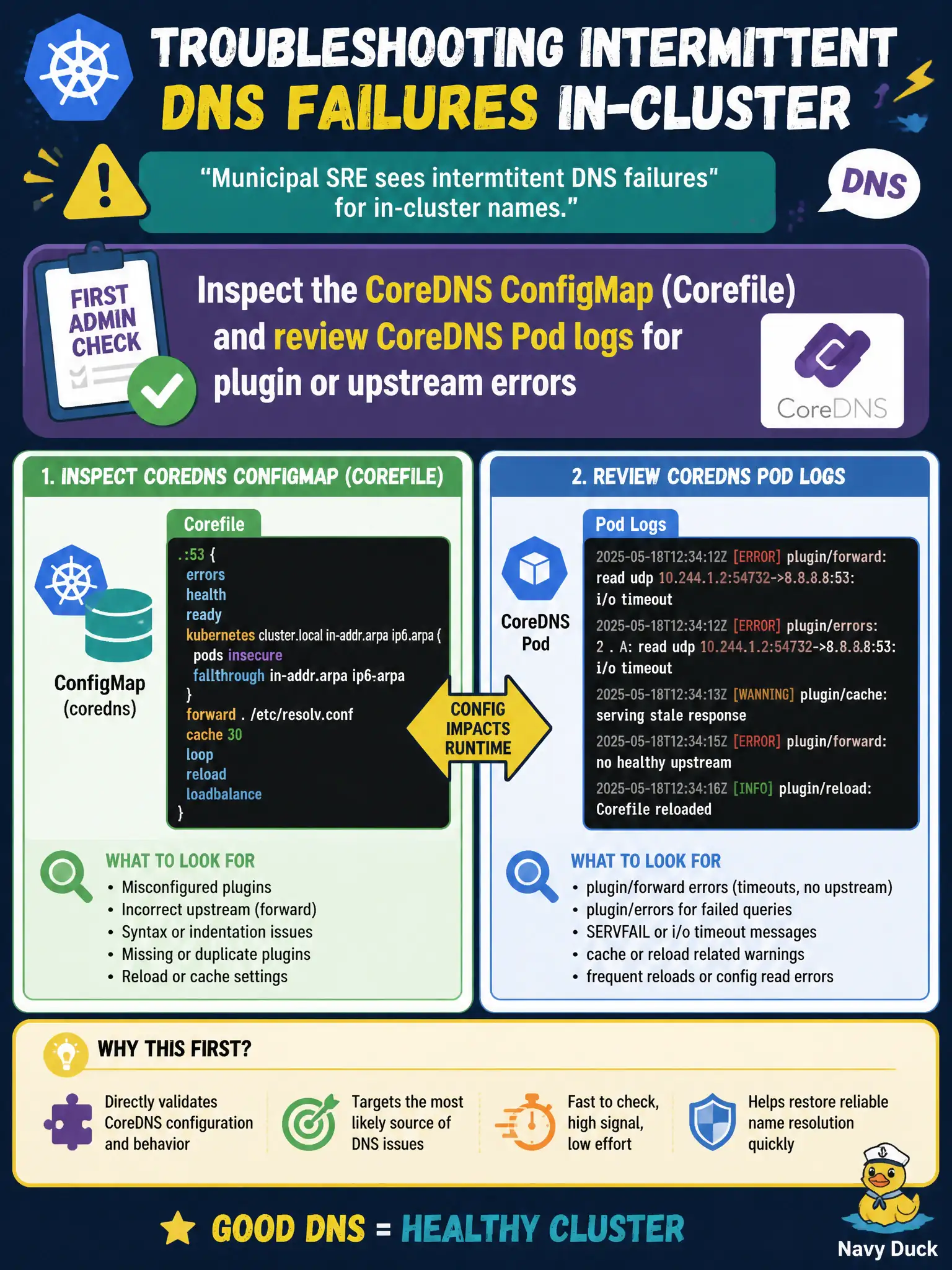
When the building directory starts glitching, you check the directory’s rule book and the clerk’s error log—not fire the security guards and unplug the phone switch. For CoreDNS that means the Corefile in its ConfigMap plus the Pod logs for rewrite, kubernetes, or upstream failures. Blowing away NetworkPolicies or kube-proxy first is theater, not triage.
Full Explanation
When municipal SRE sees intermittent DNS failures for in-cluster names, the best first admin check targeting CoreDNS configuration and runtime is to inspect the CoreDNS ConfigMap (Corefile) and review CoreDNS Pod logs for plugin or upstream errors. The directory’s rule book and clerk error log reveal rewrite problems, bad forwards, kubernetes issues, or crash loops. That is focused triage—unlike disabling unrelated cluster subsystems in panic.
Replacing every Pod DNS config with a public recursive resolver and ignoring kube-dns breaks svc.cluster.local discovery. Deleting all NetworkPolicies cluster-wide before reading any DNS logs is unsafe theater. Scaling kube-proxy to zero so iptables cannot interfere with UDP/53 breaks Service traffic and does not diagnose CoreDNS itself.
Exam caveat: also verify CoreDNS Deployment readiness and kube-dns Service Endpoints. NodeLocal DNSCache adds another log surface if enabled. Corefile syntax errors can take resolution down cluster-wide—change carefully and validate.
Operational check: dump the coredns ConfigMap, correlate Pod logs while reproducing dig failures from an app Pod, repair the Corefile, rollout CoreDNS, and confirm sustained successful lookups for municipal Service names. Save a known-good Corefile snippet in the platform git repo for quick rollback.