
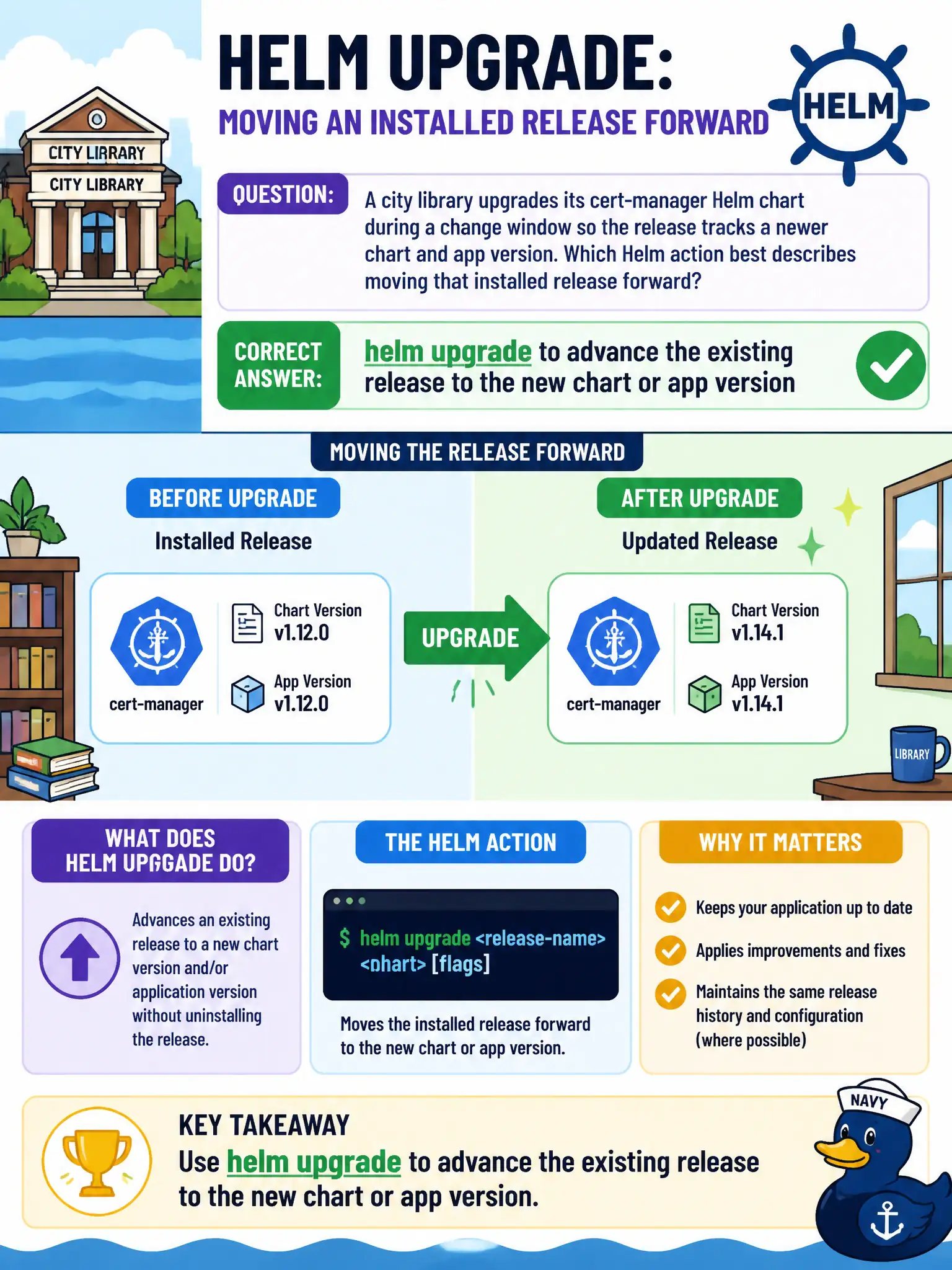
A city library upgrades its cert-manager Helm chart during a change window so the release tracks a newer chart and app version. Which Helm action best describes moving that installed release forward?
Select an answer to reveal the explanation.
Short Explanation
Picture the library’s catalog software getting a scheduled upgrade—you do not throw out the whole catalog card drawer. helm upgrade slides the same named release to a newer chart or app version during the window. Uninstalling or recreating from scratch is the wrong tool for a planned chart bump.
Full Explanation
When a city library upgrades its cert-manager Helm chart during a change window, the action that moves the installed release forward is helm upgrade, advancing the same named release to a newer chart or app version. You do not throw out the catalog card drawer; you slide the same release to the new revision while retaining release identity and history. helm uninstall followed by hand-editing every rendered YAML in etcd is destructive and bypasses Helm’s release model. helm repo remove only forgets a chart repository locally; it does not upgrade an installed release in the cluster. helm create scaffolds an empty chart for authors; it does not advance an existing municipal release. Exam caveat: Prefer upgrade over uninstall/reinstall when the goal is a version bump with history. Operational check: helm history before/after, helm upgrade with reviewed values, verify cert-manager Pods and CRDs, and keep rollback revision noted in the change window notes. In municipal platform operations, record the rationale in the change ticket so future on-call staff know which control was chosen and which failure modes the rejected options would create for city services. Re-validate after the next maintenance window that the same control still holds under the cluster’s current minor version and addon revisions used by the civic platform team.