
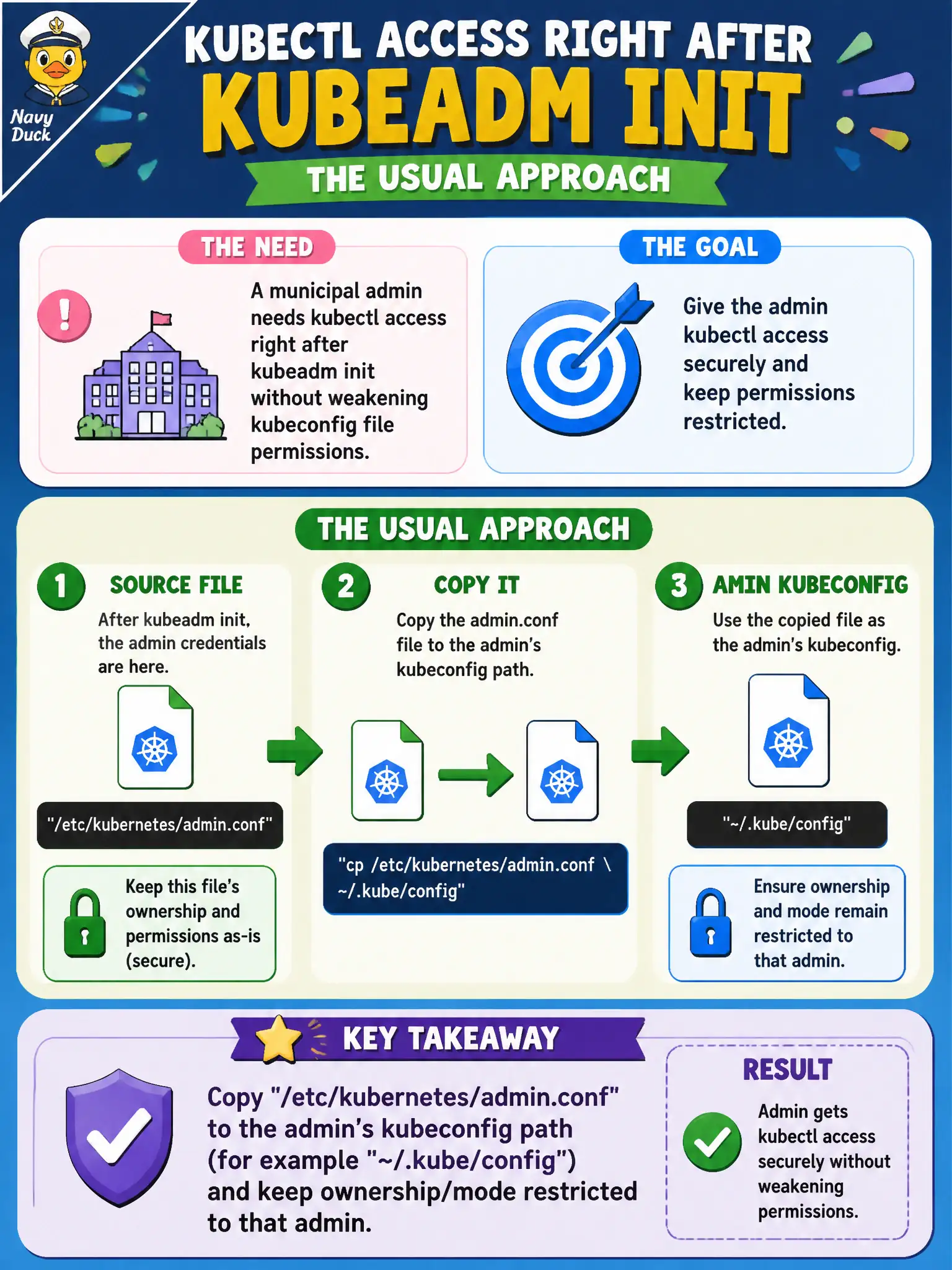
A municipal admin needs kubectl access right after kubeadm init without weakening kubeconfig file permissions. What is the usual approach?
Select an answer to reveal the explanation.
Short Explanation
The golden admin badge lives at /etc/kubernetes/admin.conf after init—copy it into your personal kubeconfig and keep the file mode tight. World-writable or public Git copies turn the badge into a flyer.
Full Explanation
Right after kubeadm init, a municipal admin gains kubectl access by copying /etc/kubernetes/admin.conf to the admin’s kubeconfig path (for example ~/.kube/config) while keeping ownership and mode restricted to that admin. The golden admin badge should live in a private wallet, not as a world-readable flyer. chmod 777 on admin.conf left in place exposes cluster-admin credentials to every local UNIX user. Disabling TLS and using HTTP to localhost:8080 for daily administration weakens transport security and is not modern kubeadm practice. Committing admin.conf to a public Git repo shares cluster-admin credentials across the Internet. Exam caveat: admin.conf is cluster-admin—protect file permissions as carefully as a root password. Operational check: Copy with install -m 600 -o adminuser, point KUBECONFIG or ~/.kube/config at it, run kubectl get nodes, and confirm other OS users cannot read the file. In municipal platform operations, document this decision in the change record so the next on-call engineer understands why the chosen control exists and which failure modes the rejected options would introduce for city services that depend on this cluster behavior. Re-validate after the next maintenance window that the same control still holds under the cluster’s current minor version and addon revisions used by the civic platform team.