
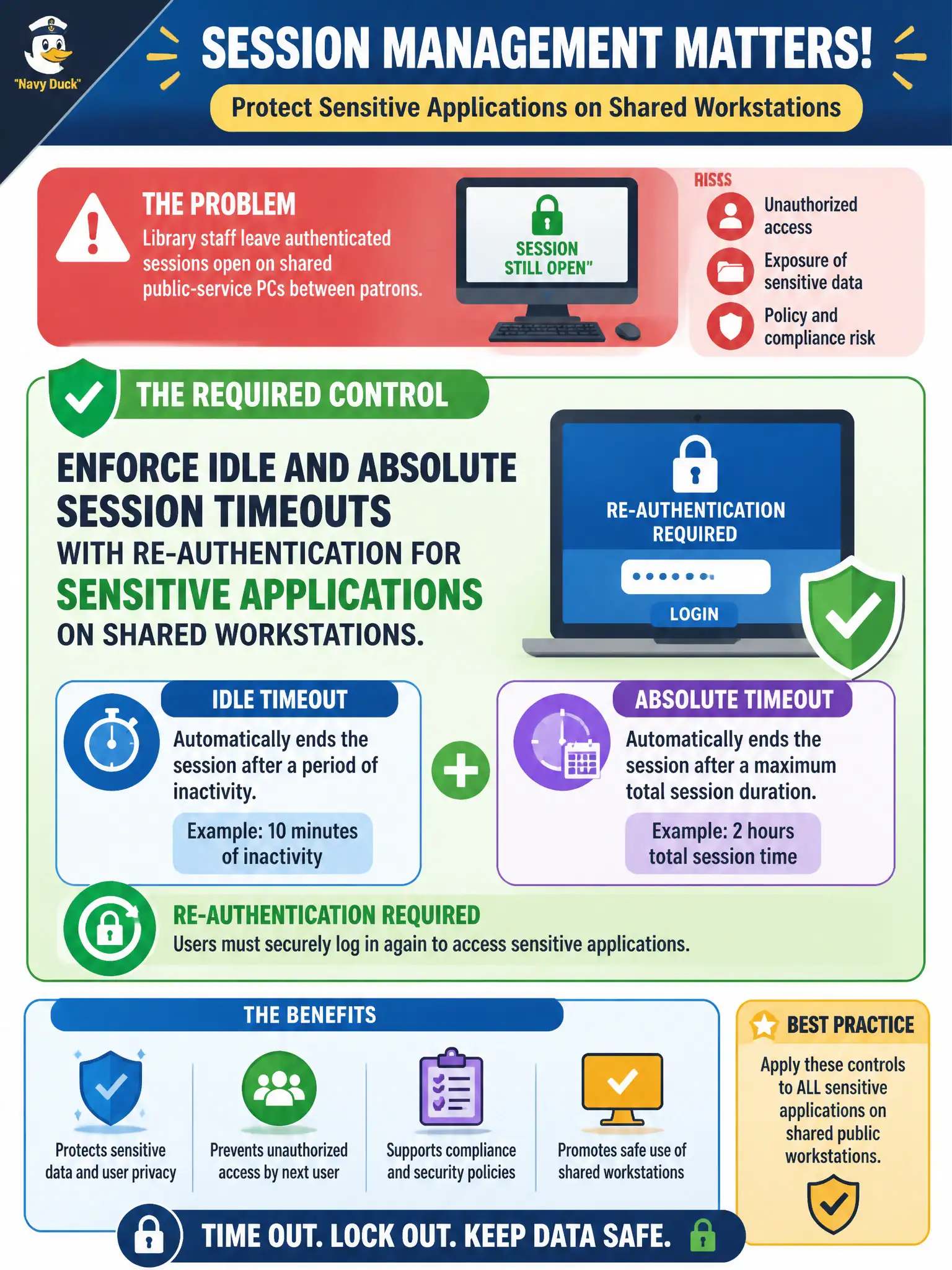
Library staff leave authenticated sessions open on shared public-service PCs between patrons. What session-management control should be required for sensitive apps?
Select an answer to reveal the explanation.
Short Explanation
An open staff login on a shared library PC is a baton anyone can grab. Time out idle and long sessions and make sensitive apps ask again who is at the keyboard. No locks, forever admin cookies, or “patrons will log out later” hand the session to the next stranger.
Full Explanation
Session management is part of authentication strategy. On shared public-service PCs in libraries and similar civic spaces, enforce idle and absolute session timeouts with re-authentication for sensitive applications so an abandoned staff login cannot be inherited by the next person at the keyboard. Timeouts shrink the hijack window; re-authentication reasserts who is present before privileged or sensitive operations continue.
Disabling screen locks so staff never re-enter credentials during a shift maximizes shoulder-surfing and walk-up abuse on shared terminals. Permanently caching elevated admin cookies in the shared browser profile turns every subsequent user into a privileged operator. Allowing patrons to continue a staff session if they “promise to log out later” collapses identity assurance and is operationally unverifiable.
Exam caveat: shared-kiosk and shared-PC scenarios heighten session-timeout requirements beyond dedicated single-user desktops. Operational check: configure idle and maximum session lifetimes on sensitive apps, require re-auth after timeout, remove persistent admin cookies from public/shared profiles, and verify locks engage between patrons and staff handoffs.