
Hybrid municipal staff need to reach internal desktops from home. Which remote workforce access pattern is appropriate?
Select an answer to reveal the explanation.
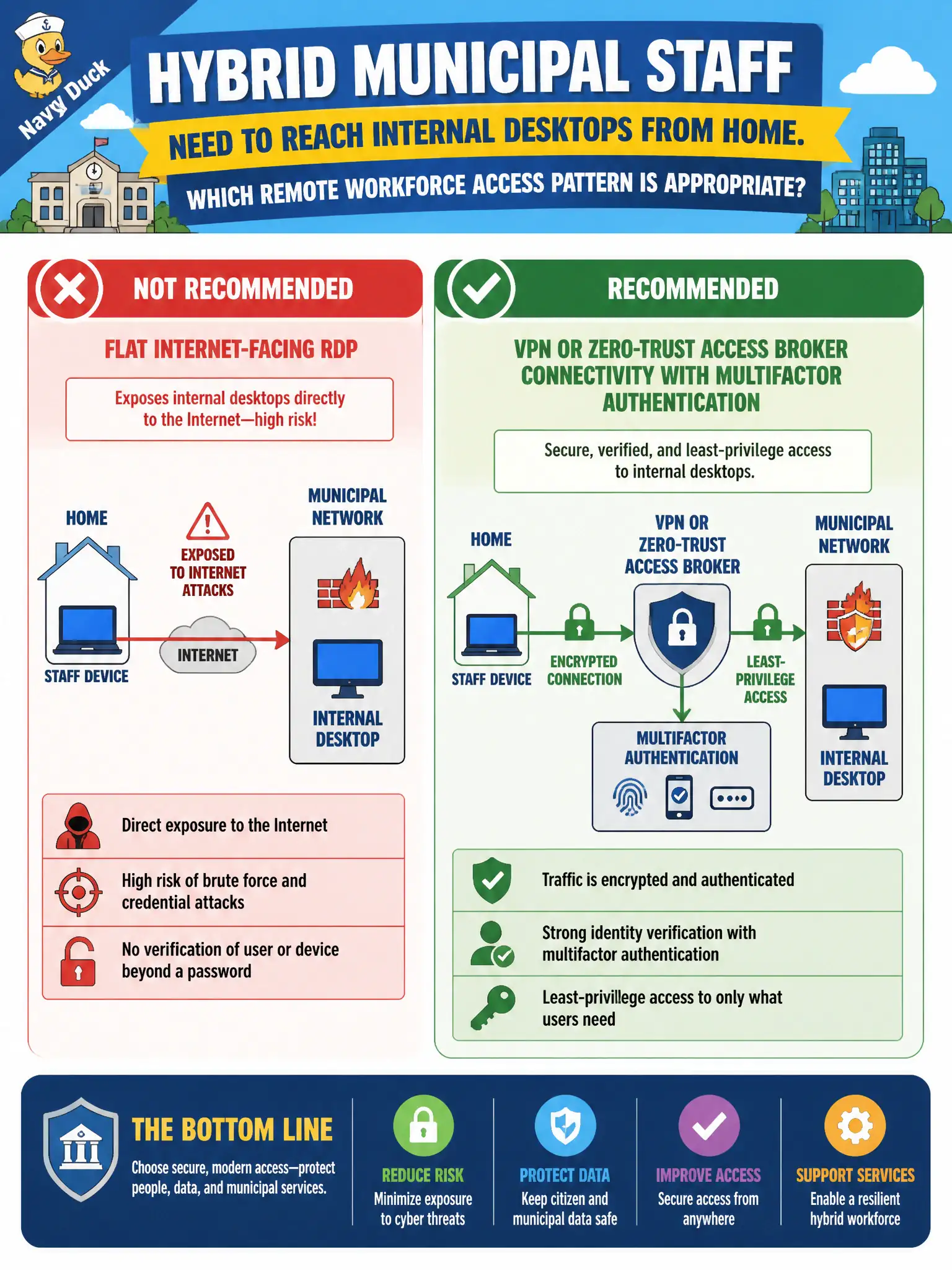
Short Explanation
Parking RDP on the open Internet is like leaving City Hall’s side door unlocked with the key under the mat. Give hybrid staff a VPN or zero-trust broker plus MFA so identity is checked before the desktop appears. Port-forwards without a broker and “just use USB sticks” either blast the attack surface or invent a worse data path.
Full Explanation
Hybrid and telework staff need remote reachability that terminates on a controlled VPN or zero-trust access broker enforcing strong authentication—typically multifactor—before desktop or application access appears. That pattern encrypts the path, centralizes policy, and avoids parking interactive remote desktop services on the open Internet where credential stuffing and exploit kits routinely hunt exposed RDP.
Exposing RDP directly with a memorable static password and no MFA is a classic high-risk anti-pattern: the service becomes a global login oracle. Port-forwarding every user’s PC through the edge without a broker or VPN multiplies Internet-facing attack surface and skips centralized authentication and session policy. Disabling remote access entirely and forcing USB drives for telework file exchange invents alternate loss, malware, and chain-of-custody problems while failing legitimate operational continuity.
Exam caveat: CISSP favors brokered, authenticated, encrypted remote access over flat Internet exposure of admin/desktop protocols. Operational check: confirm staff remote access uses VPN or ZTNA with MFA, no direct Internet RDP or unmanaged port-forwards remain, logging covers broker/VPN auth events, and removable-media workarounds are not the de facto telework path.