
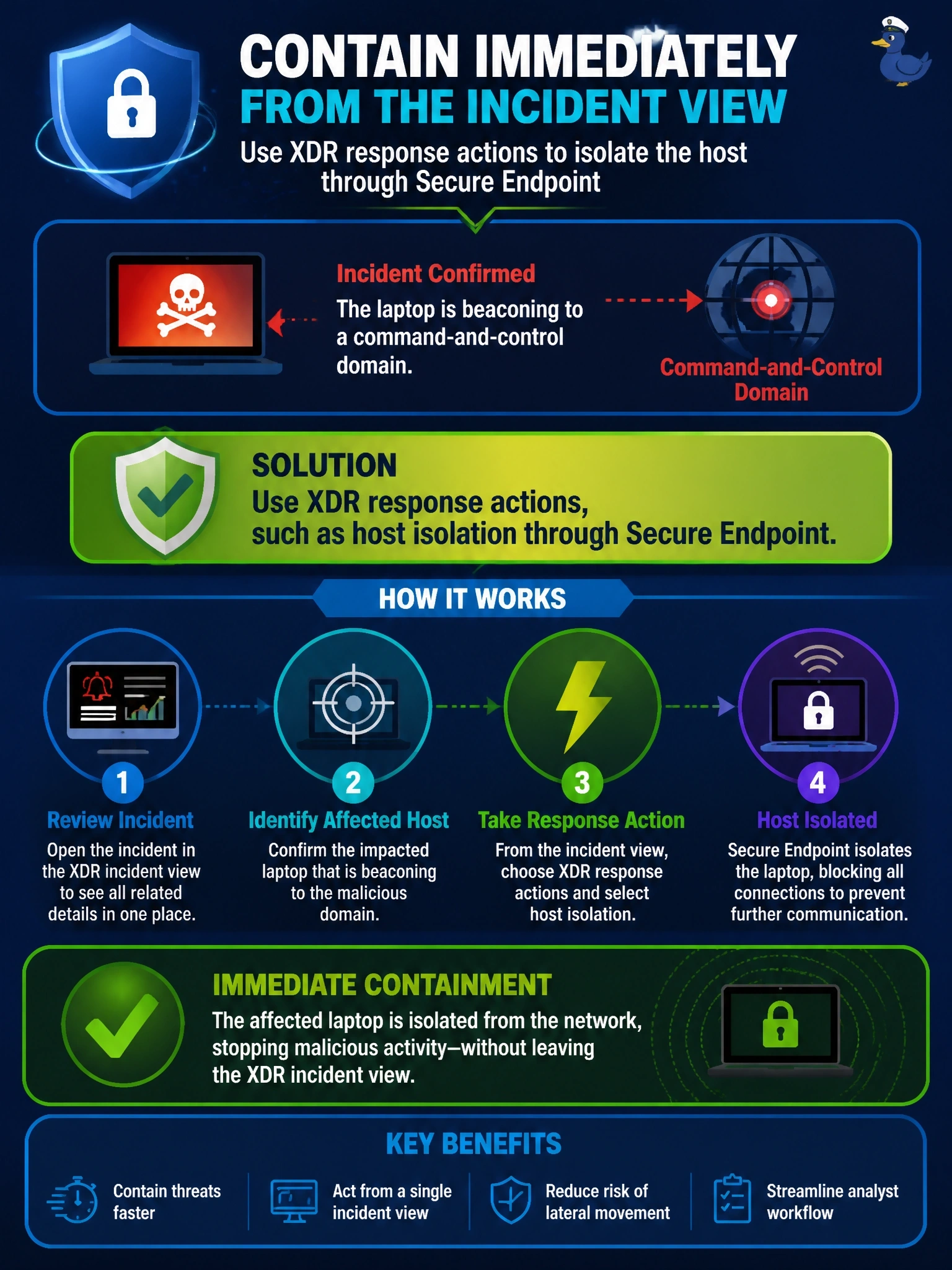
While reviewing a Cisco XDR incident, an analyst confirms a laptop is beaconing to a command-and-control domain and wants to contain it immediately from the incident view rather than opening each product console. What should the analyst use?
Select an answer to reveal the explanation.
Short Explanation
You've already found the bad guy; now you want the handcuffs within reach. XDR response actions let you isolate the host or block the domain right from the incident, through the products it's integrated with. A dashboard or snapshot just shows you the problem a second time.
Full Explanation
Cisco XDR includes response capabilities that call integrated products directly. From an incident or investigation, an analyst can select an observable, such as a host, domain, IP address or file hash, and trigger the actions that integrated modules expose, for example isolating an endpoint through Cisco Secure Endpoint, blocking a domain through Secure Access, or quarantining a host through ISE. Automation workflows can also run these steps. This shortens containment time because the analyst acts where the evidence is, without pivoting into each console. A Splunk dashboard showing the beacon timeline is useful context but takes no containment action. A manual change ticket to the firewall team introduces delay and blocks traffic only at one enforcement point, leaving the host free to move laterally inside the network. Sharing an investigation snapshot documents findings for collaboration but does not contain the host. Exam caveat: available response actions depend on which products are integrated and the permissions granted to XDR, so an action that is missing usually indicates a missing or misconfigured integration. Operational check: after isolating the host, confirm in Secure Endpoint that the device shows as isolated and that beaconing to the domain stops.