
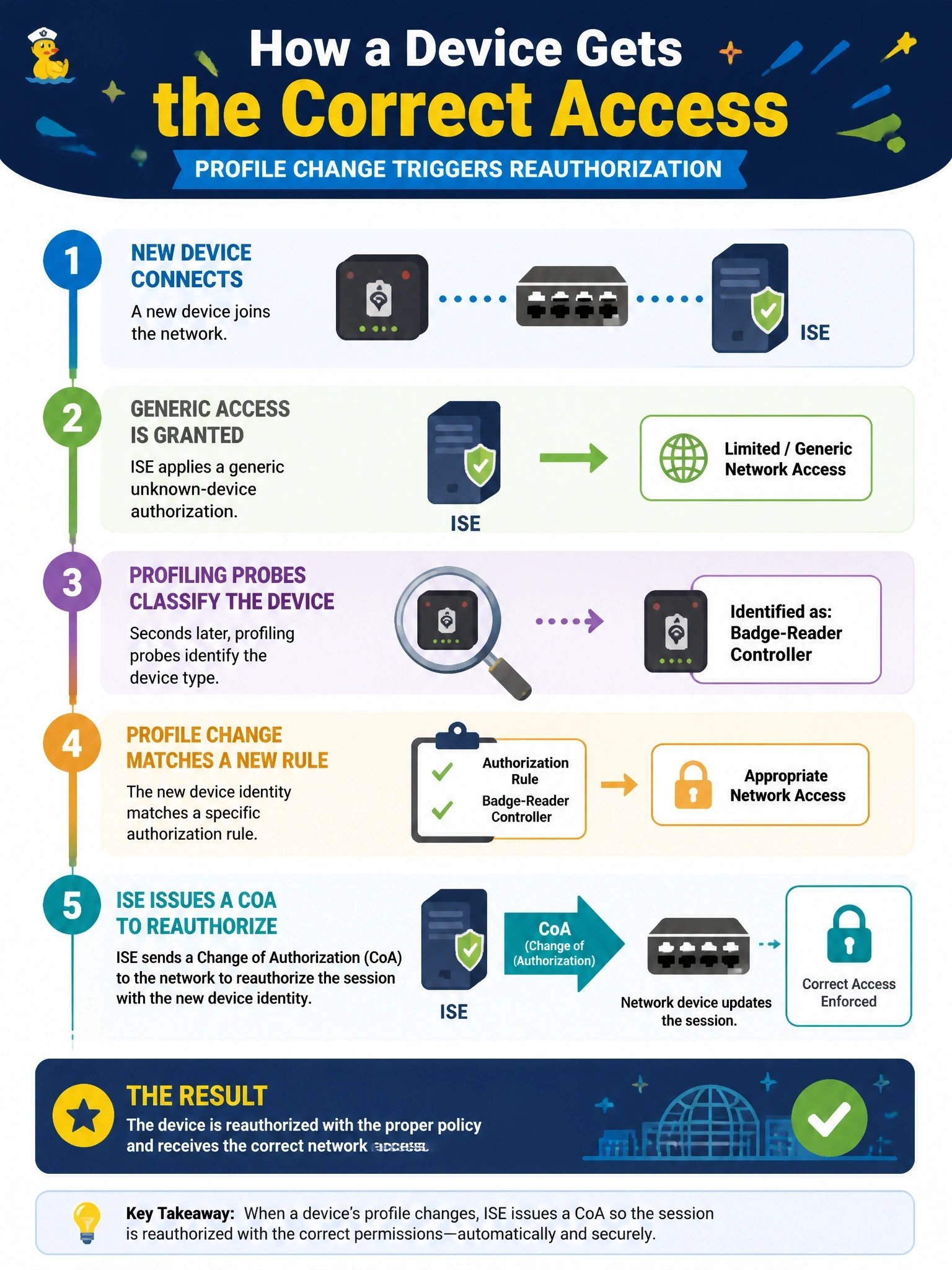
A new device first connects and Cisco ISE gives it a generic unknown-device authorization. Seconds later, profiling probes classify it as a badge-reader controller, which has its own authorization rule. How does the device receive the correct access?
Select an answer to reveal the explanation.
Short Explanation
Profiling is detective work, and the verdict often comes in after the device is already on the network. So you let ISE send a CoA, the session gets reauthorized, and the device lands in its proper rule. Waiting on a DHCP lease is the trap; that could take days.
Full Explanation
Profiling often completes after the initial authentication, because probes such as DHCP, CDP or LLDP and HTTP collect attributes over the first moments of a session. When the endpoint's profile changes to one that matches a different authorization rule, ISE can be configured to issue a Change of Authorization, typically a reauthentication, though a port bounce or other CoA type can be chosen globally or per profiling policy. The network access device reauthenticates the session, the authorization policy now matches the badge-reader rule, and the new VLAN, dACL or SGT is applied. Waiting for a DHCP lease to expire does not trigger reauthorization, and leases can run for hours or days, leaving the device with the wrong access. Switches do not run ISE profiling policies or select authorization results locally; they forward attributes and enforce what ISE returns. Having an administrator clear sessions manually works but defeats the automation profiling and CoA provide and does not scale. Exam caveat: the profiler CoA setting is configured globally in ISE and can be set to no CoA, which would leave the device on the generic rule until it reauthenticates. Operational check: confirm the live log shows a profiler-triggered CoA followed by a new authorization hitting the badge-reader rule.