
An administrator is planning a Cisco Secure Client rollout that must provide remote access VPN, ISE posture checks and endpoint flow visibility on corporate laptops. How should the deployment be approached?
Select an answer to reveal the explanation.
Short Explanation
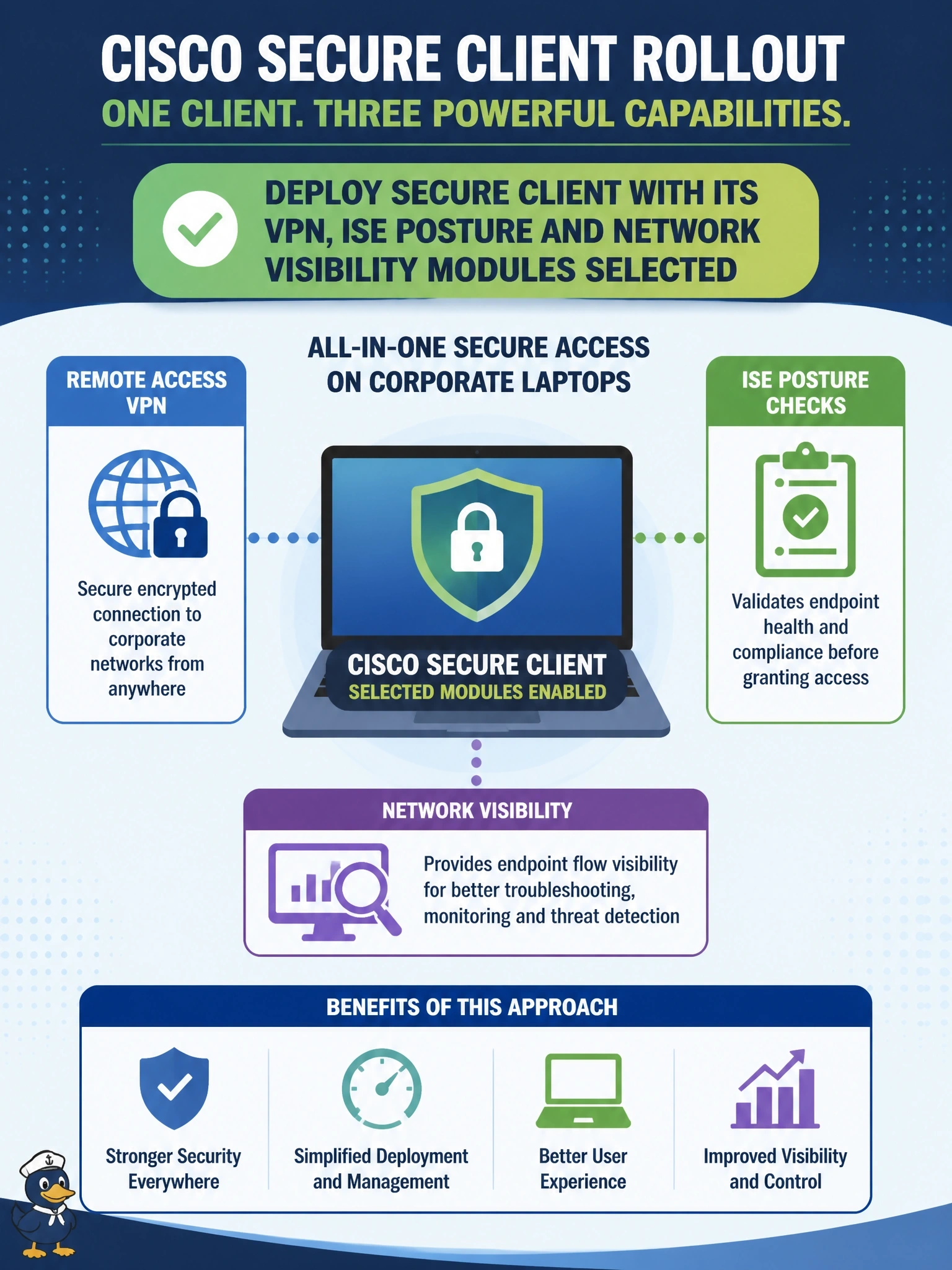
Secure Client works like a toolbox with snap-in tools: you pick the modules you need and install them together. VPN, ISE Posture and Network Visibility are each separate modules in one client. The trap is thinking it's just a VPN client, which it hasn't been for years.
Full Explanation
Cisco Secure Client is a modular endpoint client. Its VPN module provides remote access over TLS, DTLS or IPsec IKEv2, and further modules add capabilities: ISE Posture evaluates compliance for Cisco ISE, the Network Visibility Module collects flow data with endpoint context, and other modules cover functions such as roaming security with Cisco Secure Access, network access management and diagnostics. Administrators select the modules each group needs and deploy them together through predeployment packages or headend web deployment, managing their profiles centrally. That single client with three selected modules meets all three requirements. Installing three separate products ignores the modular design and multiplies agents to maintain. Selecting only the VPN module does not provide posture checks or flow telemetry; those require their own modules and profiles. Secure Client runs on endpoints; the firewall or ISE acts as the headend that can push the client and its profiles, but the modules execute on the laptop, not on the headend. Exam caveat: some modules depend on others being present, so check each module's prerequisites when building packages. Operational check: after deployment, open the client on a laptop, confirm that the VPN, ISE Posture and Network Visibility modules are listed and running, and verify that each module received its profile.