
Scanners already run in the team's CI pipeline, but their findings are only written to a report that nobody reads, and builds with critical vulnerabilities keep reaching production. The team wants the pipeline itself to stop such builds. What should it implement?
Select an answer to reveal the explanation.
Short Explanation
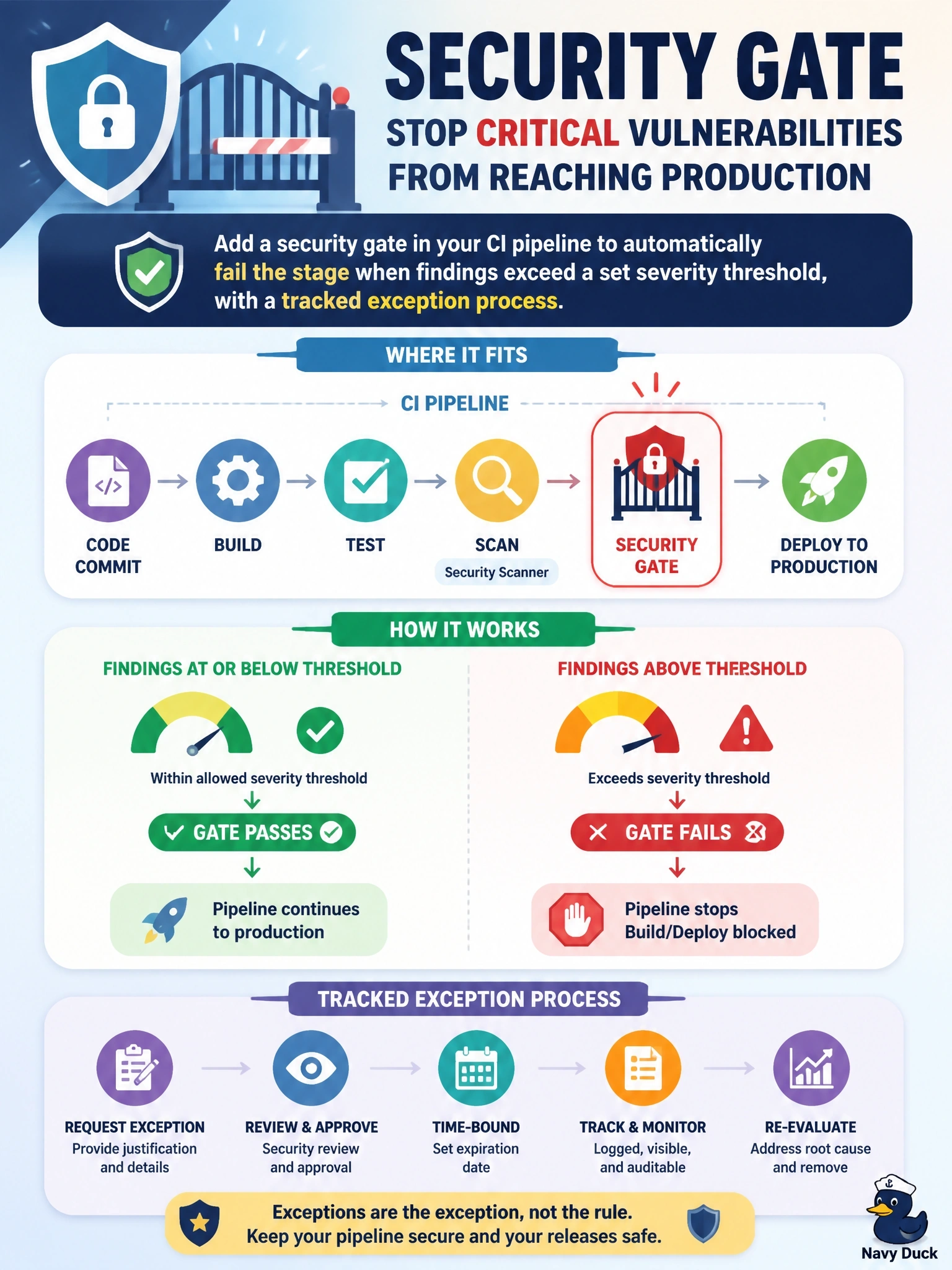
A report nobody reads is a smoke detector with the battery pulled. A security gate makes the pipeline fail when findings cross the line you set, so a critical bug can't stroll into production. The trap is anything that just tells people more — you want the build to stop, not another notification.
Full Explanation
A security gate is an automated policy check in the CI/CD pipeline that evaluates scanner results against defined criteria, such as no critical vulnerabilities or no unapproved licenses, and fails the build or blocks promotion when the criteria are not met. Because the pipeline itself enforces the decision, noncompliant builds cannot reach production regardless of whether anyone reads a report. Mature gates include a documented, time-limited exception process so that a risk owner can accept a specific finding without disabling the gate for everyone. A weekly email digest increases awareness but remains advisory; builds still flow to production while the email waits to be read. A SIEM dashboard of finding counts provides trend visibility for management but does not intervene in any individual deployment. Adding a second scanner may change detection coverage, but without enforcement its findings end up in the same unread report and could add noise. Exam caveat: gates must be tuned; a threshold that fails builds on every low-severity finding encourages teams to bypass security, so start with critical and high findings. Operational check: push a test build containing a known critical vulnerability, confirm the pipeline stage fails with a clear message, and verify that an approved exception is logged with an owner and expiry date.