
A CI pipeline printed a cloud access key into its build logs, where anyone with read access to the CI project could see it. The same key was stored as plaintext in the repository's pipeline configuration file. What is the right DevSecOps fix?
Select an answer to reveal the explanation.
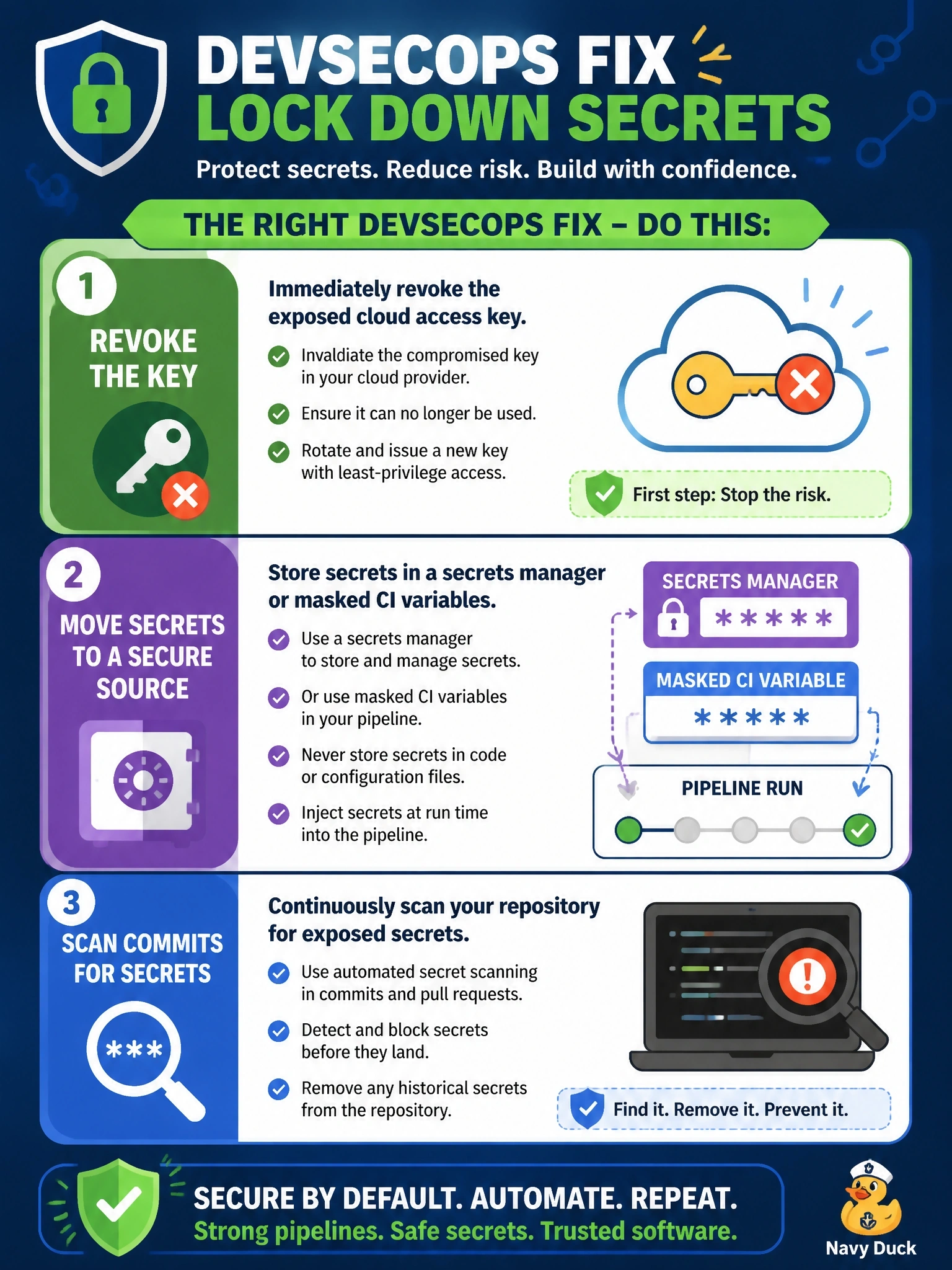
Short Explanation
A key written on a sticky note is still a key, no matter how small you write it. You revoke the leaked one, keep secrets in a secrets manager or masked variables that are injected at run time, and scan commits so it doesn't happen again. The trap is Base64 — that's encoding, not encryption, and anyone can reverse it.
Full Explanation
Secrets in CI/CD pipelines must never live in source control or appear in logs. The first step is to treat the exposed credential as compromised: revoke or rotate it and review its use. The structural fix is to store secrets in a dedicated secrets manager or in the CI platform's protected, masked variables, and have the pipeline retrieve them at run time with short-lived, least-privilege credentials where possible. Secret scanning on commits and pull requests then catches new hard-coded credentials before they merge, and masking prevents values from being echoed into build output. Making the repository private narrows the audience but still leaves a long-lived secret in every clone, fork and history snapshot, and anyone with code access can use it. Base64 encoding is a reversible representation, not encryption; decoding it is trivial and scanners and attackers routinely do so. Shortening log retention limits how long the log copy exists, but the key was already exposed, is still in the repository, and remains valid. Exam caveat: removing a secret from the latest commit does not remove it from git history, which is why revocation comes first. Operational check: confirm the old key is disabled, the pipeline runs with the new secret source, masked output hides the value in logs, and the secret scanner blocks a test commit containing a dummy key.