
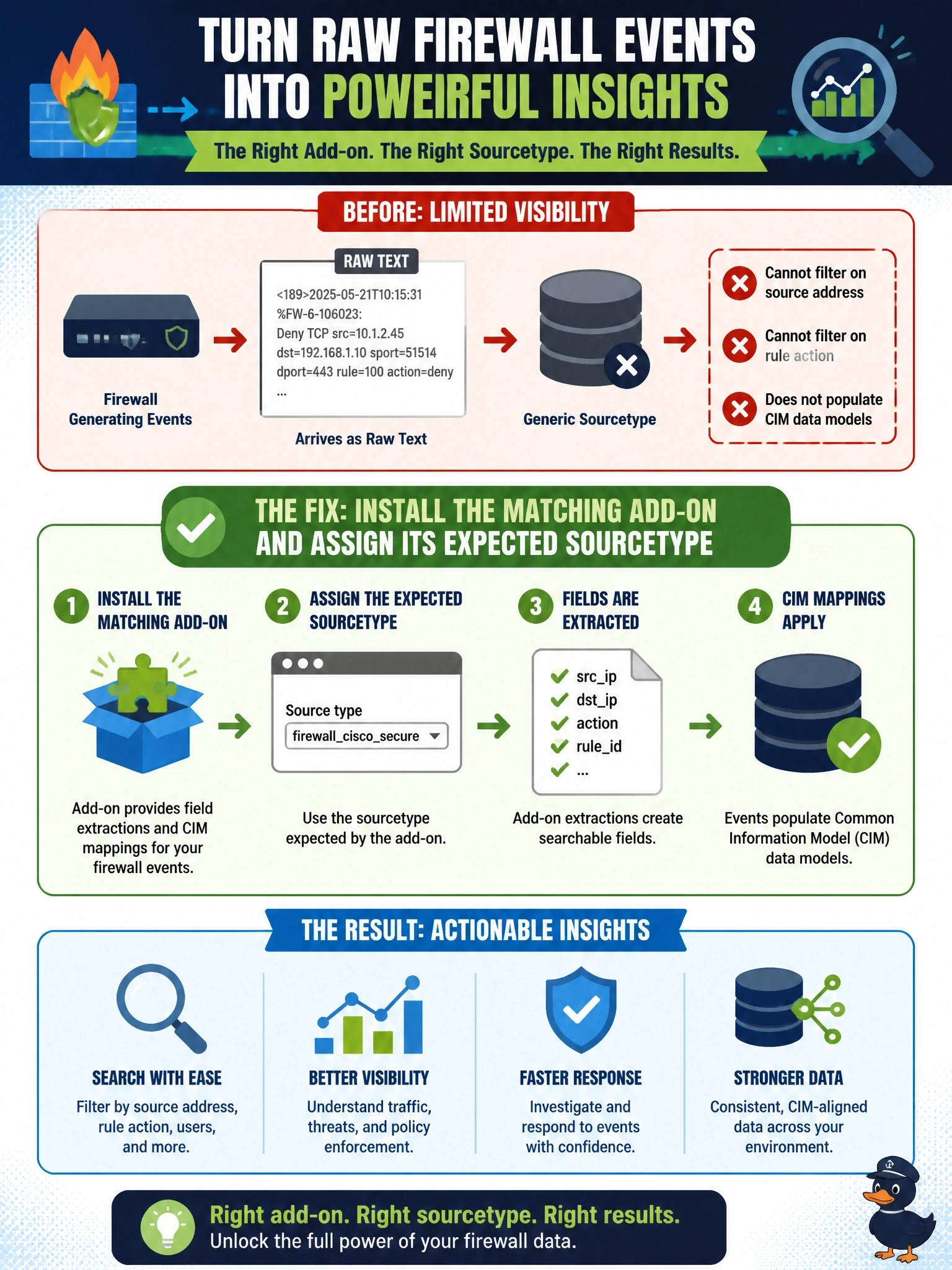
Cisco Secure Firewall events are arriving in Splunk, but they land as raw text under a generic sourcetype, so analysts cannot filter on fields such as source address or rule action and the data does not populate Common Information Model data models. What is the most likely fix?
Select an answer to reveal the explanation.
Short Explanation
Splunk's like a translator who only knows the languages you've installed. Without the right add-on and sourcetype, the firewall's events are just gibberish text with no fields. The trap is fixing transport or storage — the data's already arriving; it just isn't being understood.
Full Explanation
Splunk applies parsing, field extraction and Common Information Model mappings based on an event's sourcetype. When data arrives under a generic sourcetype, the knowledge objects that understand that vendor's format never fire, so fields such as source address, destination, action and rule name are not extracted and the events do not populate CIM data models. Installing the add-on that supports the product, such as the Cisco Security Cloud app for Cisco Secure Firewall, and making the input assign the sourcetype that add-on expects activates the extractions, tags and event types that analysts and dashboards depend on. Increasing the index's size limits affects retention and storage, not how events are parsed, and nothing suggests events are being truncated. Switching syslog from UDP to TCP can improve delivery reliability, but the problem is not missing events; the events that do arrive are unparsed. Creating a dedicated index and granting role access controls where data lives and who can see it, but data in a new index under the same generic sourcetype is still unparsed. Exam caveat: when ingestion works but fields are missing, suspect sourcetype and add-on configuration before transport. Operational check: search a sample event, confirm its sourcetype matches the add-on's documentation, and verify the expected fields and CIM tags appear in search results.