
Employees without Cisco Secure Client installed must be able to browse to the Cisco Secure Firewall (FTD) remote access VPN address, log in, and receive the client automatically on their first connection. What must the administrator provide?
Select an answer to reveal the explanation.
Short Explanation
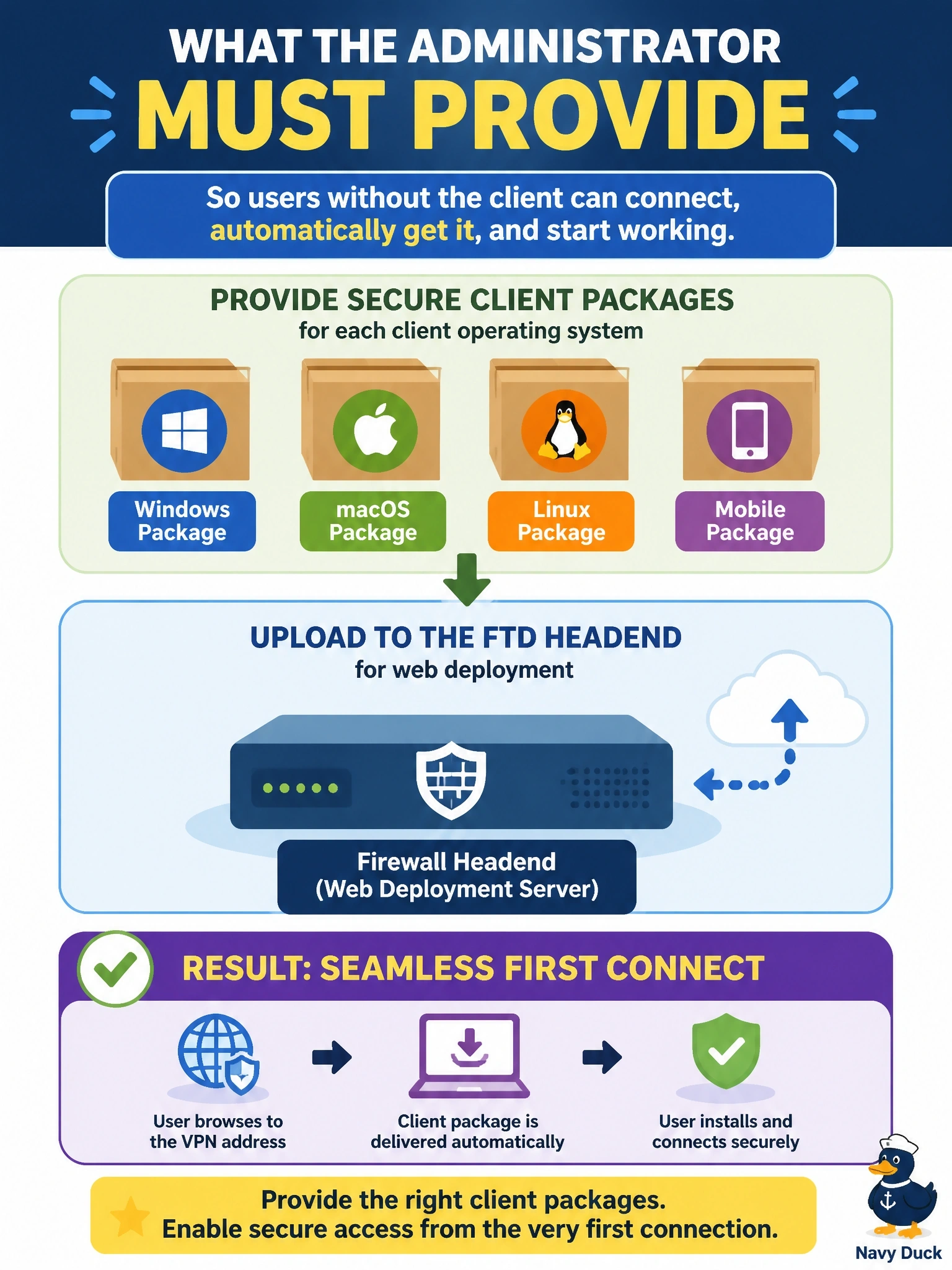
Think of the FTD as a vending machine: if you haven't stocked it with the right Secure Client packages, there's nothing for users to grab on that first visit. You upload one package per operating system, and the headend hands out the match after login. Don't be fooled by clientless options; FTD only uses the browser to deliver the client.
Full Explanation
Web deployment of Secure Client relies on the headend holding the client installation packages. The administrator uploads a package for each operating system users run, such as Windows and macOS, and references them in the remote access VPN policy. A user then browses to the FTD over HTTPS, authenticates, and the gateway detects the operating system and downloads the matching client, which installs and establishes the tunnel. FTD does not offer clientless VPN for resource access; the browser session exists only to authenticate and deliver the client, so a design that relies on running the tunnel inside a portal cannot work. A client profile is an XML file that defines settings such as server lists and connection behavior; it is pushed alongside the client but contains no executable code and cannot install anything. Split tunneling decides which destinations an already-connected client sends through the tunnel, so it has no role before the client exists. Exam caveat: users usually need local administrative rights to install the client, which is why many organizations predeploy it with software distribution tools instead. Operational check: upload the packages, deploy, browse to the outside interface from a test machine without the client, log in, and confirm the correct package downloads, installs and connects with the expected group policy.