
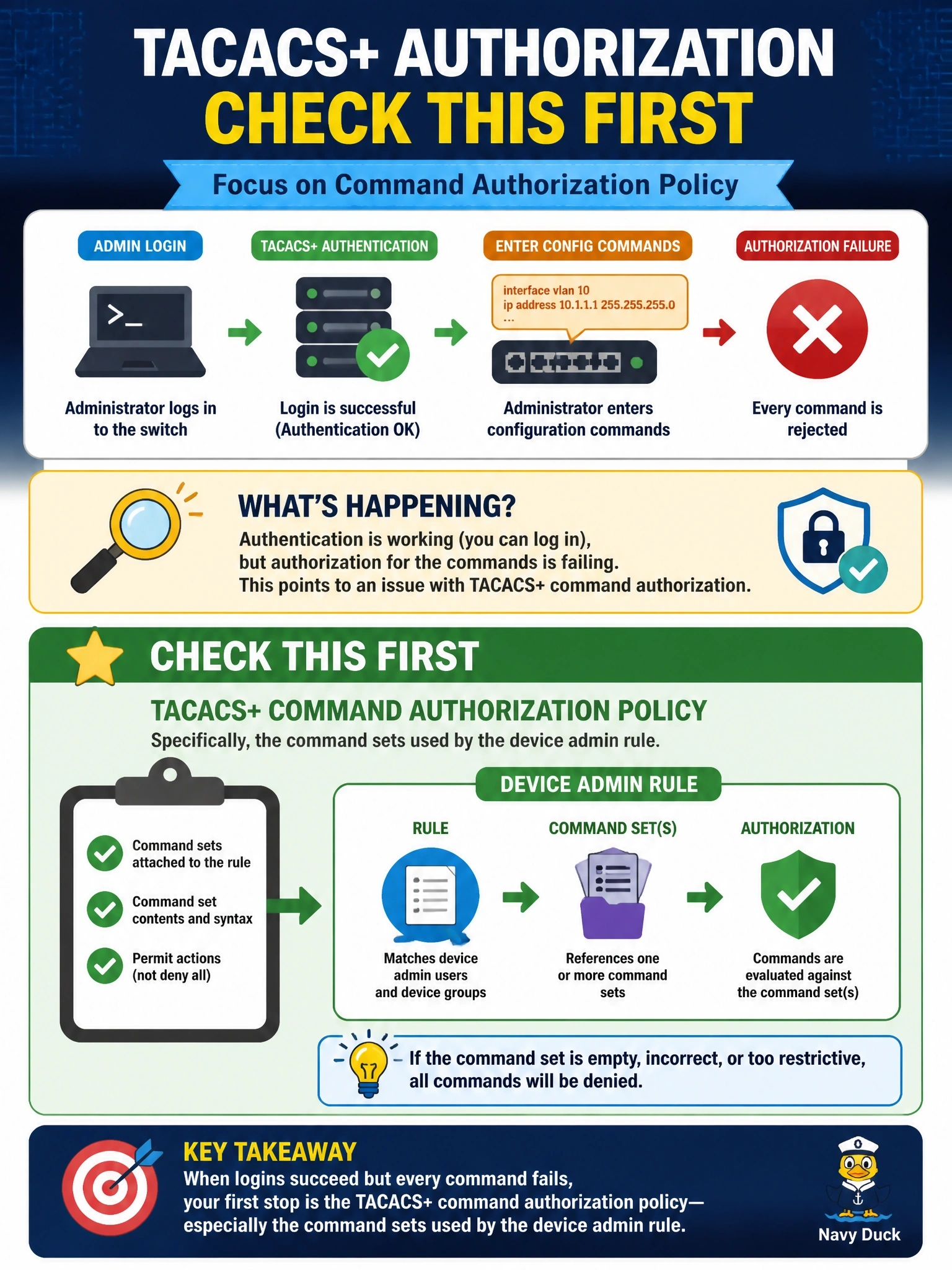
After a policy change on Cisco ISE, network administrators still log in to switches over TACACS+ successfully, but every configuration command they enter is rejected with an authorization failure. What should the engineer check first?
Select an answer to reveal the explanation.
Short Explanation
TACACS+ checks your ID at the door and then checks again at every desk you walk up to. Your admins get through the door fine, so the problem is the desk check, which is command authorization. The trap is chasing passwords when the login already works.
Full Explanation
TACACS+ handles authentication, authorization and accounting as separate exchanges. When a device is configured for command authorization, each command an administrator enters is sent to the TACACS+ server, which permits or denies it. In Cisco ISE device administration, the authorization rule in the device admin policy set returns a shell profile and command sets that define which commands are allowed. If logins succeed but every command is rejected after a policy change, authentication is working, and the fault lies in authorization: a rule now matching the wrong condition, a command set that denies everything, or a missing permit. Checking passwords is misdirected, because successful logins prove authentication is working. RADIUS does not provide per-command authorization for device administration; TACACS+ does, so the RADIUS shared secret is irrelevant to this symptom. The 802.1X configuration on access ports governs network access for endpoints, not administrator privileges on the switch command line. Exam caveat: if the TACACS+ server becomes unreachable, a local fallback method in the authorization method list determines whether commands are allowed; that produces a different symptom from an explicit deny. Operational check: review the TACACS+ live logs on ISE for a failed command, identify the matched authorization rule and command set, correct it, and retest with a configuration command.