
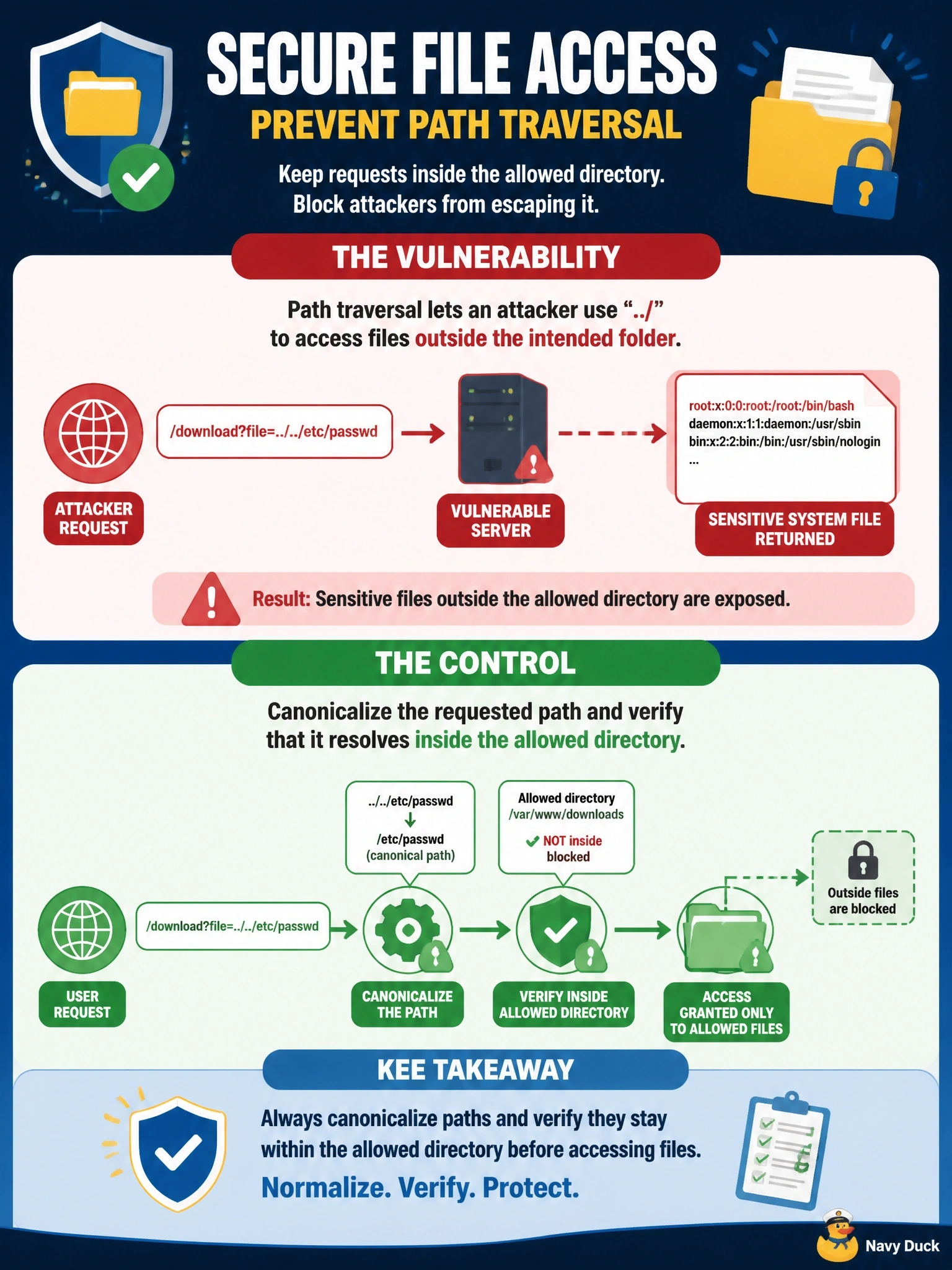
A download request whose file parameter climbs two parent directories and names the system password file returns the contents of the server's account file instead of a product brochure. Which vulnerability is present, and which control addresses it?
Select an answer to reveal the explanation.
Short Explanation
Those dot-dot-slash sequences are like someone stepping backward out of the brochure room and wandering into the records office. That's path traversal — the app trusts the filename you hand it. You fix it by resolving the full path first and refusing anything that lands outside the allowed folder.
Full Explanation
Path traversal, also called directory traversal, exploits an application that builds a file system path from user input without constraining it. Each dot-dot-slash sequence moves up one directory, so a parameter intended to name a brochure can reach system files such as the Linux password file. The effective control is to canonicalize the requested path, resolving relative segments, symbolic links, and encoded forms such as %2e%2e, and then confirm the result still sits under the permitted base directory; better still, map an allowlisted identifier to a file the application chooses. Running the service with least privilege limits what a traversal can read but does not fix it. Server-side request forgery tricks the server into making network requests to internal or external URLs; this request reads a local file and makes no outbound connection. SQL injection alters database queries, and prepared statements do nothing for file paths. Cross-site request forgery causes a victim's browser to send an authenticated request; an anti-CSRF token protects state-changing actions, while this attacker sends the request directly. Exam caveat: filtering the literal dot-dot-slash string alone is easily bypassed through encoding. Operational check: test encoded traversal payloads after the fix and confirm the application rejects any resolved path outside the brochure directory.