
A state university enabled CFS distribution for device alias, edited an alias, and the peer MDS still shows the old database. The change is sitting in the pending copy and was never committed. What is the missing step?
Select an answer to reveal the explanation.
Short Explanation
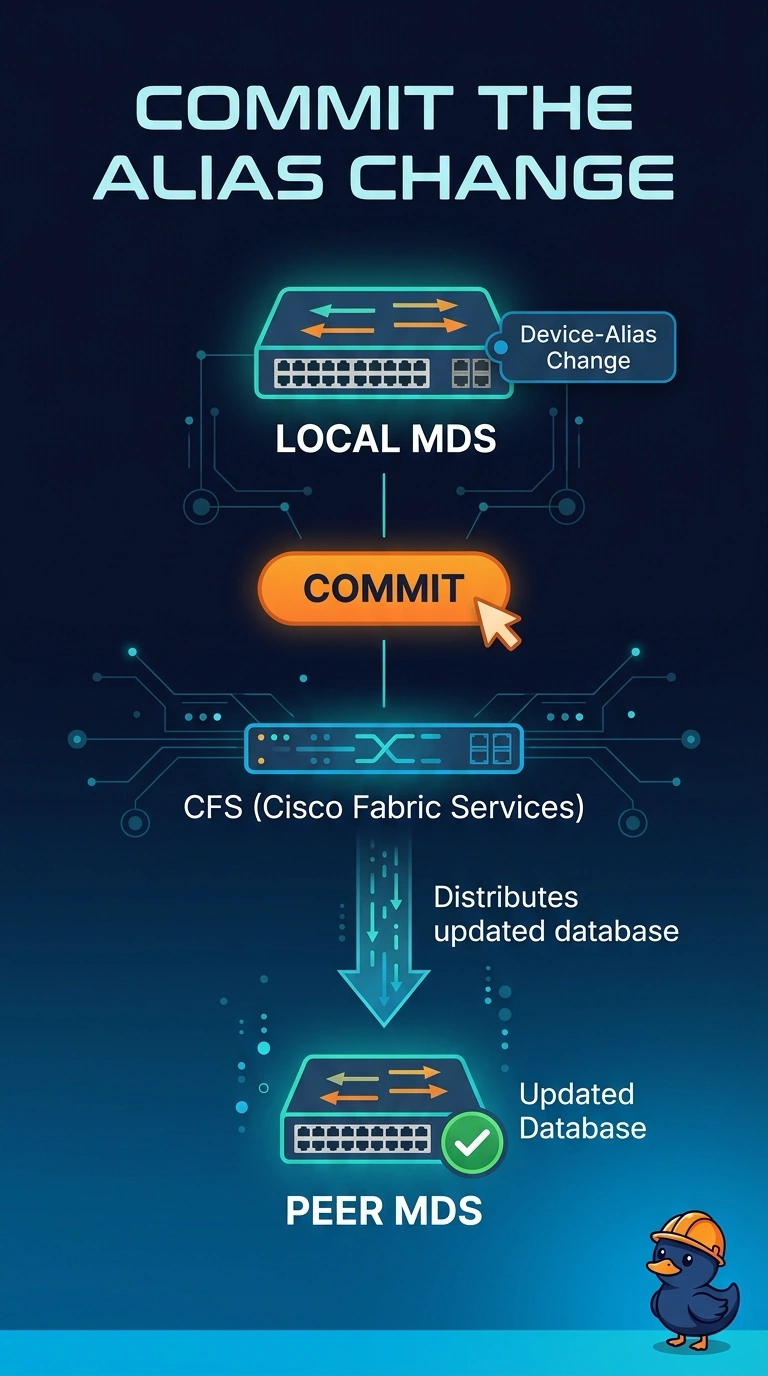
CFS is the courier, and a commit is you handing the courier the package. You enabled distribution, but the alias edit is still in the pending copy, so the peer keeps the old database until you commit. Activating a zoneset does not commit that database.
Full Explanation
Device aliases are a fabric-wide database, and Cisco Fabric Services carries that database between MDS switches when distribution is enabled. Edits go into a pending copy on the switch where they were typed. Until that copy is committed, peers keep the last committed database, which is why the university peer still shows the old alias even though distribution is on. The missing step is the commit. Zoneset activation programs zoning enforcement. It does not commit the device-alias database, even when a zone member references an alias name. The principal switch coordinates domain IDs. Device-alias distribution is not limited to the principal, and electing a new one does not flush a pending alias database. An fcalias is stored with the zoning configuration and is local to one VSAN. Converting the name does not distribute it to every VSAN, and it does not replace the CFS commit the pending device alias is waiting on. Caveat: a commit distributes only to switches that are participating in that CFS application, so a peer with distribution still disabled will stay stale. Operational check: commit the device-alias database, then confirm the peer shows the new alias and that the application is no longer pending.