
A retailer has a file that is the complete desired running configuration of a Nexus switch. Pasting the file into configuration mode left extra VLANs in place. Which operation makes the running configuration match the file, including those removals?
Select an answer to reveal the explanation.
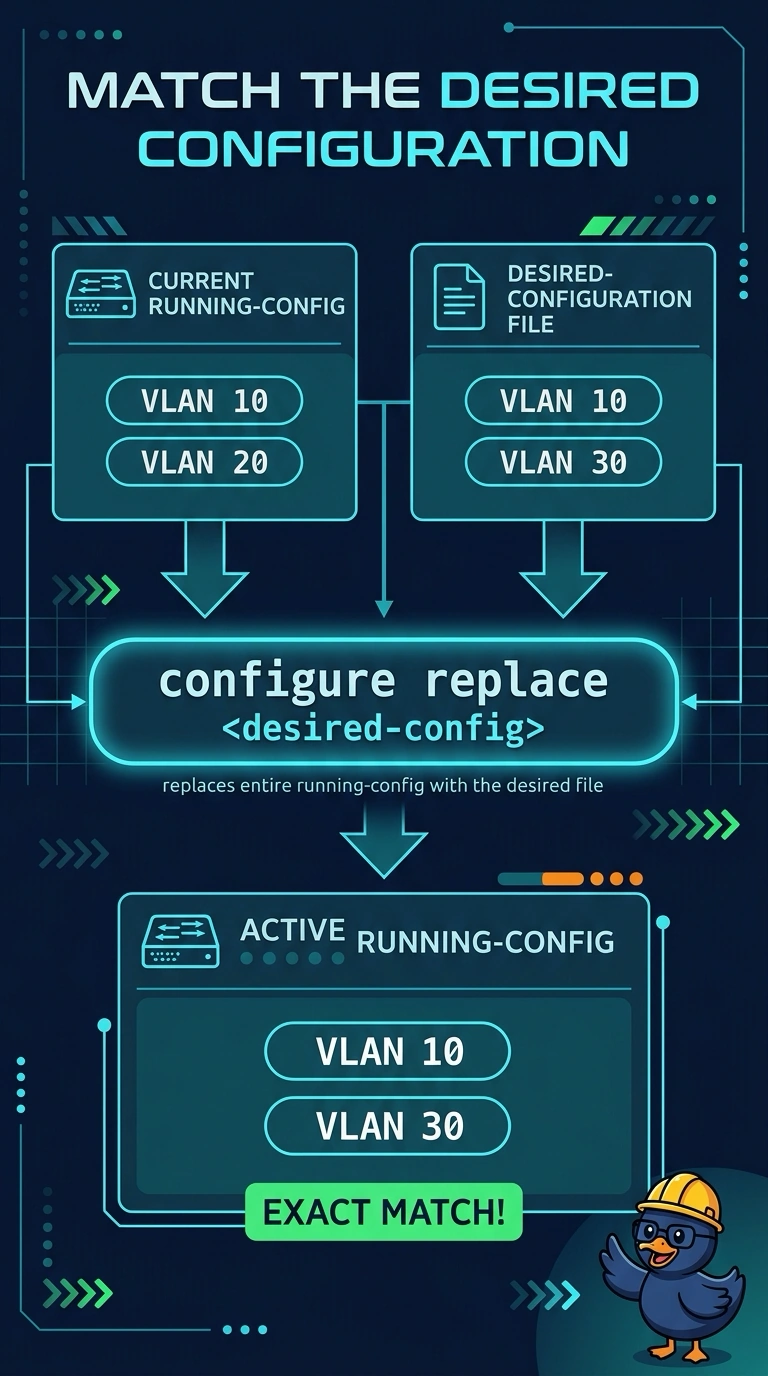
Short Explanation
Pasting notes onto a whiteboard does not erase the old lines you forgot to mention. A paste merges. configure replace compares the running configuration with your file and applies the difference, so VLANs that are not in the file are removed.
Full Explanation
NX-OS configuration replace takes a complete candidate file and drives the running configuration to that file. Commands that would delete the extras are part of that operation, which is what the retailer needs after the merge left old VLANs behind. Rolling back to a checkpoint taken after the paste returns the switch to the already-merged configuration, extras included. That checkpoint is a picture of the failed merge, so restoring it cannot delete the VLANs the desired file would have removed. NetFlow exports traffic statistics. It does not edit the VLAN database. Copying running configuration to startup configuration saves whatever is running now, including the extra VLANs, and makes the problem survive a reload. Caveat: the file has to be the configuration you actually want, because replace will remove anything it does not contain, including a VLAN you meant to keep and simply left out. Operational check: compare the VLAN list with the file after the replace, and confirm a VLAN that was only in the old running configuration is gone.