
A media company changed uplink port roles inside a UCS X server profile in Intersight Managed Mode, and the fabric interconnect uplinks did not change. Which profile owns those domain-wide port roles?
Select an answer to reveal the explanation.
Short Explanation
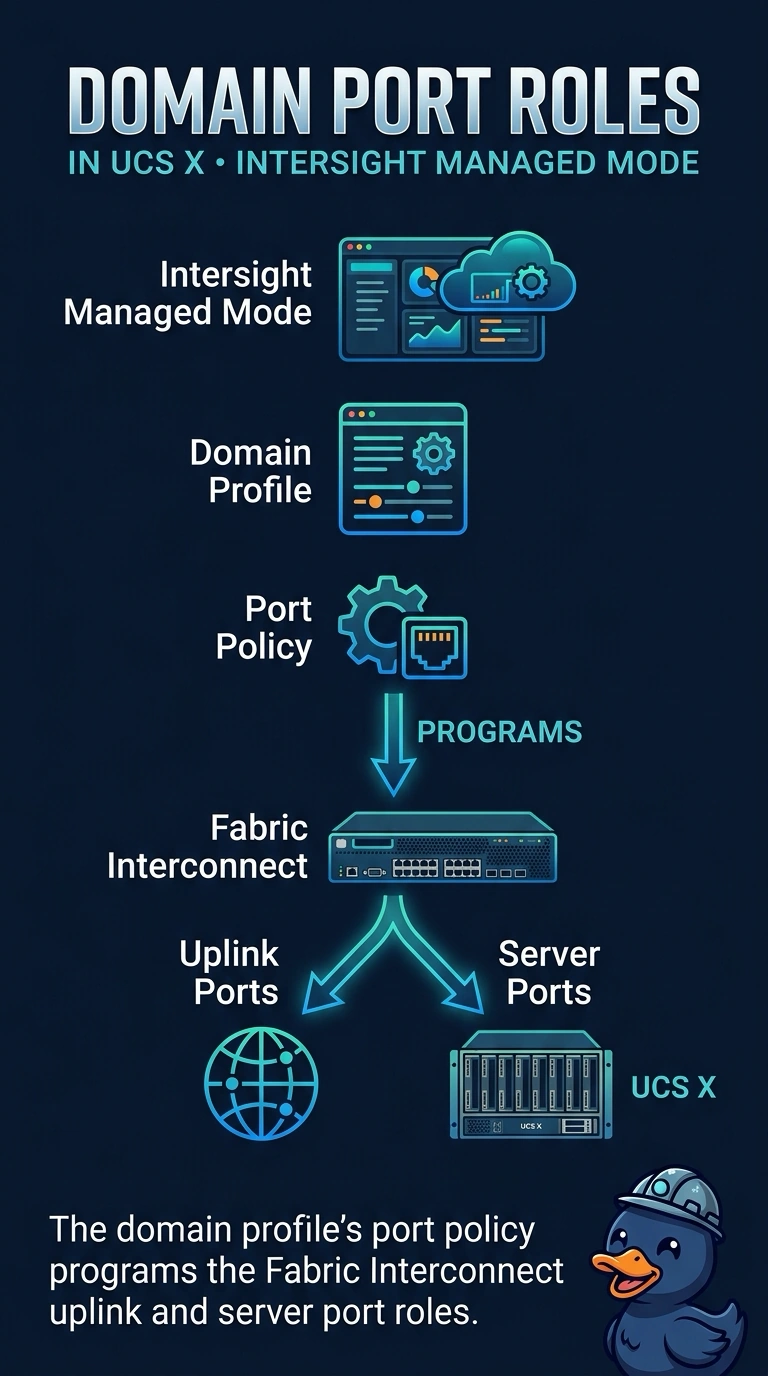
You edited one employee's badge and expected the building's front doors to move. You change uplink roles in the domain profile, because that profile carries the port policy for the fabric interconnects. A server profile belongs to a compute node, and it does not redraw those domain ports.
Full Explanation
Intersight Managed Mode splits domain configuration from server configuration. The domain profile attaches policies for the fabric interconnects, including the port policy that marks ports as uplinks or server ports. The media company edited a server profile, which carries identity, boot, and virtual interface settings for a compute node, so the interconnect uplinks stayed as they were. The server profile is not the object that assigns those roles. Ethernet end-host mode is a forwarding mode of a fabric interconnect toward the LAN. It does not store port roles, and it is not the cloud management plane for an X-series chassis. Standalone CIMC manages a rack server that is not in this domain. An X-series compute node does not push fabric-interconnect uplink roles from a CIMC session. Caveat: after the domain profile is corrected, it still has to be deployed to the interconnects, or the edited policy sits unused. Operational check: put the uplink roles in the port policy on the domain profile, deploy that profile, and confirm the interconnect shows the new port roles while the server profile is left unchanged.