
A media company's blades cannot use VLAN 240. The VLAN exists on the fabric interconnects and is allowed on the uplink port-channel. The updating vNIC template on the service profiles does not list VLAN 240. Where should the engineer add it?
Select an answer to reveal the explanation.
Short Explanation
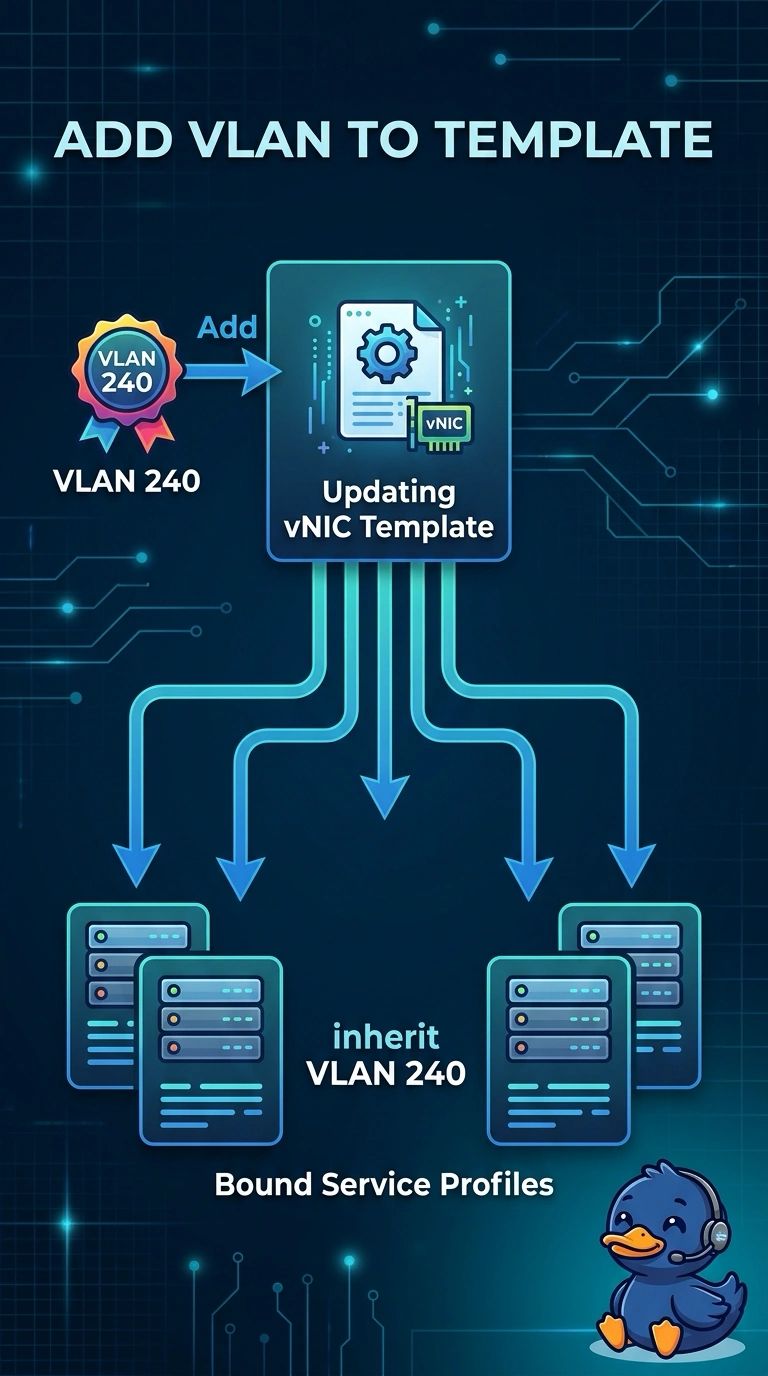
The uplink is already willing to carry VLAN 240. The blade never heard about it because the vNIC template is the list the service profile actually uses, so you add the VLAN there and let the updating template push it. A WWN pool does not hand out Ethernet VLANs.
Full Explanation
A blade's Ethernet VLANs come from the vNIC, usually through a vNIC template referenced by the service profile. An updating template propagates a newly added VLAN to profiles that are bound to it, which is how these media servers should learn VLAN 240. The uplink port-channel can be correct and the fabric interconnect can already know the VLAN, and the host still will not see it until the vNIC allows it. The upstream Nexus allowed list matters for traffic leaving the domain. It does not push VLAN membership down onto a UCS vNIC, and UCS does not learn access VLANs from STP advertisements. A WWNN pool allocates Fibre Channel node identities. Adding VLAN 240 there does nothing to an Ethernet vNIC. The chassis discovery policy controls how newly attached chassis are brought into the domain. It is not the ongoing VLAN list for server vNICs. Caveat: if any of these profiles were bound to an initial template instead, editing the template would not update them, and the VLAN would have to be set on each vNIC. Operational check: add VLAN 240 on the updating vNIC template, confirm the service profile vNIC now lists it, and retest from the host.