
A retail bank deployed standalone UCS C-series rack servers and did not install fabric interconnects. An administrator needs out-of-band virtual KVM and BIOS settings for one of those servers. Which management target is the correct place to open?
Select an answer to reveal the explanation.
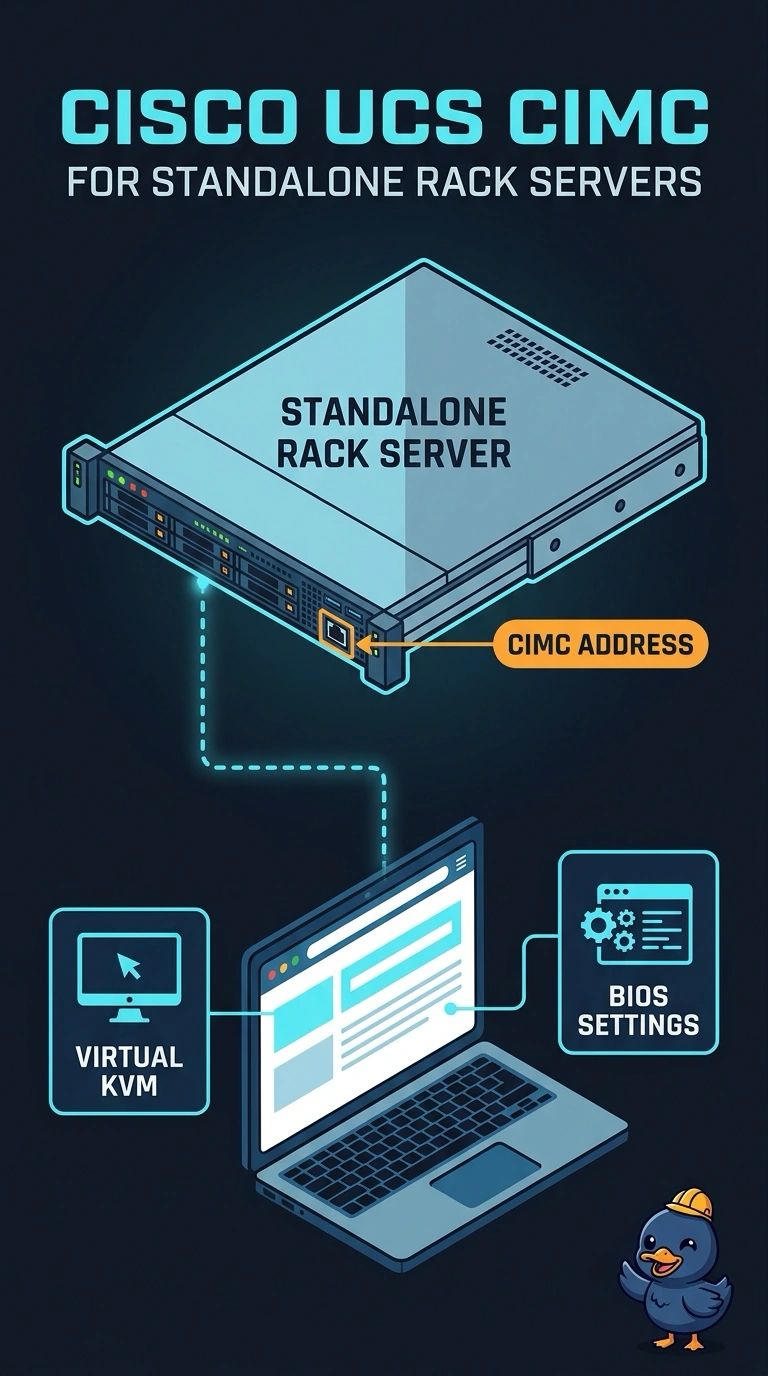
Short Explanation
A standalone rack server is its own building, and CIMC is the superintendent’s office in the basement. You don’t get a UCS Manager screen until fabric interconnects are actually managing the server. Open the CIMC address on this box for KVM and BIOS.
Full Explanation
A C-series server that is not integrated with fabric interconnects keeps its own Cisco Integrated Management Controller. CIMC serves the out-of-band web session, virtual KVM, virtual media, and the BIOS and boot settings for that one rack server. It is the right target here because no fabric interconnect domain exists. UCS Manager is the clustered application on a fabric interconnect pair; without those interconnects, there is no UCS Manager virtual IP to log into, and service profiles are not in play. The IOM console belongs inside a blade chassis, so it is not part of a standalone rack server’s management path. The management port on an upstream MDS Fibre Channel switch is for configuring Fibre Channel switching. It may provide access to a LUN after the server boots, but it does not host the server’s KVM or BIOS screens. Caveat: if the rack server is later integrated with fabric interconnects, its management path changes. Operational check: confirm the dedicated management cable is connected and the address answers as CIMC, then launch KVM from that session rather than from a UCS Manager domain that was never built.