
A logistics company has an EEM applet that should save the routing table only when a specific BGP neighbor-down syslog appears, but the applet also runs for unrelated syslog lines. Which part of the applet is matching too much?
Select an answer to reveal the explanation.
Short Explanation
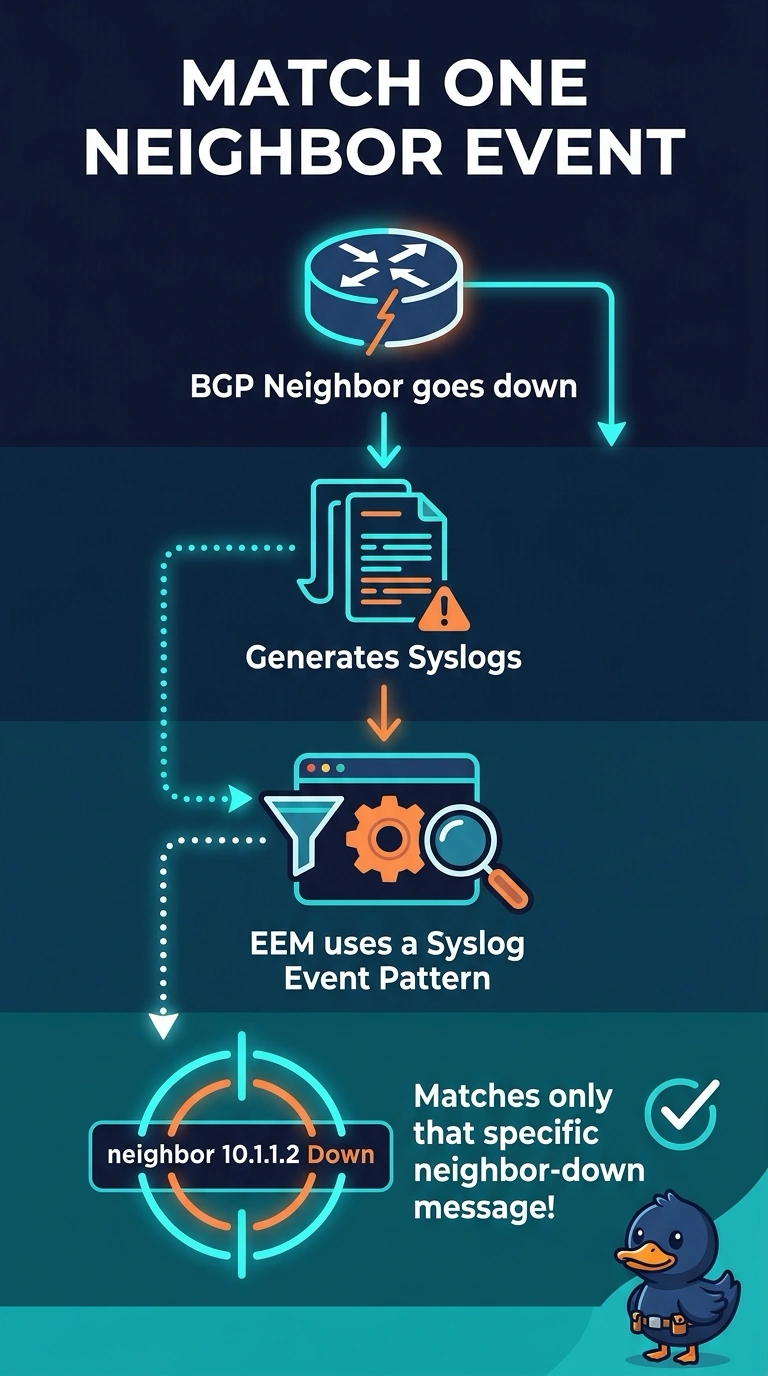
An event pattern is a tripwire, and a tripwire across the whole hallway fires all day. You want the syslog pattern to name only the BGP neighbor-down message, or the applet treats unrelated lines as a match. A clock and a packet copy do not choose which log text matters.
Full Explanation
Embedded Event Manager runs an applet when its configured event occurs. A syslog event detector compares each generated message with the pattern in the applet. If that pattern is broad, unrelated lines satisfy it and the action runs even though the BGP neighbor did not drop, which is the logistics symptom. Narrowing the pattern to the neighbor-down message makes the same applet wait for the event that was requested. An event timer fires because a period elapsed. It does not inspect syslog text, so it cannot be the reason unrelated log lines are matching. The scheduler is a separate time-driven facility. An EEM applet does not inherit a timetable that filters log text, and a clock would not explain a run that tracks specific messages. A SPAN session copies frames to an analyzer. It does not supply the syslog pattern and it does not decide which log line triggers an applet. Caveat: a pattern that includes the neighbor address still fails if the real message text uses a different neighbor format, so test against a captured line. Operational check: generate an unrelated syslog and confirm the applet stays idle, then drop a test BGP session and confirm the routing-table output is saved once.