
A store's access points are managed only from the cloud dashboard. An engineer prepares a list of Catalyst 9800 commands to create the store WLAN. Why will those commands not create it?
Select an answer to reveal the explanation.
Short Explanation
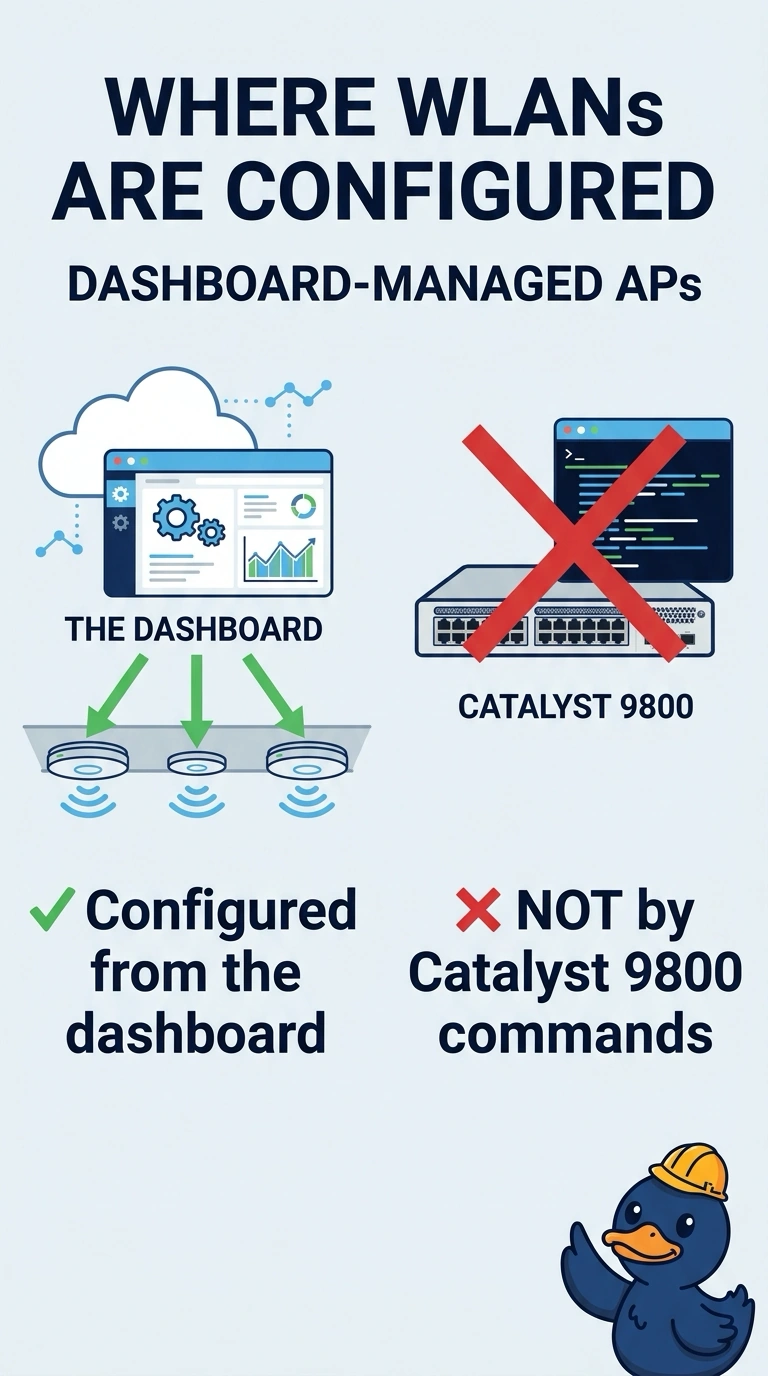
Those access points do not have a 9800 to paste into. You configure this store from the dashboard. The command list is for a different kind of controller, and these radios are not waiting to join one.
Full Explanation
Dashboard-managed access points take their WLAN, radio, and addressing settings from the dashboard. They do not join a Catalyst 9800, so a list of 9800 commands has no controller to land on and will not create the store WLAN. Those commands are not the required path for this network. They also do not start working later, because these access points are not going to join a 9800. A site tag that runs 9800 commands is a controller object. The dashboard does not execute that command list when a WLAN is saved. Dashboard-managed access points are not configured by pasting Catalyst 9800 commands. The dashboard is the management plane for that network. Check one live client after the change and do not retune the rest of the floor until that client matches the result you expected. Exam caveat: a network that really is a 9800 is configured on the 9800 or from Catalyst Center. Do not mix the two management planes in one store and expect both to own the same access points. Operational check: create the WLAN in the dashboard and confirm a store access point advertises it without any 9800 in the path.