
An engineer builds an RF profile that keeps access points off a noisy channel, then finds every access point still using that channel. The access points are on the default RF tag, which does not include the new profile. What is missing?
Select an answer to reveal the explanation.
Short Explanation
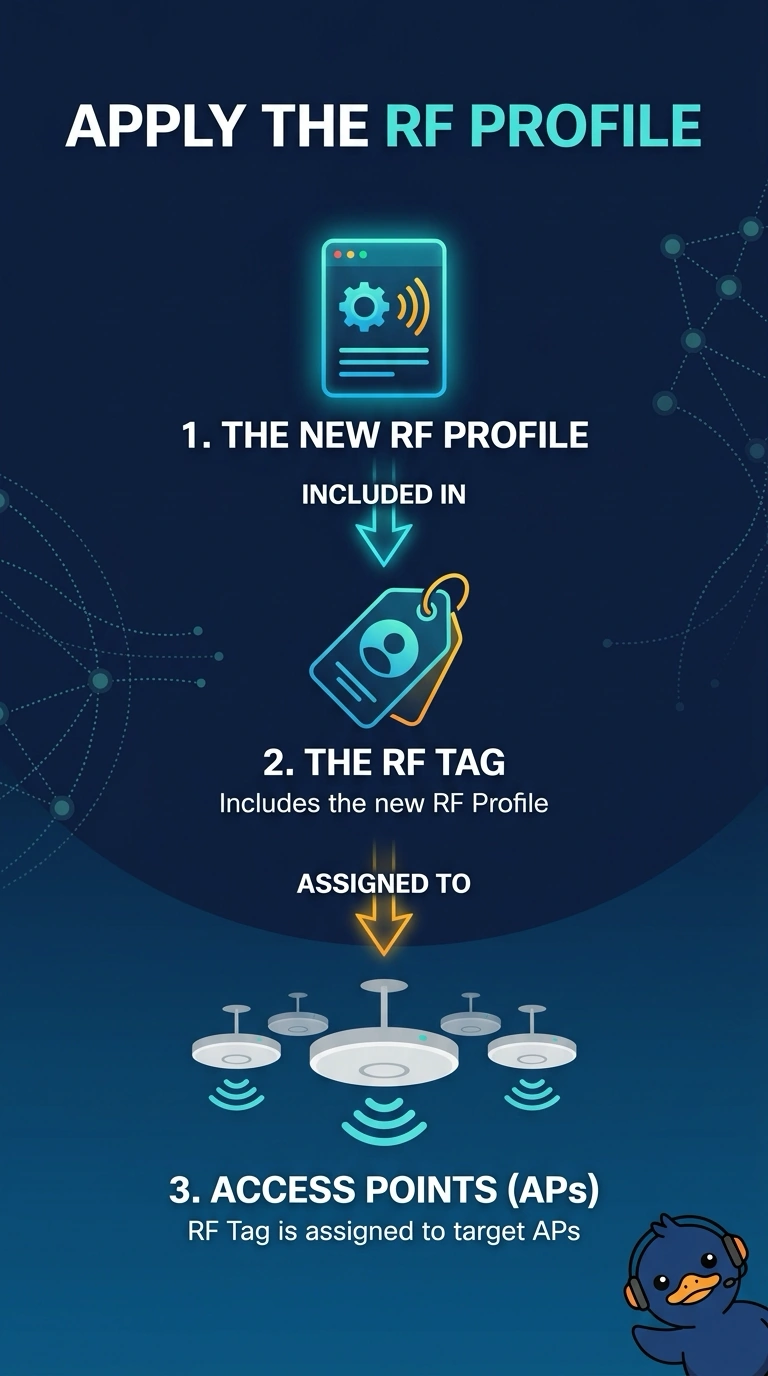
The profile is a recipe, and the RF tag is how you hand it to the access points. Yours are still holding the default tag, so they never saw the new channel list. A guest tunnel will not deliver it.
Full Explanation
On a Catalyst 9800 the RF tag is what binds 2.4, 5, and 6 GHz profiles to an access point. A profile that is not in the tag assigned to the access point is not in effect, so the radios stay on the default channel plan and can still use the noisy channel. The missing piece is an RF tag that contains the new profile, assigned to those access points. A guest anchor tunnels guest traffic. It does not apply an RF profile when a VLAN comes up. A hidden SSID does not select channels. Client exclusion rejects a client MAC. It does not edit the default RF tag or remove a channel. Profiles do nothing until a tag that contains them is assigned. The default RF tag still owns these access points. Exam caveat: a tag change can cause the access point to rejoin before the new profile is live. Confirm the tag on the access point after it comes back, not only on the profile object. Operational check: check the RF tag on one access point, confirm it names the new profile, and confirm the noisy channel is no longer assigned.