
A government site wants one access point to spend its time scanning for rogue access points and wireless attacks, and that access point must not serve clients. A packet analyzer is not part of the request. Which mode fits?
Select an answer to reveal the explanation.
Short Explanation
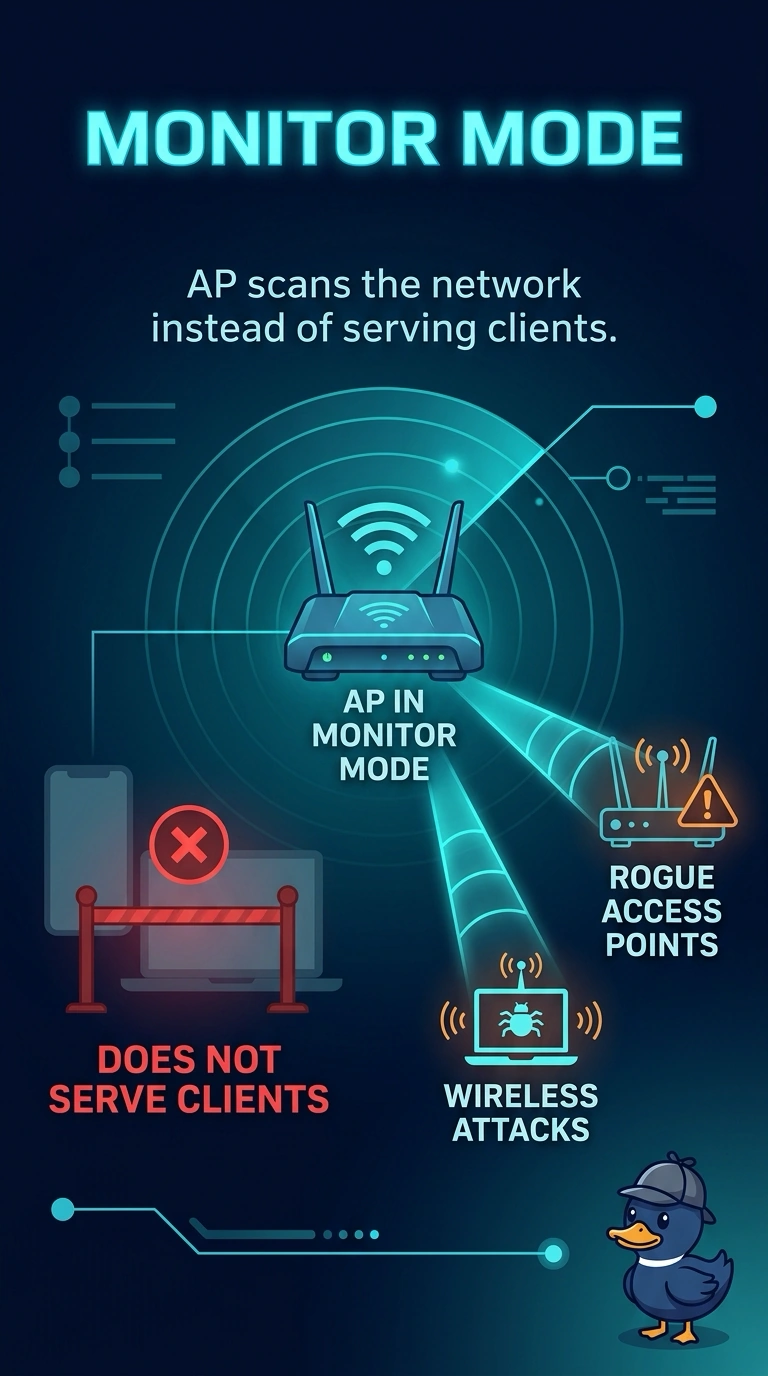
You asked for a lookout, not a cashier. Monitor mode puts the access point on scanning duty and takes it out of client service. Local mode will keep selling SSID service while it only glances at the other channels.
Full Explanation
Monitor mode dedicates an access point to scanning rather than serving clients. That matches a government request for rogue and attack scanning with no client service and no analyzer in the design. The access point can contribute to rogue detection and intrusion scanning without advertising the production WLANs. Local mode is a client-serving mode. A local-mode access point can scan off-channel briefly, and it still serves clients on its channel, so it is not the dedicated, non-serving scanner they asked for. FlexConnect local switching decides where client data is bridged. It is not a scanning mode, and an access point in that mode is there to serve a branch. Bridge mode is mesh backhaul. It does not exist to scan for rogues, and the backhaul radio is busy carrying mesh traffic rather than acting as a full-time sensor. Exam caveat: an access point in monitor mode is no longer part of capacity. Do not convert a busy classroom access point and expect the same client coverage. Operational check: set the mode, confirm the access point rejoins as a monitor and serves no WLAN, and confirm rogue detections still arrive at the controller.