
A laptop is associated, authenticated, and holding a valid address. It can ping the gateway and other local servers. One application server does not respond. What is the next place to look?
Select an answer to reveal the explanation.
Short Explanation
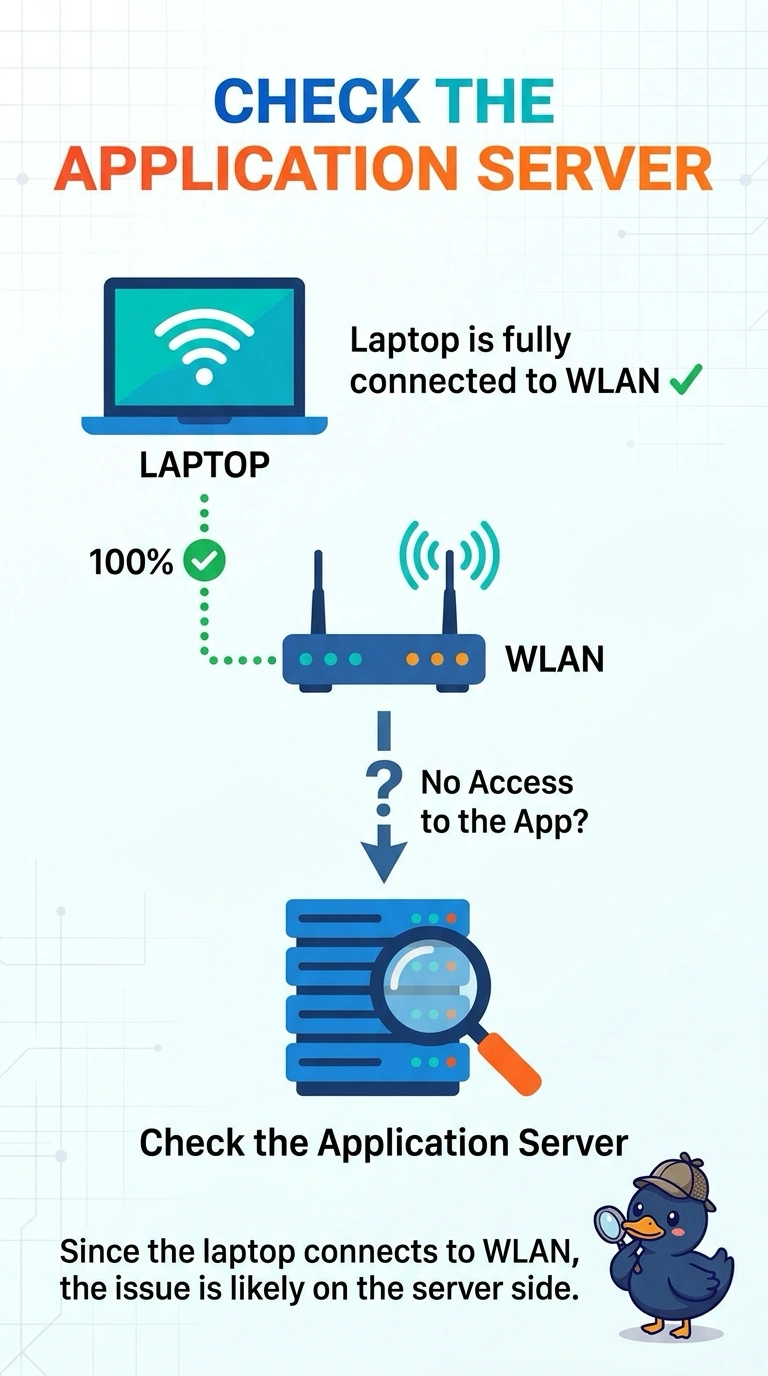
You’re already on the WLAN: you have an address and can reach the gateway and other local servers. Look at the application server or its unique path, since the other server works. The handshake is finished.
Full Explanation
Association, authentication, a valid address, and a working gateway show that the WLAN path is up. Since this laptop can also reach other local servers, the failure is specific to the application server or the path unique to it. The pre-shared key was accepted, so it is not the issue; a noisy channel would likely prevent the successful gateway ping, and certificate dates were checked during authentication, which already succeeded. The next place to look is the application server. As an exam caveat, the server’s DNS name could be wrong even while other names work, so test the server by address before deciding it is down. Operationally, ping the application server by address from this laptop and from a wired host, then fix the first point where the address fails. After a change, check one live client and confirm the symptom on its next attempt before changing anything else; leave the rest of the floor alone until that client matches the expected result.