
Access points predownloaded a new image, and nobody activated it. After the controller is upgraded they reboot and come back on the old image. What step was skipped?
Select an answer to reveal the explanation.
Short Explanation
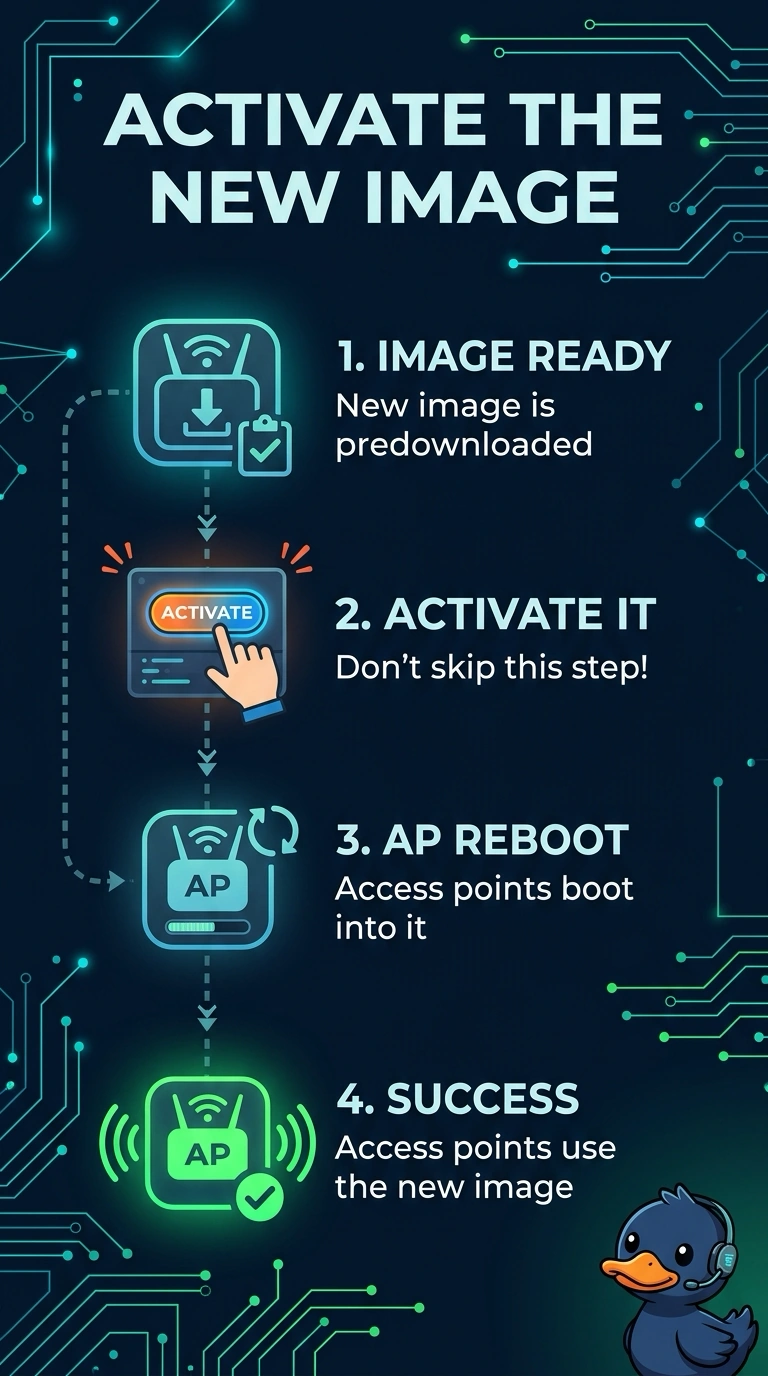
The new image is sitting on the access points and they were never told to use it. You upgraded the controller and they booted the old picture. Activate the image you already staged, and a beacon timer will not pick it for you.
Full Explanation
Predownload only stages the image. The access points keep running, and keep booting, the old image until that staged image is activated. Nobody activated it, so after the controller upgrade they come back on the old image. Deleting the country code disables radios. It does not activate an image. Client exclusion affects a client MAC, not the image an access point boots. The beacon interval does not select an image when it expires. The new image was predownloaded to the access points and never activated. After the controller upgrade they reboot into the old image. Check one live client after the change and leave the rest of the floor alone until that client matches the result you expected. Exam caveat: activating the image reloads the access points. Do that in the maintenance window, and stagger it if the site cannot lose every radio at once. Read the live counters after you retest. Operational check: activate the staged image on a lab access point and confirm it boots the new image without another download.