
A laptop works on an access point's 5 GHz radio and fails on that same access point's 2.4 GHz radio. Other access points are fine on both bands. The laptop's certificate succeeds on 5 GHz. Where is the fault?
Select an answer to reveal the explanation.
Short Explanation
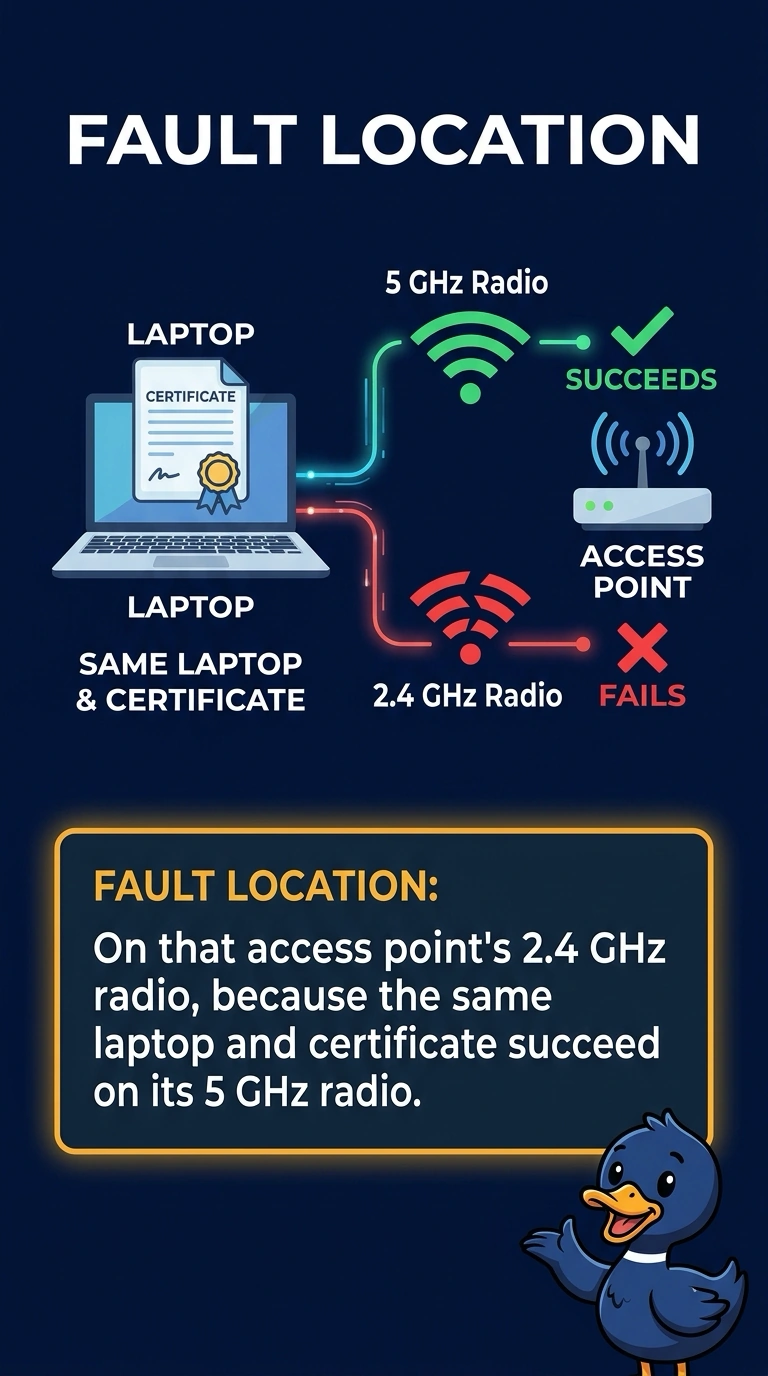
You’ve already shown that your laptop and certificate work on this access point’s 5 GHz radio, while other access points work on both bands. Focus on this access point’s 2.4 GHz radio; an empty DHCP pool would not depend on which band you use.
Full Explanation
The fault is isolated to this access point’s 2.4 GHz radio: the same laptop and certificate succeed on its 5 GHz radio, and other access points work on both bands. A certificate is not band-specific; its success on 5 GHz shows that the certificate is not the cause of this band-specific failure. A fault on every access point is inconsistent with the other access points working on both bands. An empty DHCP scope would not explain why the laptop works on one band but fails on the 2.4 GHz radio of just one access point; the scope does not empty itself for a single band. The evidence therefore points to that access point’s 2.4 GHz radio, not the client’s certificate. Exam caveat: an old driver that forces a client onto 2.4 GHz can make a healthy radio look faulty. Here, however, the same laptop works on 5 GHz at this access point and on 2.4 GHz at other access points, which strengthens the case against this radio. Practical check: compare the 2.4 GHz radio’s state, channel, and error counters with those of a healthy access point, then test the laptop again after fixing the radio.