
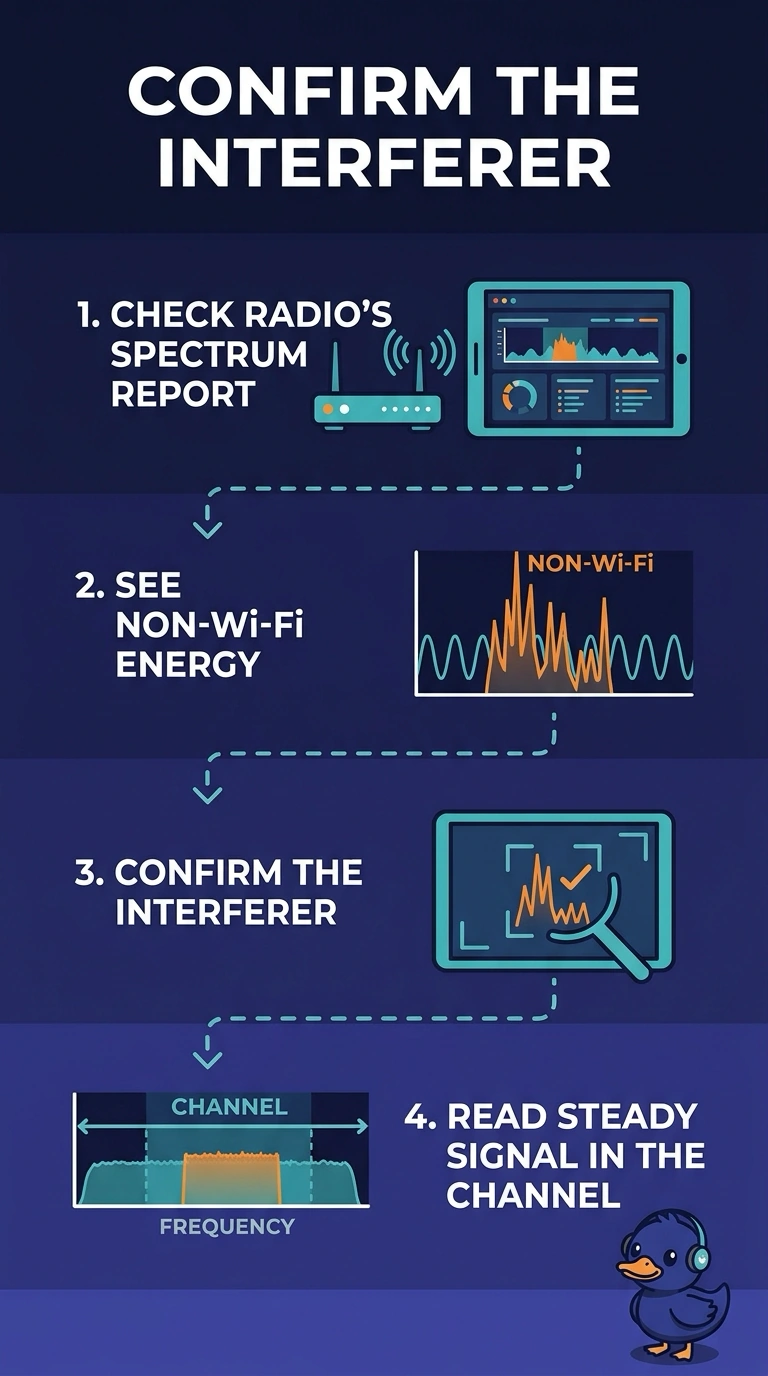
One clinic radio shows constant errors, and its spectrum report shows a steady non-Wi-Fi signal in the channel. Where should the engineer look first to confirm that interferer?
Select an answer to reveal the explanation.
Short Explanation
The radio already wrote down what it hears, and it is not Wi-Fi. Open your spectrum report for that radio before you go hunting in the login log. A lease table does not store interferers.
Full Explanation
A spectrum report, including Cisco spectrum intelligence on the access point, is the view that shows non-Wi-Fi energy in a channel. This radio's report already shows a steady non-Wi-Fi signal, so that report is the first confirmation of the interferer. The RADIUS log records authentication. It does not sample the air, and a non-Wi-Fi signal is not an authentication failure. The DHCP lease table maps addresses. A long lease is not an interferer. A portal certificate has a date. Renewing it does not graph RF energy. The spectrum report is the view that sampled the non-Wi-Fi energy. Authentication, address, and certificate records do not hear the channel. Exam caveat: the report tells you the energy is not Wi-Fi. Walking the floor with the report in hand is how you find the actual device, such as a camera or a leaky microwave. Read the live result after the change, not only the object you edited. Operational check: note the channel and the duty cycle in the spectrum report, then change the radio to a clean channel and confirm the error rate falls.