
Office clients stay associated, hold normal addresses, and show high retry rates and poor throughput all afternoon. Authentication logs are quiet. What should be checked next?
Select an answer to reveal the explanation.
Short Explanation
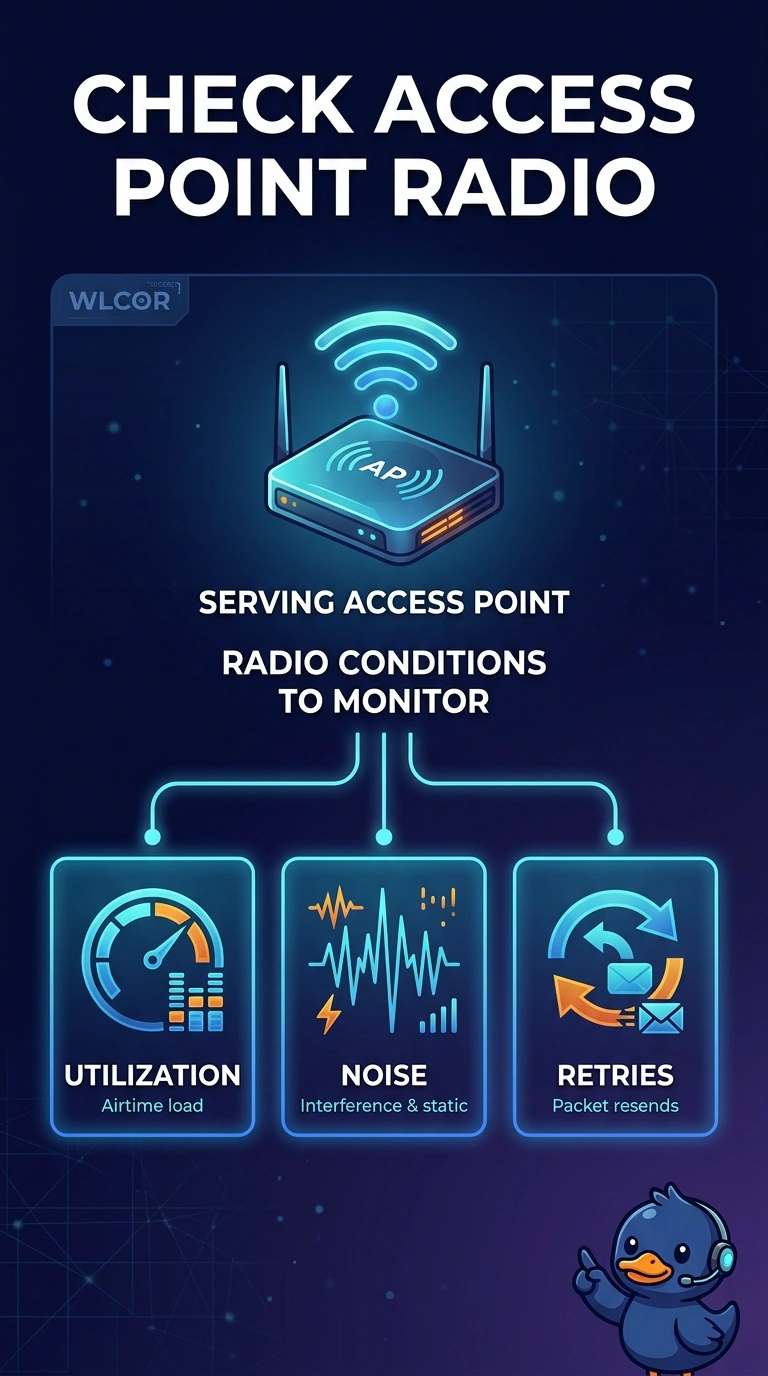
You can start with the serving access points: clients stay connected and keep their addresses, but retries are hurting throughput. Check radio utilization, noise, and retries; quiet authentication logs make RADIUS a poor place to start.
Full Explanation
High retries while clients remain associated and keep their addresses point to radio conditions such as congestion, interference, weak signal, or a noisy channel. Check utilization, noise, and retry counters on the serving access points. Quiet authentication logs make an all-afternoon 802.1X restart unlikely; RADIUS would be more likely to show failures or a storm of exchanges, and data-frame retries are not EAP retries. A normal address means DHCP succeeded, so an exhausted scope—which would leave clients without that address—does not fit. A captive-portal certificate problem can block a redirect or trigger a browser warning, but it does not generate 802.11 retries for clients already past the portal and moving data poorly. Exam caveat: retries can also arise from a bad cable or duplex problem on the access-point uplink, which can resemble an RF issue until you check the switch port. For a practical check, read one affected client’s retry rate and RSSI, compare channel utilization on its access point with a quiet access point, and inspect radio counters and uplink errors.