
A single warehouse scanner is associated and has an address, and its application frames look wrong. The engineer wants those frames, for that scanner only, without taking the access point out of service. Which monitoring choice fits?
Select an answer to reveal the explanation.
Short Explanation
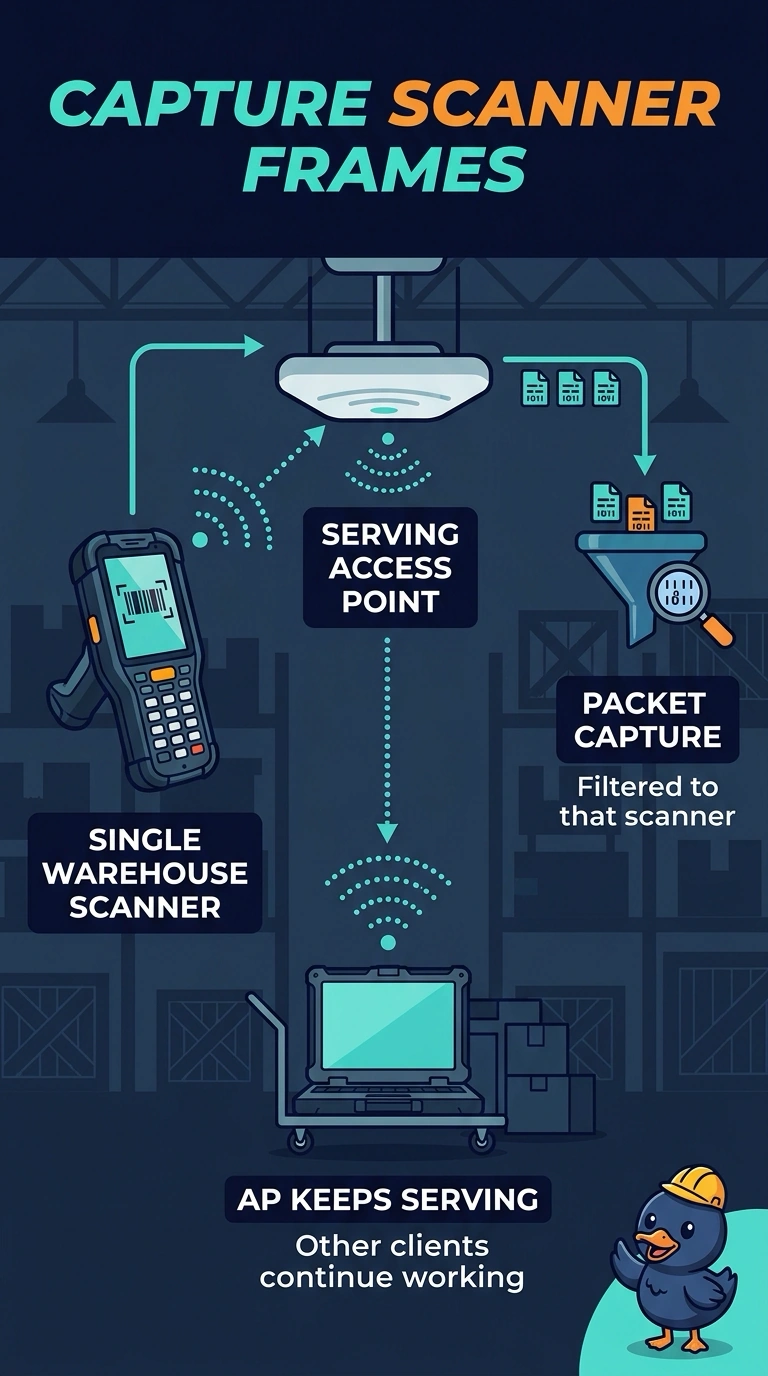
You need this scanner’s frames without taking its access point out of service. A filtered packet capture on the access point serving it lets you collect those frames while clients remain connected. Sniffer mode would stop serving the clients you need to monitor in place.
Full Explanation
A packet capture on the serving access point, filtered to the scanner, collects its frames without converting the access point into a dedicated sensor. The access point continues serving clients, meeting the requirement to capture the scanner’s application traffic without taking service down. Sniffer mode dedicates the access point to a channel capture and takes it out of client service, so it cannot meet that requirement even though it captures frames. A controller reload drops every client and does not write the scanner’s application frames to the console; a reload transcript is not a capture of that flow. Deleting the WLAN disconnects the scanner and other clients. The audit log records the configuration change, not the application frames that looked wrong. Exam caveat: filter tightly, because an unfiltered capture on a busy access point can produce a large file and include the wrong client. Practical check: start the filtered capture, reproduce the application issue once, and confirm that the file contains the scanner’s frames before changing the WLAN.