
A laptop fails authorization on a campus WLAN. It uses a random MAC on that SSID, and the only allow rule matches the laptop's hardware MAC. The same laptop joins a WLAN that does not match on MAC. What should change for the campus WLAN?
Select an answer to reveal the explanation.
Short Explanation
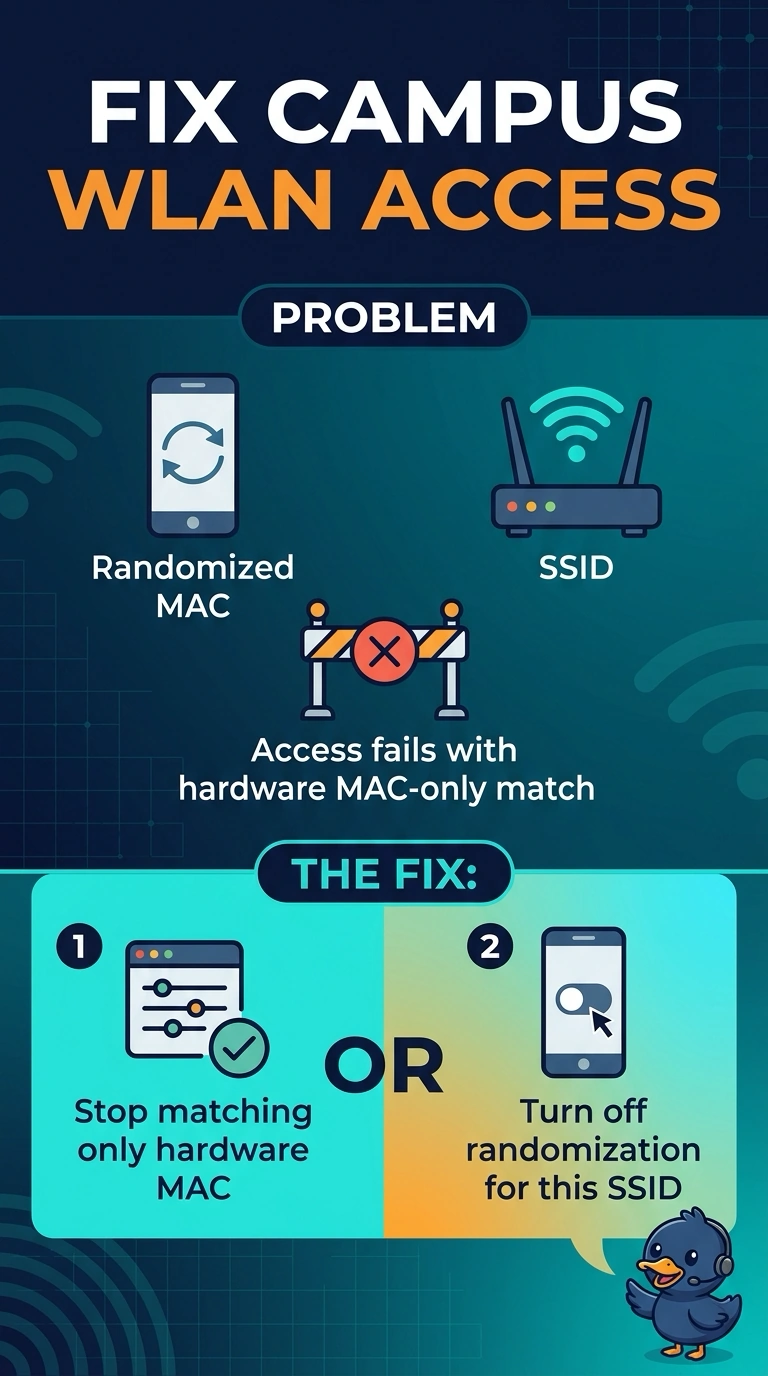
Your laptop is using a different address from the hardware MAC on your allow rule—that’s what randomization is designed to do. For this campus WLAN, stop matching only the hardware MAC or turn randomization off for this SSID; hiding the SSID or shortening the DHCP lease won’t fix the mismatch.
Full Explanation
MAC randomization presents a locally administered address instead of the laptop’s hardware MAC. Because the campus allow rule matches only the hardware MAC, the laptop’s randomized address does not satisfy the rule and authorization fails. The same laptop can join a WLAN that does not match on MAC because that WLAN does not depend on this comparison. Stop matching only the hardware MAC, or turn off randomization for this SSID, so the address used on the campus WLAN can satisfy its authorization rule. Hiding the SSID does not replace a randomized MAC with the hardware MAC; SSID visibility and the client’s MAC address are separate. Shortening the DHCP lease does not pin a random MAC to the hardware address, because DHCP lease timing does not rewrite the client’s MAC. Lowering the data rate likewise cannot make a hardware-MAC rule accept a different address; it changes transmission behavior, not the identity being checked. Exam caveat: a randomized MAC may change over time, so a rule based on a currently observed random address can stop matching later. As a practical check, test one laptop by turning off randomization for this SSID or changing the rule, then confirm that it is authorized before applying the change more broadly.