
After a dorm WLAN moves from WPA2 to WPA3, student phones keep failing. Each phone has the old WPA2 network saved and offers WPA2. A phone that forgets the network and joins fresh succeeds with WPA3. What should the other students do?
Select an answer to reveal the explanation.
Short Explanation
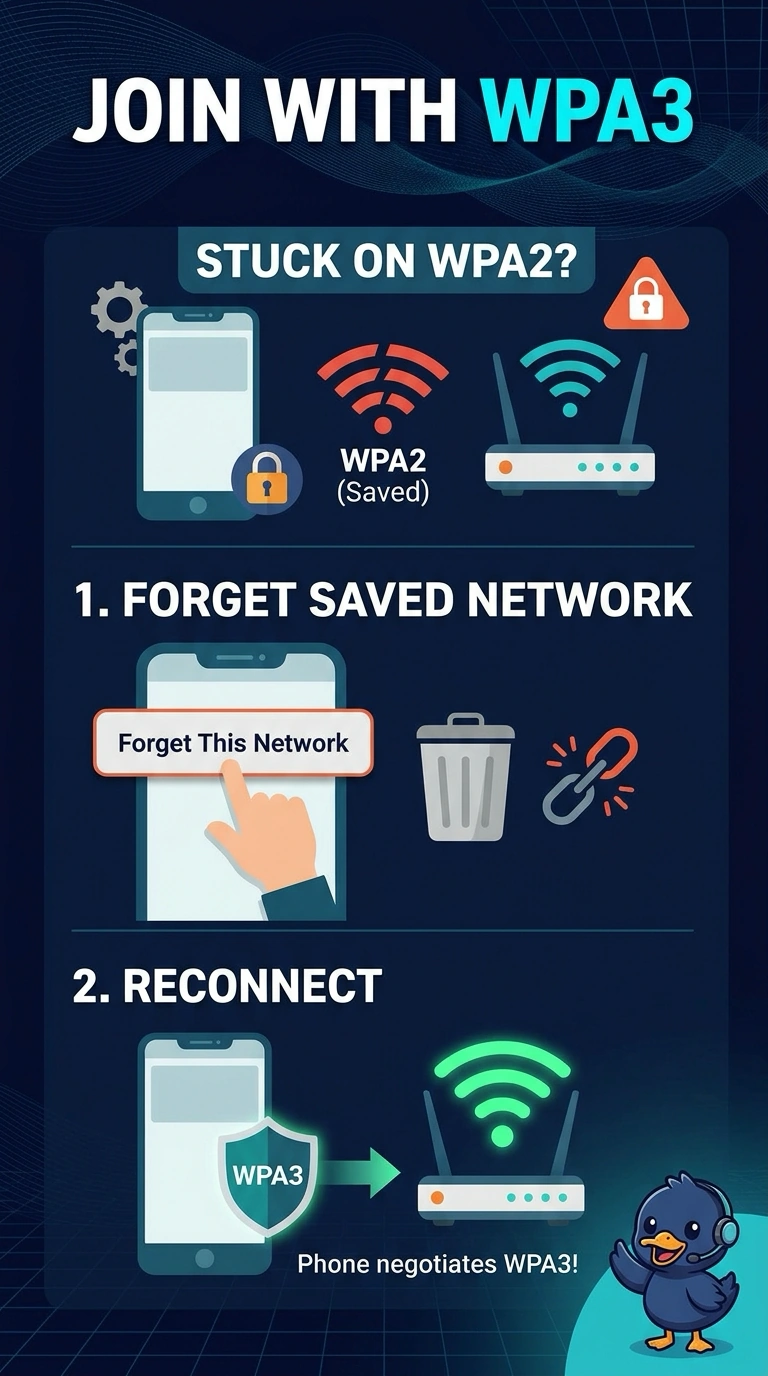
The fresh phone proved the WLAN is fine. Your other phones are still introducing themselves as WPA2 because that is what they saved. Forget the network and let them learn WPA3, because a shorter lease does not erase a saved security type.
Full Explanation
Clients store the security type with the SSID. After the dorm WLAN moves to WPA3, a phone that still offers WPA2 fails, and a phone that forgets the saved network negotiates WPA3 and succeeds. The other students need to forget that saved network. Hiding the SSID does not rewrite a saved WPA2 profile into a WPA3 handshake. The phone will keep offering the old type to the hidden name. The data rate does not make a WPA2 offer valid on a WPA3 WLAN. DHCP does not store or expire the security type. A lease can end and the phone will still present WPA2 on the next join. The saved network includes the old security type. A fresh join is what lets the phone offer WPA3 instead of the stored WPA2 offer. Exam caveat: if the WLAN is WPA3 transition rather than WPA3 only, a saved WPA2 profile may still get on, which hides the problem until you turn transition off. Read the live result after the change, not only the object you edited. Operational check: forget the network on one failing phone, join again, and confirm the controller shows WPA3 for that phone.