
Dynamic channel assignment is turned off. A new access point joins and stays on a channel that overlaps its neighbor. Why was it not moved?
Select an answer to reveal the explanation.
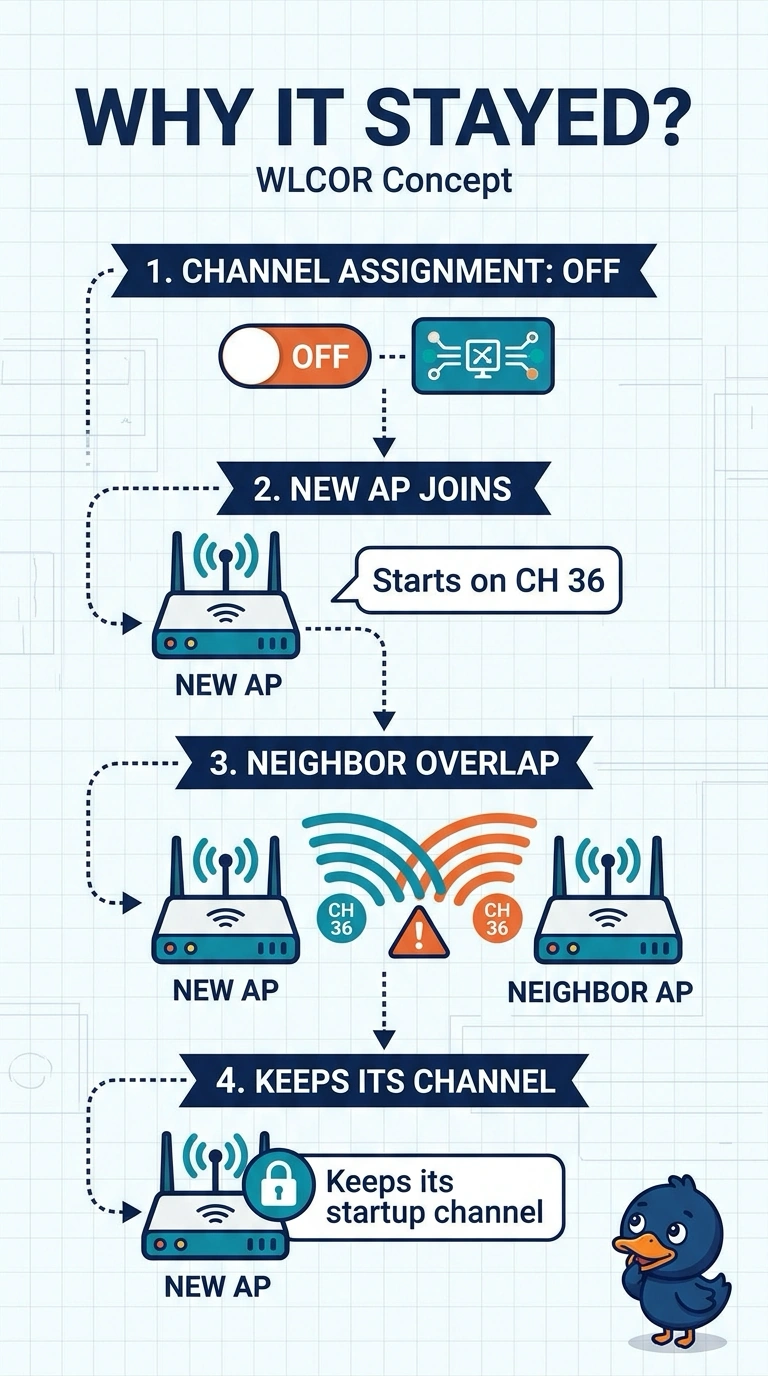
Short Explanation
You turned the channel planner off and then expected it to place the new radio. It will not. The access point is sitting on the channel it came up with, overlap and all, and turn assignment back on if you want it to move.
Full Explanation
Dynamic channel assignment is the controller feature that moves radios off overlapping channels. It is turned off, so the new access point keeps the channel it came up on and can overlap a neighbor. Assignment does not do its work while it is off, and it does not ignore neighbors when it is on. A client exclusion is a timer for a misbehaving client. It is not a gate for a channel change. The country code limits which channels are legal. It does not wait until assignment is off and then place the access point. DCA is disabled, so a newly joined access point stays on the channel it booted with and overlaps a neighbor. RRM is not assigning channels while it is off. Exam caveat: turning assignment on can move radios you had pinned for a reason. If a neighbor overlap is the only problem, you can set one access point's channel and leave assignment off for the radios you intend to keep static. Operational check: enable assignment, or set a non-overlapping channel on the new access point, and confirm the neighbor overlap is gone.