
A school counselor uses Webex messaging on the mobile app, but the office PC cannot reach the messaging hosts and messaging fails there. Calling from that PC still works. What should be fixed?
Select an answer to reveal the explanation.
Short Explanation
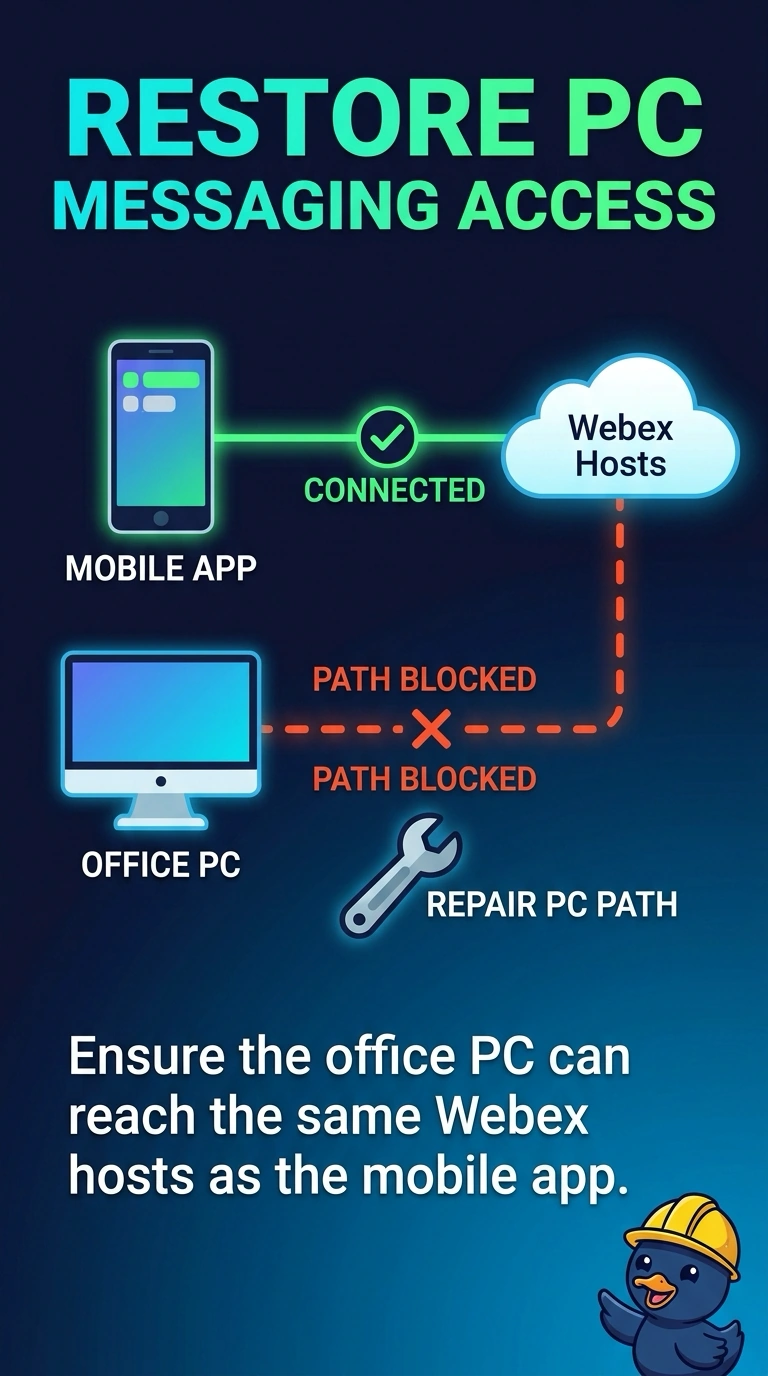
When you can message on the mobile app but not the office PC, the account and messaging service are working; the PC’s path is the issue. Repair the office PC path so it can reach the same messaging hosts as the mobile app. Changing the calling location, repointing the PSTN route group, or rebuilding district sign-on won’t fix that path.
Full Explanation
The mobile app can send messages, so the account, license, and organization messaging service are working. The office PC cannot reach the messaging hosts, while calling from that PC still works; this separates the messaging path from the calling path. Repair the office PC path so it can reach the same messaging hosts the mobile app already reaches. Changing the counselor’s calling location would change the PC’s site calling identity, but a calling location governs numbers, the gateway or trunk, and local calling behavior—not messaging-host selection. Repointing the school PSTN route group treats chat as though it traveled over a call trunk; route groups order trunks for calls and do not carry messaging. Rebuilding district single sign-on assumes a shared login failure, but the mobile app is already signed in and messaging, so a district-wide rebuild does not address the PC’s specific reachability problem. Exam caveat: a messaging failure points to the messaging service or the path to its hosts, not call routing. Practical check: test reachability to the messaging hosts from the office PC, then confirm messaging works there.