
Hotel guests see one-way video in a Webex meeting while audio stays clear in both directions. What should the technician inspect?
Select an answer to reveal the explanation.
Short Explanation
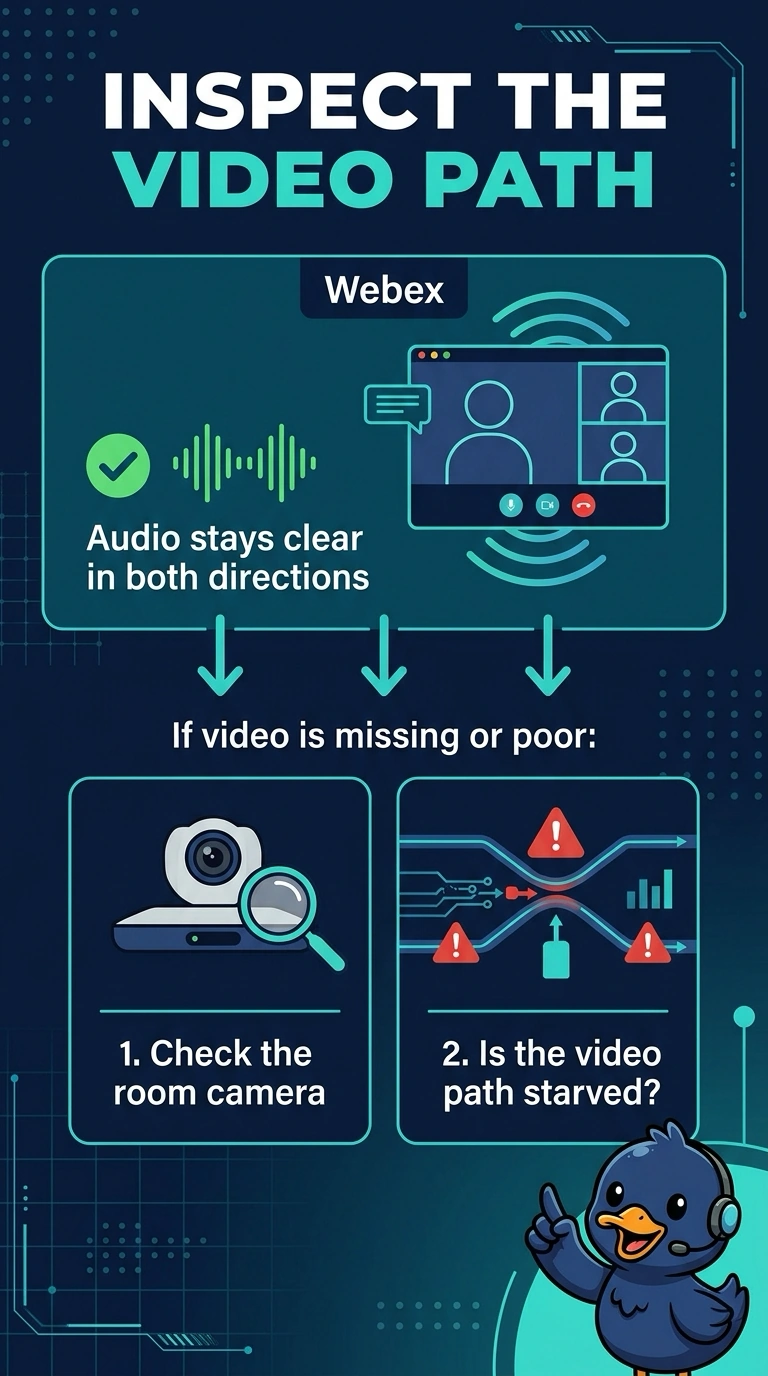
When you have clear audio but one-way video, think of a call with a lens cap still on. Check the room camera and whether video on the meeting path is being starved. Changing call permissions or rebuilding the PSTN trunk won’t fix a meeting picture problem.
Full Explanation
Clean audio in both directions shows that the meeting is up and audio media is flowing. One-way video points to the room camera or video being starved on the meeting path, so inspect both. Call permissions allow or block call types such as internal, local, long distance, or international; allowing international calls does not repair a camera or video path, and meeting video is not an international calling permission. Rebuilding the PSTN local gateway trunk does not address the meeting picture: that trunk is used for calls that leave the hotel for the outside network, not for the meeting’s video. A translation pattern rewrites digits; it does not remove or restore video, so keeping meeting-number digits in the pattern will not fix a picture that fails while audio is clean. Exam caveat: if both audio and video were absent, first consider whether the device is in the meeting at all; that differs from one-way video. Practical check: confirm the room camera is open and selected, then place a short meeting and see whether video holds when the path is quiet.