
A university’s US location has RedSky test routing configured for 933, but full enhanced emergency routing was never enabled for the location. Which setting sends 911 calls to RedSky?
Select an answer to reveal the explanation.
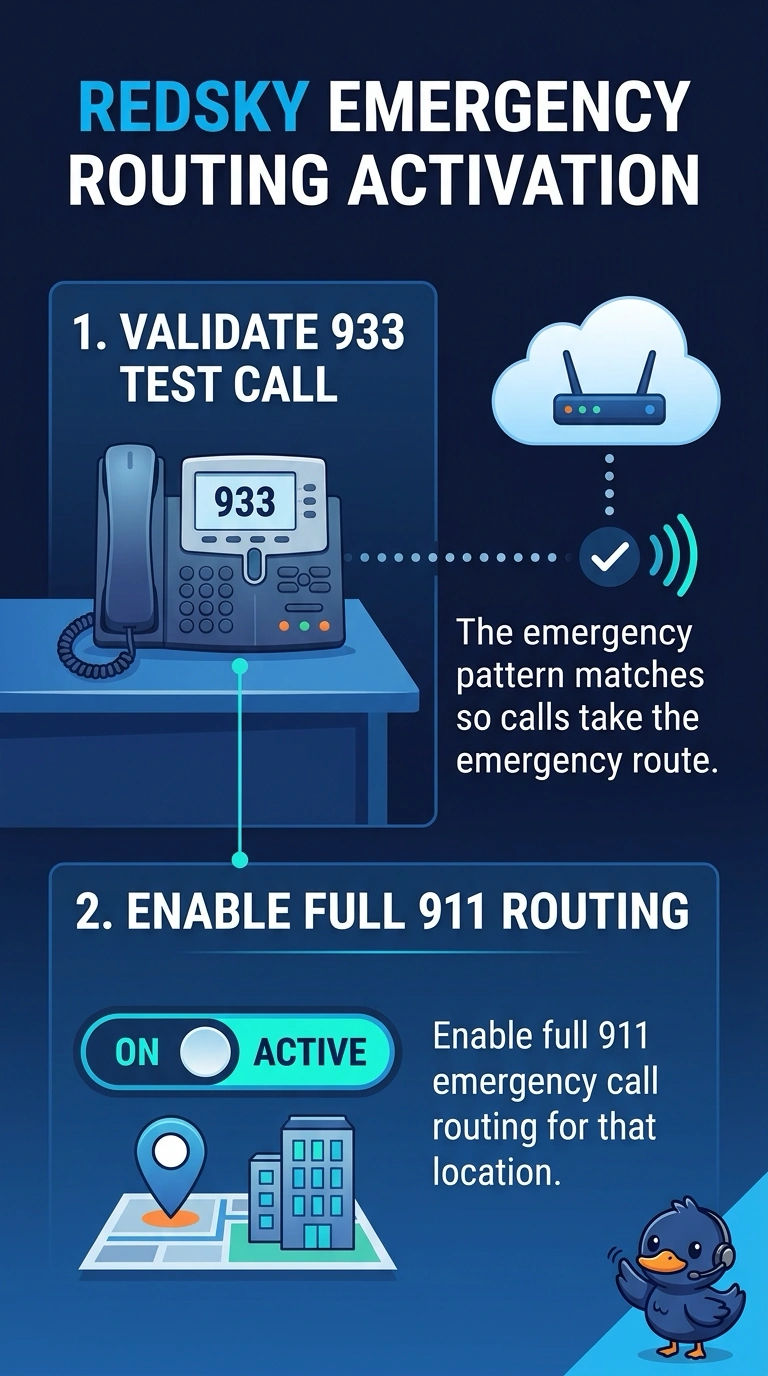
Short Explanation
You've already proven the path with 933 — nice work! Now you just enable full emergency routing for that location so your live 911 calls go to RedSky.
Full Explanation
The university location has only RedSky test routing for 933, which proves connectivity for test calls but does not send live 911 calls to RedSky. Enabling full emergency call routing for that location after validating the 933 test call is the setting that activates enhanced routing, so 911 calls are delivered to RedSky with location information. Keeping the catch-all pattern as the preferred match concerns dial-plan overlap and does not turn on the RedSky location integration, so 911 still does not go to the enhanced emergency provider. An international call permission allows a call type for callers and does not choose an emergency routing provider, so it cannot move 911 from normal handling to RedSky even when callers can dial other destinations. A holiday operating mode selects a greeting or destination by schedule and does not enable location emergency routing, so it cannot send 911 to RedSky. Validation with 933 followed by full enablement is the required sequence for live enhanced emergency calls. Exam caveat: 933 validation alone does not enable live 911 routing.