
A hospital blocked every cloud service from using the organization's keys, and document preview inside Webex spaces stopped that same day. Why did preview stop?
Select an answer to reveal the explanation.
Short Explanation
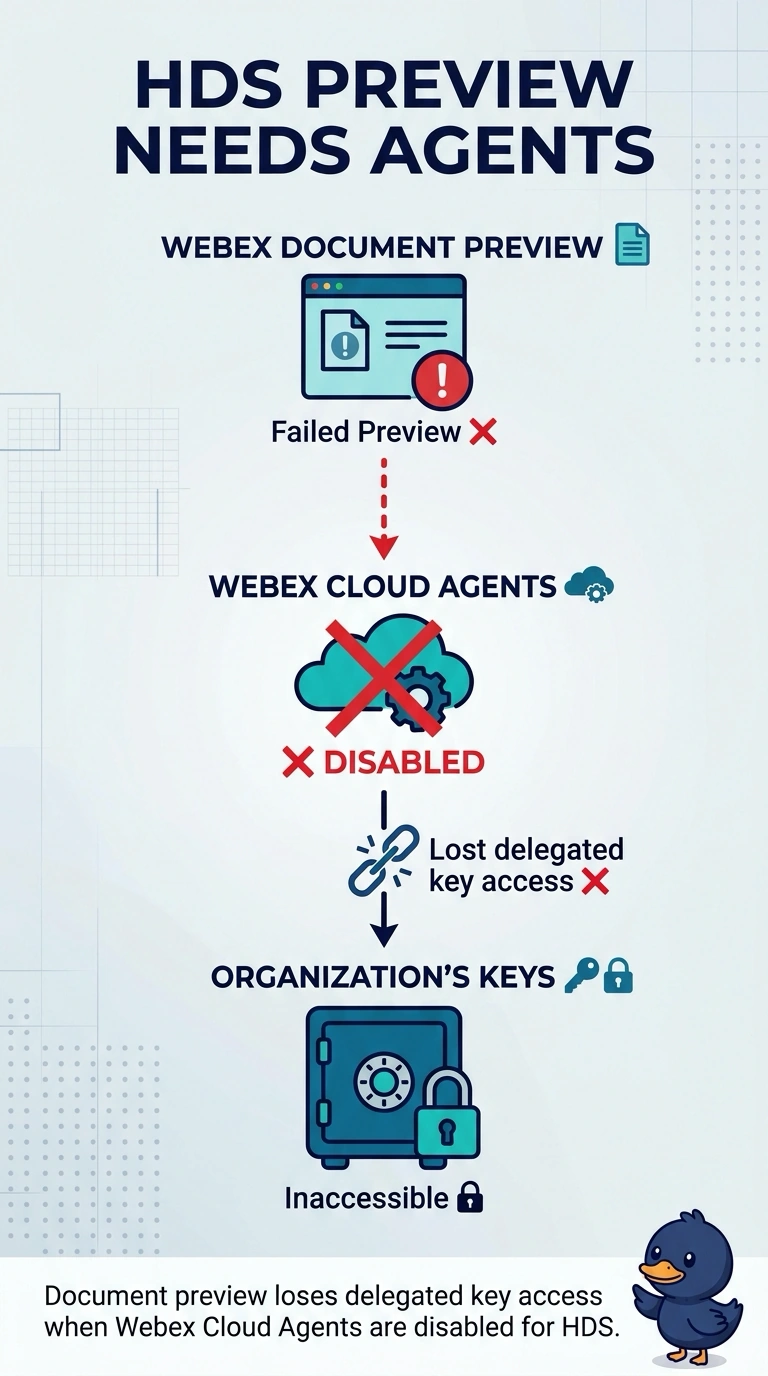
You can picture document preview as a clerk who needs permission to open a locked filing cabinet. When you disable Webex Cloud Agents for HDS, preview loses delegated key access and stops, even though the files remain in the cloud. The key block—not a sign-on certificate, meeting password, or change in storage location—is what matters.
Full Explanation
Document preview is a cloud feature that must see content, so a cloud service needs access to the keys. When the hospital disables Webex Cloud Agents for HDS, preview loses delegated key access and stops, even though the files are still stored. Replacing the hospital identity-provider signing certificate would matter if sign-on were broken, but an expired sign-on certificate is not what stopped preview; the failure followed the loss of key access. Rotating each space meeting password changes a meeting control. Preview does not wait for a host to admit a file, and a new password does not give a cloud service access to the keys. The claim that Hybrid Data Security moved encrypted file storage into the hospital data center is backwards: HDS moves key management, indexing, and compliance on-premises, while encrypted content storage stays in the cloud, so the preview service did not run out of files. One exam caveat: bring-your-own-key still uses a Cisco-operated key service and is different from blocking every cloud service from the keys. As a practical check, restore documented Cloud Agent access if the approved HDS policy requires file previews.