
A bank Directory Connector stops reading Active Directory after the sync account password expires. New hires no longer appear in Control Hub. Which action restores the sync?
Select an answer to reveal the explanation.
Short Explanation
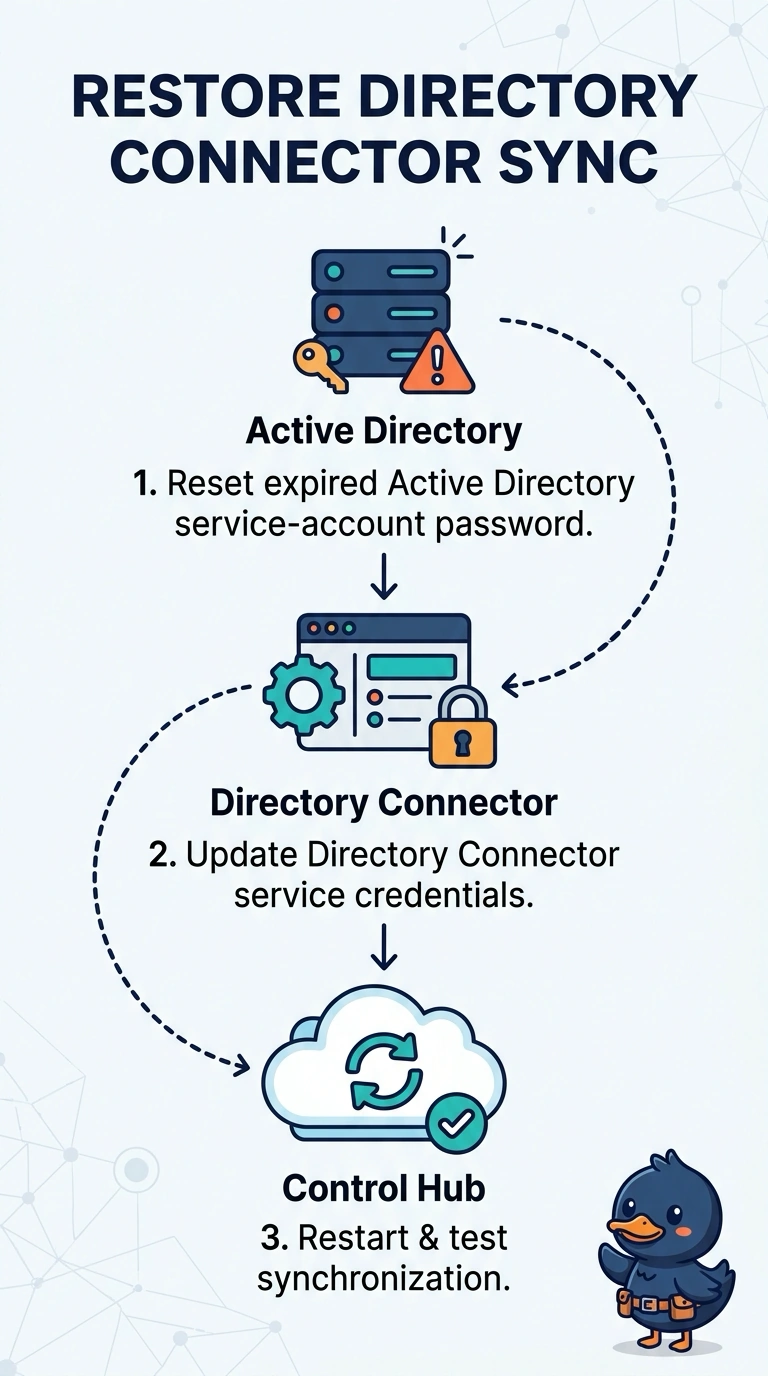
A library key that has expired will not open the staff door, and replacing a patron's card does not help. You reset the Directory Connector sync account so that account can read Active Directory again. Resetting a Webex user's password, or rotating a SCIM token, points at a different account than the one that syncs the bank.
Full Explanation
Directory Connector is the on-premises sync from Active Directory into Control Hub, and Active Directory stays the source of truth while the connector owns the organization. The bank sync stopped because the connector account can no longer read the directory, so the repair is on that service account. Reset the expired Directory Connector sync account password so that account can read Active Directory again, and the connector can resume create, update, and delete from the directory. Add the missing bank users by hand in Control Hub while Directory Connector still owns that directory and you fight the connector, which is not how those users are added. Reset Webex user passwords in Control Hub so those people can sign in and force a new directory sync and you change cloud sign-in credentials for a different account than the one that reads Active Directory. Rotate the Entra ID SCIM token, which does not repair an on-premises Directory Connector that can no longer read Active Directory, and you treat a cloud provisioning token as the fix for a Windows connector. Exam caveat: a SCIM token rotation does not repair Directory Connector, and hand-added users are not the fix while the connector owns the directory. Operational check: confirm the connector service can read Active Directory with the updated sync account, then verify a new hire appears from the directory rather than from a manual Control Hub entry.